Mental Health EHR Implementation: Step-by-Step Guide for a Smooth Go-Live

Clinicians spend almost 28 hours each week on administrative tasks. This burden can feel even heavier for mental health practices where providers manage all detailed therapy notes, treatment plans, medication records, and strict privacy requirements.
As patient volumes grow and workflows become more complex, many organizations turn to Mental Health EHR software to streamline daily operations and reduce administrative overhead.
Even so, choosing the right software is only half of the story. The real test starts during mental health EHR implementation, when patient data, clinical workflows, and staff routines all need to come together without disturbing care. A poorly planned rollout can silently slow documentation and reduce productivity, while creating unnecessary frustration for not only providers but also administrative teams.
A successful behavioral health EHR implementation goes beyond installing a new system. To ensure a seamless transition from day one, it requires thoughtful clinical workflow mapping, careful planning, comprehensive staff training, and a well–managed medical records system rollout.
In this step-by-step electronic health record implementation guide, we’ll cover every stage of the journey, from behavioral health software setup to a successful EHR go-live mental health strategy.
Step 1: Build Your Implementation Strategy
Every successful mental health EHR implementation always starts with a clear strategy, and not just software installation. Before the project gets started, everyone involved must understand the goals, timelines, and responsibilities. Taking time to plan early helps iron out the kinks before the actual implementation starts.
Define Your Goals & Success Metrics
You should start by outlining what the new EHR should accomplish. Reducing documentation time, enhancing care coordination, streamlining billing, and enhancing the patient experience are some of the common goals.
After this, you must decide how success will be measured. For example:
- Faster chart completion
- Higher staff adoption
- Fewer documentation errors
- Minimal workflow disruptions after go-live
Before building your implementation plan, make sure you’ve chosen an EHR that fits your practice. Our guide, How to Choose the Best Mental Health EHR: A Complete 2026 Buyer’s Guide, can help you evaluate the right solution.
Build the Right Implementation Team
A successful behavioral health EHR implementation relies on having the right people in the right roles.
| Role | Responsibility |
|---|---|
| Executive Sponsor | Provides strategic direction and removes roadblocks. |
| Project Manager | Oversees timelines, tasks, and communication. |
| Clinical Champion | Ensures the system supports clinical workflows. |
| Super Users | Help train staff and provide ongoing support. |
Create a Realistic Roadmap
You can break the project into some manageable phases, including planning, clinical workflow mapping, data migration, staff training, testing, and go-live preparation. For smaller practices, behavioral health software setup takes almost 4-6 weeks, while larger organizations require additional time because of complex workflows and integrations.
Furthermore, when you are planning how to manage behavioral health software rollout timelines, you should avoid rushing the process. With a realistic schedule, your team gets enough time for preparation, while reducing last-minute issues and supporting a seamless medical records system rollout and EHR go-live mental health experience.
eCareHealth supports this process with a structured implementation approach that includes project planning, workflow configuration, data migration guidance, staff training, and go-live assistance to help behavioral health practices transition with confidence.
Step 2: Assess Current Workflows & Prepare Your Organization
If you try to configure a new EHR without understanding existing workflows, it will look like building a house without a blueprint. Before directly moving towards the technical setup, you should always map how information flows across the practice. This exercise will help you ensure the new system is supporting your team’s day-to-day responsibilities, rather than forcing them to adapt to inefficient processes.
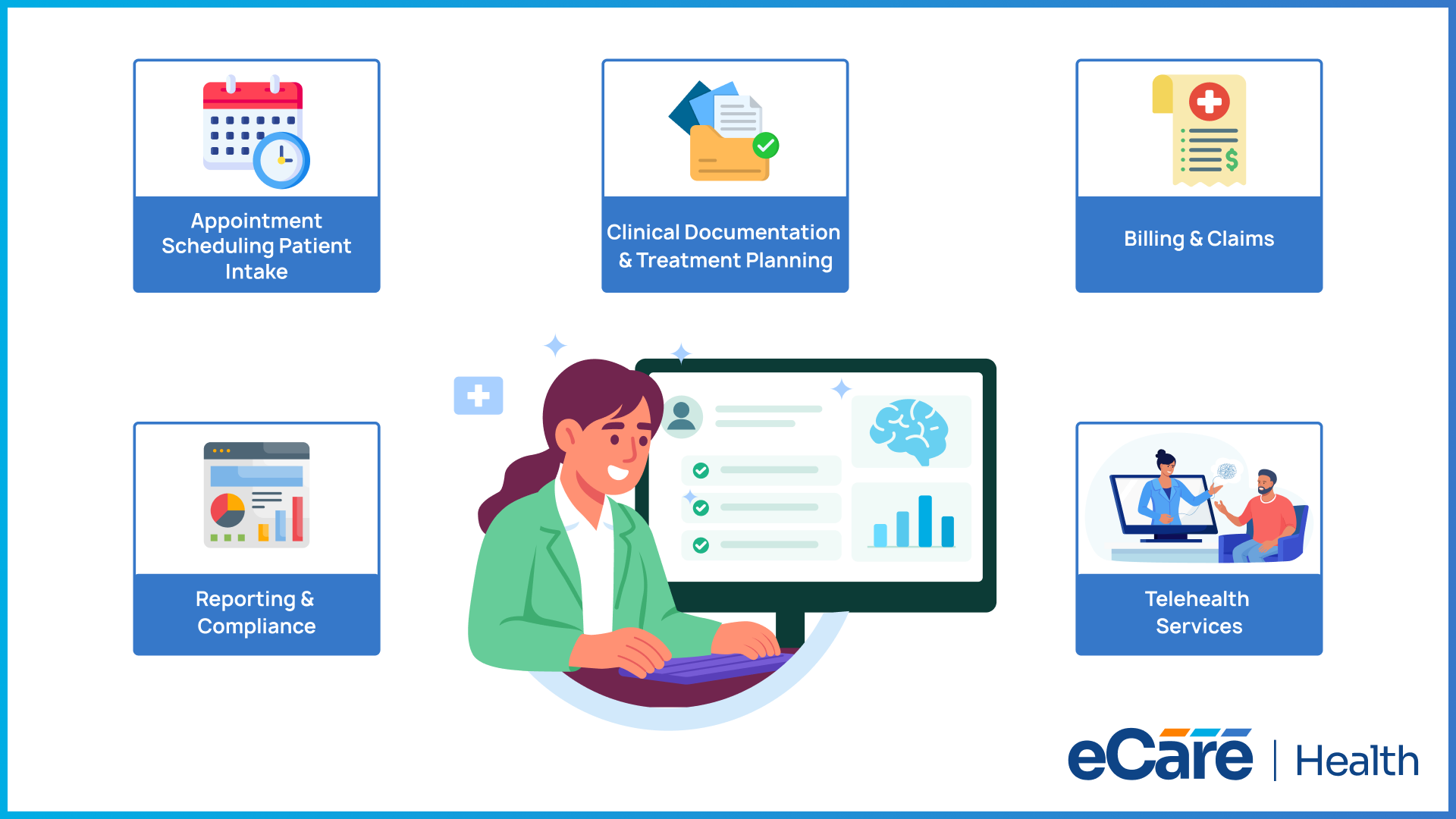
Here are some of the factors you should always review:
- Appointment scheduling and patient intake
- Clinical documentation and treatment planning
- Billing and claims management
- Telehealth services
- Reporting and compliance activities
After reviewing each workflow, you should look for bottlenecks, duplicate tasks, and manual processes that can slow teams down. This is also the perfect time to standardize procedures across providers so that the upcoming behavioral health EHR implementation can reflect consistent and efficient workflows instead of outdated habits.
Equally important is preparing people for all the changes. You must share the implementation plan early, involve all department leaders in key decisions, and encourage staff to provide feedback throughout the process.
When your team understands what is changing and why, they are more likely to embrace the new system. This further makes the transition seamless when it's time for behavioral health software setup and go-live.
Step 3: Configure Your Behavioral Health EHR
The next key step is configuring the system. This stage transforms your implementation strategy into a working solution, so every setting needs to reflect how your practice actually operates.
Here are some of the areas where you should focus more:
- User roles and permissions: Assign role-based access to providers, therapists, billing teams, and administrative staff while applying appropriate security settings.
- Clinical workflows: Customize documentation templates, assessments, treatment plans, scheduling, and billing workflows to match your organization's processes.
- Privacy and compliance: Configure access controls, patient consent management, and security settings to support HIPAA Security Rule requirements and 42 CFR Part 2 regulations.
- Organization-specific setup: Complete the behavioral health software setup by aligning system preferences, workflows, and automations with your operational needs.
- Data validation: Before going live, verify that imported patient records, appointments, documents, and other critical data are accurate and complete. Identifying issues at this stage helps prevent disruptions after deployment.
You should always remember that configuration is not just about enabling every available feature; it’s also about creating a system that can support providers, simplify daily workflows, and deliver a smooth experience from day one.
With eCareHealth, organizations can configure clinical documentation templates, scheduling, billing workflows, user roles, and security settings to align with their behavioral health workflows while supporting HIPAA and 42 CFR Part 2 requirements.
Step 4: Train Your Team for Go-Live
If your staff are not comfortable using it, even the best-configured EHR won’t deliver results. Effective training should be tailored to each team’s responsibilities so that everyone knows exactly how the system fits into their daily work.
Rather than using the same training for everyone, you should focus on following role-specific learning:
| Team | Training Focus |
|---|---|
| Clinicians | Documentation, assessments, treatment plans, and patient encounters |
| Administrative Staff | Scheduling, patient registration, and front-desk workflows |
| Billing Teams | Claims processing, coding, and reimbursement workflows |
| Support Staff | User support, troubleshooting, and day-to-day system assistance |
Additionally, to confirm patient records, appointments, forms, and workflows are functioning correctly before go-live, training should also include successful data validation and training checklists for clinics.
Identifying implementation champions or super users from different departments is another best practice. They can answer questions, reinforce best practices, and help colleagues adapt more quickly during the transition.
However, you should not stop at classroom training. You must run workflow simulations using realistic patient scenarios so that your teams can practice common tasks in a safe environment.
Step 5: Test, Validate, & Execute a Successful Go-Live
Before the new EHR becomes part of your everyday operations, you should put it through a final round of testing. This will be the last opportunity to identify and resolve issues before they affect providers or patients.
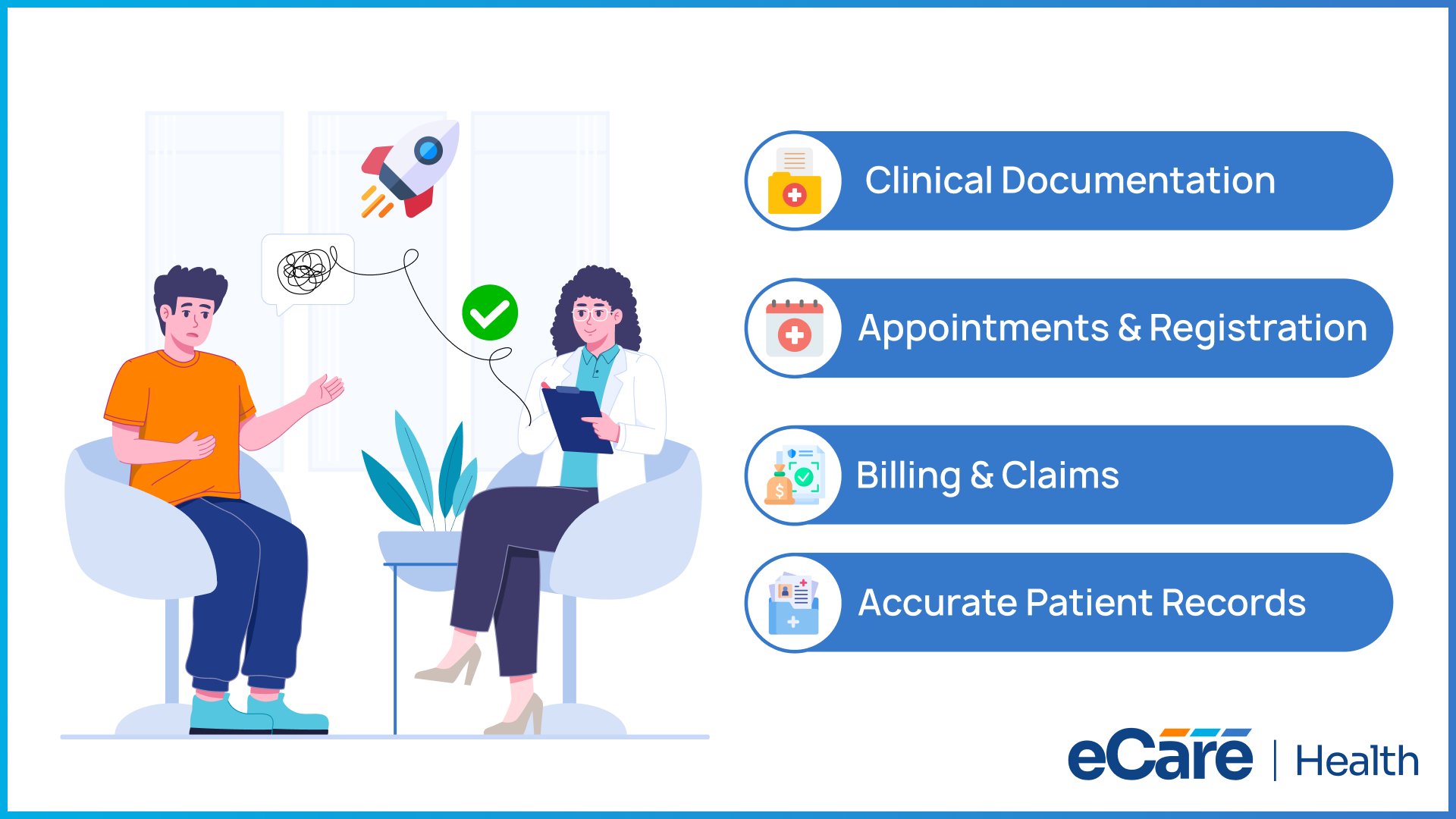
You should ensure the following workflow is tested:
- Clinical documentation and patient encounters
- Appointment scheduling and patient registration
- Billing, coding, and claims processing
- Data accuracy across patient records and forms
Moving forward, user acceptance testing (UAT) must involve the people who will use the system every day. Their feedback helps to confirm that workflows function as expected, while highlighting any adjustments needed before launch.
After testing, it is necessary for you to decide whether a phased implementation or a full medical records system rollout is the best fit for your organization. A single go-live can be best for smaller practices, while larger organizations can benefit from a phased approach for reducing operational risk.
Moving forward, go-live is not the finish line; it’s actually the starting point. During the EHR go-live mental health phase, you should provide on-site or virtual support, respond quickly to user questions, and monitor workflows closely.
Furthermore, to maintain productivity, ensure continuity of patient care, and build confidence in the new system from day one, you must keep clinicians supported throughout the transition.
Step 6: Monitor Performance & Optimize After Go-Live
Even though launching the system is a major milestone, it should not be the finish line. The first few weeks after go-live are important as they reveal what worked well, what needs to be adjusted, and where additional support may be needed. You should treat this period as an opportunity to fine-tune the system instead of simply maintaining it.
To make changes, always rely on real performance data instead of on assumptions. To understand how the EHR is performing in everyday clinical practice, you can monitor documentation efficiency, schedule performance, billing accuracy, and user adoption. You should also pair these metrics with regular feedback from clinicians and staff to uncover workflow challenges that reports alone may fail to highlight.
Furthermore, you can use this feedback to make small improvements over time. You can update workflows, simplify routine tasks, or provide additional training where needed. At first, it seems like minor adjustments, but it can improve productivity while making the system easier for everyone to use.
Along with all this, you can also assign a team specifically for reviewing system performance regularly, managing updates, and supporting users as the practice grows. With continuous monitoring and improvement, your mental health EHR implementation can deliver lasting value, rather than becoming outdated over time.
Conclusion
A successful mental health EHR implementation is built one step at a time. From developing a clear strategy and mapping clinical workflows to configuring the system, training staff, executing a smooth go-live, and continuously optimizing performance, each phase plays an important role in long-term success.
When planning is thorough and teams are well prepared, practices can minimize disruptions, improve user adoption, and create a more efficient care environment. Most importantly, ongoing evaluation and optimization ensure the system continues to support changing clinical and operational needs.
If you're looking for a solution designed to simplify every stage of implementation, explore our Behavioral Health EHR Software and discover how it can help your practice grow with confidence.
Frequently Asked Questions
1. What is the first step in a mental health EHR implementation?
The first step is to develop a clear implementation strategy. This includes defining project goals, setting realistic timelines, assigning roles and responsibilities, identifying success metrics, and creating a roadmap that guides the entire implementation process.
2. How long does a behavioral health EHR implementation typically take?
The timeline depends on the size and complexity of the organization. Small practices can often complete implementation within 4–6 weeks, while larger behavioral health organizations with multiple locations, custom workflows, or third-party integrations may require several months.
3. What is clinical workflow mapping, and why is it important?
Clinical workflow mapping is the process of documenting how patients, providers, and information move through the practice. It helps identify inefficiencies, standardize processes, and ensure the new EHR supports existing clinical and administrative workflows rather than disrupting them.
4. What should be included in an EHR go-live checklist for mental health practices?
A go-live checklist should include completed staff training, validated patient data, tested clinical and billing workflows, configured user roles and permissions, system security checks, backup procedures, and a support plan for resolving issues during the initial rollout.
5. How should clinics validate patient data before go-live?
Before deployment, clinics should verify that patient demographics, medical histories, appointments, documentation, billing information, and other migrated records are complete, accurate, and correctly displayed in the new system. Any discrepancies should be resolved before the system goes live.
6. How do you train staff before implementing a behavioral health EHR?
Training should be role-based so each team member learns the features they use every day. Clinicians, administrative staff, billing teams, and support personnel should also participate in hands-on practice sessions using realistic patient scenarios to build confidence before go-live.
7. What are the most common behavioral health EHR implementation mistakes?
Common mistakes include setting unrealistic timelines, skipping workflow assessments, providing limited staff training, migrating inaccurate data, overlooking user feedback, and failing to monitor system performance after implementation.
8. What should organizations monitor after an EHR goes live?
Organizations should monitor documentation efficiency, scheduling performance, billing accuracy, user adoption, and system performance. Regular feedback from clinicians and staff can also help identify workflow improvements and additional training needs.
9. How can clinics ensure a smooth medical records system rollout?
A successful rollout starts with careful planning, thorough testing, accurate data validation, role-based training, and ongoing support during go-live. Monitoring performance and making continuous improvements after implementation also help ensure a smooth transition with minimal disruption to patient care.