EHR vs EMR: What’s the Difference and Which Does Your Practice Need?
Physicians spend almost five hours in the EHR for every eight hours of scheduled patient care. This is a significant amount of time spent on managing digital records alongside patient visits.
The main challenge here is not just the time spent on documentation. Along with this, you also may need to search for previous test results, update patient histories, and share information with other providers.
When all these tasks involve disconnected systems or repeated data entry, everyday workflows can become harder to manage. That’s why EHR is important for every healthcare practice.
A well-designed EHR system helps you and your care team organize clinical information, make records easier to access, and support care coordination. But the technology alone is not able to solve all your workflow issues.
You must need to understand which system fits best for your clinical and operational needs. For example, some practices may need a reliable way for maintaining patient records; on the other hand, others may place greater focus on sharing information across healthcare settings.
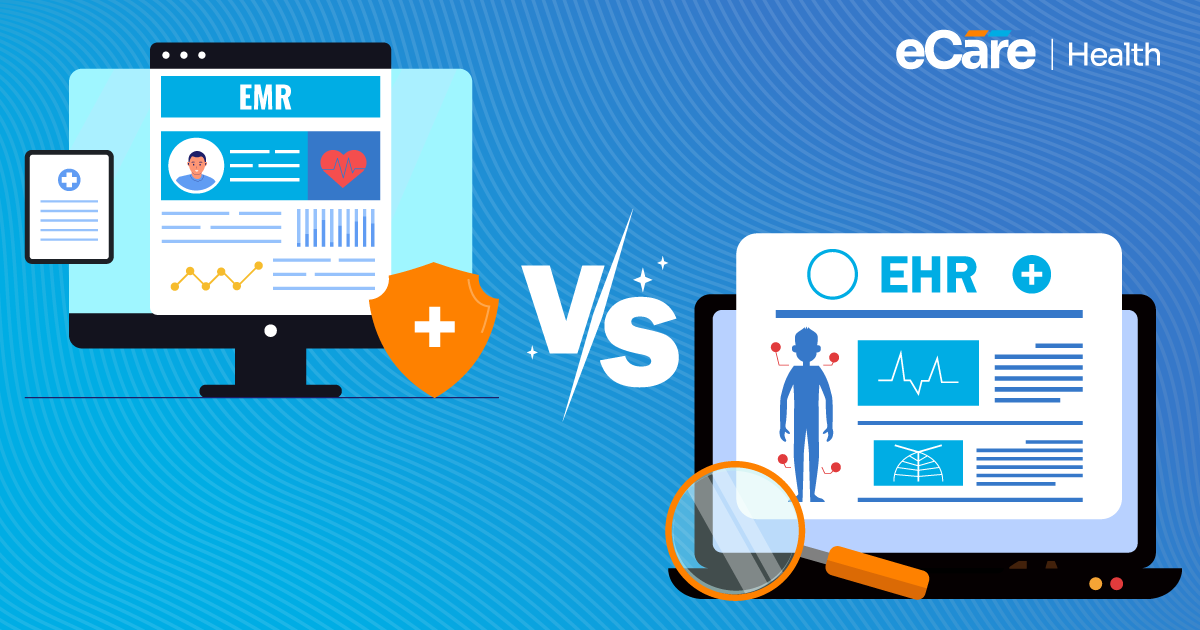
If you understand all these requirements, it becomes easier for you to see why the terms EHR and EMR matter the most. Even though they are often used interchangeably, these two differ in how they support information sharing and care coordination.
Let this be your comprehensive guide to explore those differences, their respective advantages, and what practices should consider when choosing between them.
Why Clinical Workflow Efficiency Matters in Healthcare
In simple terms, clinical workflow efficiency means completing your everyday healthcare tasks in a clear and organized manner, without adding unnecessary delays or extra work. Each step, from reviewing your patients’ records to documenting visits and arranging follow-ups, must fit seamlessly into the next.
When workflows run well, your teams are more likely to manage their responsibilities effectively and keep patient care moving.
The Impact of Inefficient Workflows on Healthcare Teams
Even a small delay can lead to extra work throughout the day. For example, if a clinician is unable to find test results or staff needs to enter the same patient details into multiple systems, routine tasks can take more time. These interruptions can further affect your clinical as well as administrative work.
Common challenges include:
- Repeated data entry: Your staff may spend more time entering the same information into separate systems. This can ultimately result in increased workload and the chance of errors.
- Disconnected patient records: If important details get scattered across different platforms, it becomes hard for clinicians to review a patient’s full history before making care decisions.
- Manual administrative tasks: Tasks involving tracking paperwork, locating records, and coordinating follow-up appointments might take more time away from other responsibilities.
- Delays in accessing information: When relevant notes, medication details, or test results are difficult to find, consultations and follow-up activities may be slowed down.
All these issues together can make your busy days even more stressful to manage and disrupt communication between team members. With organized workflows, your staff can easily access the information they require, complete tasks with fewer interruptions, and maintain continuity as patients move between visits and providers.
How EHR Software Improves Clinical Workflow Efficiency
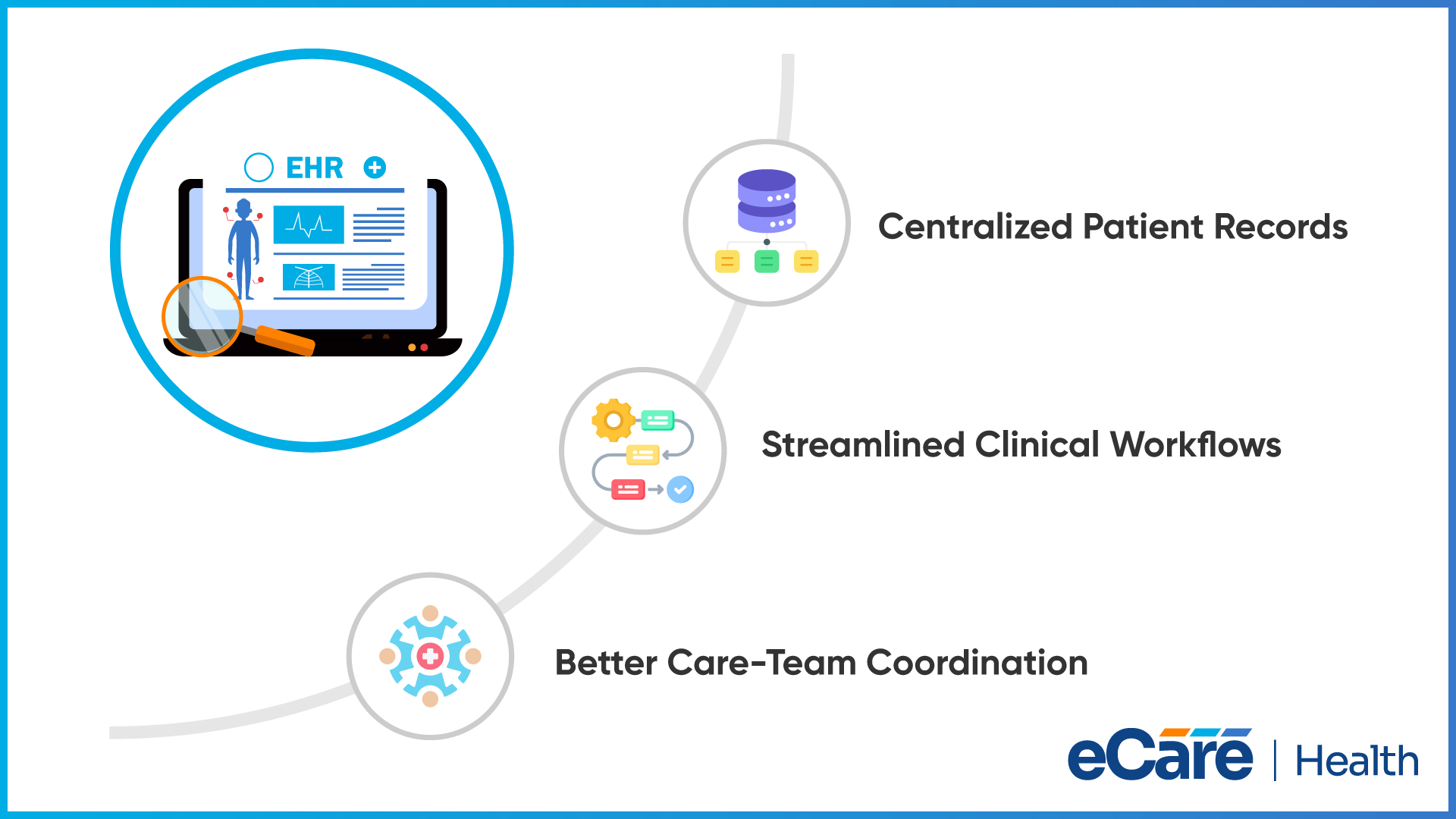
When your patient information gets easier to find, and routine tasks follow a clear process, your care teams are less likely to spend time managing records and more likely to focus on care. Furthermore, EHR workflow efficiency relies on how well the software can connect information, documentation, and communication across a practice.
Centralized Access to Patient Information
Before making any care decisions, clinicians need to review a patient’s medical history, diagnoses, medications, allergies, and test results. When all these details are available through only one EHR system, you can focus more on reviewing relevant information, rather than searching through separate records.
However, a complete view of your patient relies heavily on accurate documentation, appropriate user permissions, and successful integration with other systems. Information that has not been entered or exchanged may not appear in the record.
Streamlined Clinical Processes
EHR software can organize routine tasks into more structured digital workflows. With clinical templates, you can document patient encounters more consistently, while working queues can make pending tasks easier to track. Apart from this, automated reminders and administrative functions can also reduce repetitive steps, depending on the system.
Even though these tools can support EHR documentation efficiency, the results depend heavily on how the system is configured and used. If templates do not match the specialty’s requirements or workflows involve too many steps, it can create extra work instead of reducing it.
Improved Information Sharing
Patient care includes multiple clinicians, specialists, and other healthcare professionals. EHR software can help authorized team members access relevant clinical notes, test results, medication details, and care plans, making it easier to stay informed about a patient’s treatment.
When systems support interoperability, information can also be exchanged across healthcare organizations. Appropriate access controls help ensure that patient information is available only to authorized users. The effectiveness of information sharing depends on the systems involved, the data exchanged, and how access is managed.
Together, these capabilities can help practices reduce avoidable interruptions and keep clinical tasks connected. The goal is not simply to digitize existing processes, but to make everyday work easier to manage.
How EHR Systems Simplify Clinical Documentation
Clinical notes must be clear, consistent, and available when your care team needs them. Completing and reviewing records can become harder if documentation depends on different formats or repeated manual entry.
Well, EHR systems can assist in addressing all these challenges in a few practical ways.
| Documentation challenge | How EHR systems can help |
|---|---|
| Inconsistent clinical notes | Templates and structured fields help clinicians record symptoms, diagnoses, examination findings, and treatment plans in a consistent format. Templates should still match the provider’s specialty and clinical needs. |
| Repeated data entry | Information already recorded in the system may be reused in appropriate parts of the workflow, reducing the need to enter the same details repeatedly. Poor integrations or inefficient workflows can still lead to duplicate entry. |
| Unfinished or pending records | Task lists, note status indicators, and review queues can help staff identify records that need additional information, review, or signatures. |
| Difficulty reviewing documentation | Standardized formats can make clinical notes easier for authorized team members to navigate and understand, supporting continuity between visits and providers. |
By making record creation and completion more manageable, all these capabilities can help improve EHR documentation efficiency. Even so, the documentation quality still relies on accurate information, appropriate templates, and timely review by your care team.
Here, it is fair enough to say that EHR tools support the process; they do not automatically guarantee complete or accurate records.
How EHR Software Supports Patient Care and Care Coordination
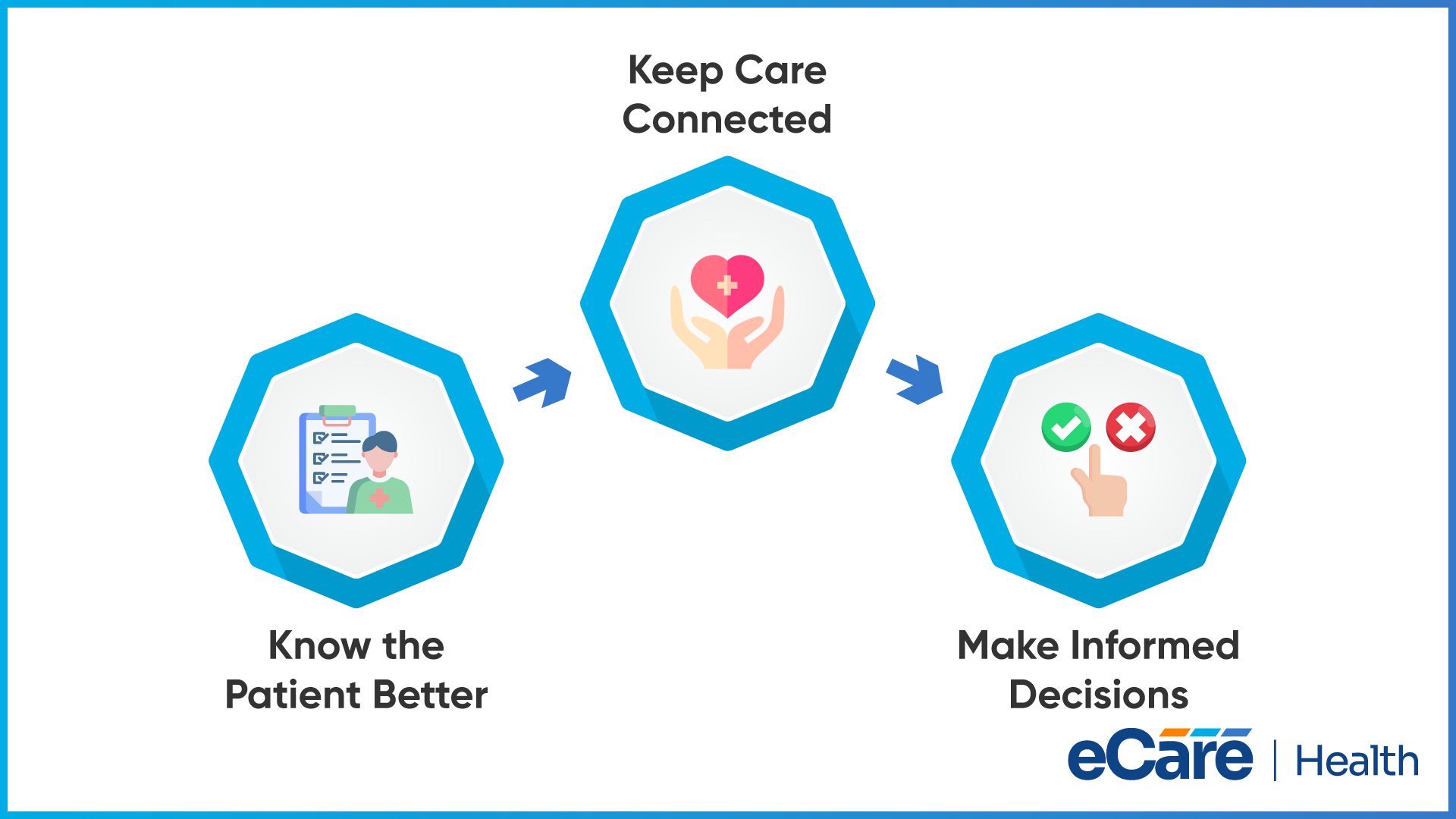
Imagine one patient who visits a primary care provider and is later referred to a specialist. Now, the specialists need to understand the patient’s medical history, current medications, allergies, previous test results, and the reason for the referral. If all these details are difficult to obtain, the specialist may require extra time to gather information before proceeding.
With EHR software, specialists can reduce all these gaps just by keeping available clinical information in a digital record and supporting its exchange with authorized providers.
This can support patient care in several ways:
- A clearer picture of the patient’s health: Reviewing documented diagnoses, medications, allergies, and test results helps clinicians understand relevant medical history before making decisions.
- Better continuity between providers: Shared notes, referrals, and care plans can help the next provider understand what has already been done and what follow-up may be needed.
- More informed clinical decisions: Access to relevant, current records gives clinicians useful context when evaluating treatment options and planning next steps.
This is how electronic health records improve patient care across everyday clinical workflow: they make all relevant information easier to find, review, and share. The benefits also rely on accurate records, compatible systems, appropriate access controls, and effective communication between care teams.
EHR software supports all these processes, but clinical judgment and coordination remain important.
Conclusion
Efficient clinical workflows depend on more than completing tasks quickly. Healthcare teams need organized documentation, timely access to patient information, and clear communication to keep care moving. EHR software can support these needs by bringing clinical records and routine processes into a more connected workflow.
However, the results depend on how well the system fits the practice. Appropriate configuration, reliable integrations, staff training, and consistent adoption all influence how effectively an EHR supports daily operations.
Choosing software that aligns with clinical requirements can help practices reduce unnecessary work while keeping patient care at the center.
If your practice is looking to improve its clinical workflows, get in touch with eCareHealth to discuss your EHR needs and explore potential solutions.
Frequently Asked Questions (FAQs)
1. Why is EHR important in healthcare?
EHR software helps healthcare practices organize patient records, document visits, and access relevant clinical information. It can also support communication between authorized care team members, helping practices manage daily workflows and maintain continuity of care.
2. How does EHR software improve clinical workflow efficiency?
EHR software can improve workflow efficiency by centralizing patient information, providing documentation templates, organizing pending tasks, and supporting information sharing. These capabilities can reduce repetitive work and make routine clinical activities easier to manage when the system fits the practice’s processes.
3. What are the benefits of electronic health records?
Electronic health records can make patient information easier to access, support consistent documentation, reduce reliance on paper records, and improve communication between healthcare professionals. They may also support care coordination and reporting, depending on the system’s features and integrations.
4. How can EHR systems reduce documentation workload?
EHR systems can reduce documentation workload through structured templates, reusable patient information, and tools for tracking incomplete notes. These features can limit repetitive data entry and help clinicians organize records. Their effectiveness depends on appropriate configuration and accurate documentation practices.
5. Can EHR software help healthcare professionals save time?
Yes. EHR software may save time by making patient records easier to retrieve, simplifying routine documentation, and reducing manual administrative tasks. However, poorly configured systems, complex interfaces, or inadequate training can add work instead. The time saved depends on how well the system supports daily workflows.
6. How do EHR systems improve access to patient information?
EHR systems store available patient information in a digital record that authorized users can access according to their permissions. Clinicians can review details such as medical history, medications, allergies, diagnoses, and test results without searching through physical files. Access to external records depends on successful information exchange.
7. How do electronic health records support care coordination?
Electronic health records can help care teams review clinical notes, treatment plans, referrals, and test results. When systems can exchange information securely, authorized providers can better understand previous care and planned follow-up activities. Effective coordination still requires accurate records and communication between healthcare professionals.
8. Can EHR software reduce duplicate data entry?
Yes. Some EHR systems allow previously recorded information to be reused in appropriate workflows, reducing the need to enter the same details repeatedly. Integrations with other healthcare applications can also help. Duplicate entry may still occur when systems are disconnected, or workflows are poorly designed.
9. What causes workflow inefficiencies in EHR systems?
Common causes include complicated interfaces, excessive documentation requirements, duplicate data entry, disconnected applications, poorly designed templates, and inadequate staff training. Inefficiencies can also arise when software does not match the practice’s clinical processes or when integrations fail to transfer information as expected.
10. How does staff training affect EHR workflow efficiency?
Staff training helps healthcare professionals understand system features, follow consistent documentation practices, and complete routine tasks correctly. Without adequate training, users may struggle with navigation, overlook useful tools, or develop inefficient workarounds. Ongoing guidance can help teams adapt when workflows or software features change.
11. How can healthcare practices measure EHR efficiency?
Practices can monitor indicators such as time spent documenting visits, time required to complete clinical notes, duplicate data entry, outstanding documentation, and staff satisfaction. They can compare these measures before and after workflow changes to identify improvements and areas needing attention. Measures should reflect the practice’s goals and patient-care requirements.
12. What should practices consider when choosing an EHR system for efficient workflows?
Practices should evaluate how well the system supports their clinical workflows, documentation needs, specialty requirements, and existing integrations. Ease of use, data security, staff training, scalability, and technical support also matter. A suitable system should help the care team manage daily tasks without introducing unnecessary complexity.