


ALL-IN-ONE PLATFORM FOR INDEPENDENT PRACTICES

Patient Management Software That Runs Your Whole Practice

We give independent practices one platform for charting, scheduling, and billing. Your EHR, practice management, and revenue cycle share the same record, so nothing gets entered twice. Three months free, no credit card.

Start Your 3-Month Free Trial. Unlock All Features. No Credit Card Required.
HIPAA Compliant
SOC 2 Type II
ISO 27001
G2: 4.5 out of 5 stars Capterra: 4.5 out of 5 stars
The Problem

Three Places a Practice Loses Time Every Day

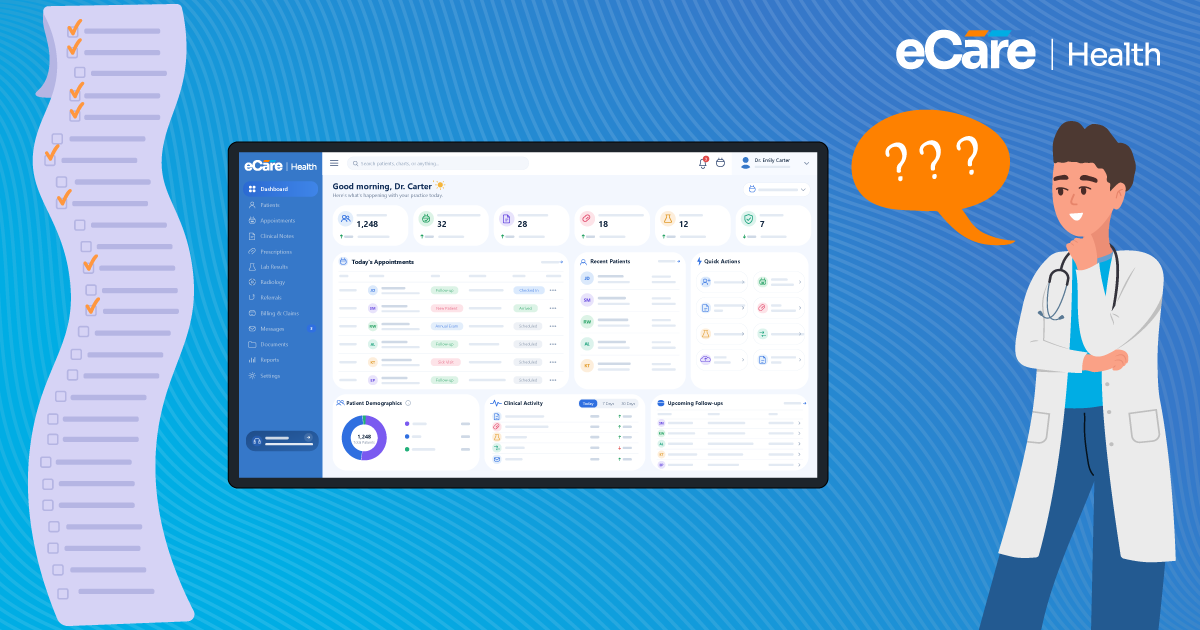
When the EHR, the schedule, and the billing queue don’t share a record, staff enter the same information three times and the day gets longer.

Pain Point 01

Charting outlasts the clinic day

Vitals sit in one screen, the order goes out through another, the result comes back to be re-keyed by hand. A 15-minute visit produces a note that takes longer than the visit, so documentation follows staff home.

Answered byElectronic Health Record
Pain Point 02

The same patient, entered again

Staff enter demographics and insurance at booking, then type them again at check-in because the booking screen and the front desk screen are separate. Eligibility is verified while the patient waits at the desk.

Answered byPractice Management
Pain Point 03

Claims rebuilt from scratch

Billing re-enters what the front desk and the note already captured, then learns six weeks later that a coverage detail visible at check-in caused the denial. The rework costs more staff time than the claim returns.

Answered byRevenue Cycle Management
Solutions

Three Solutions, One Connected Platform

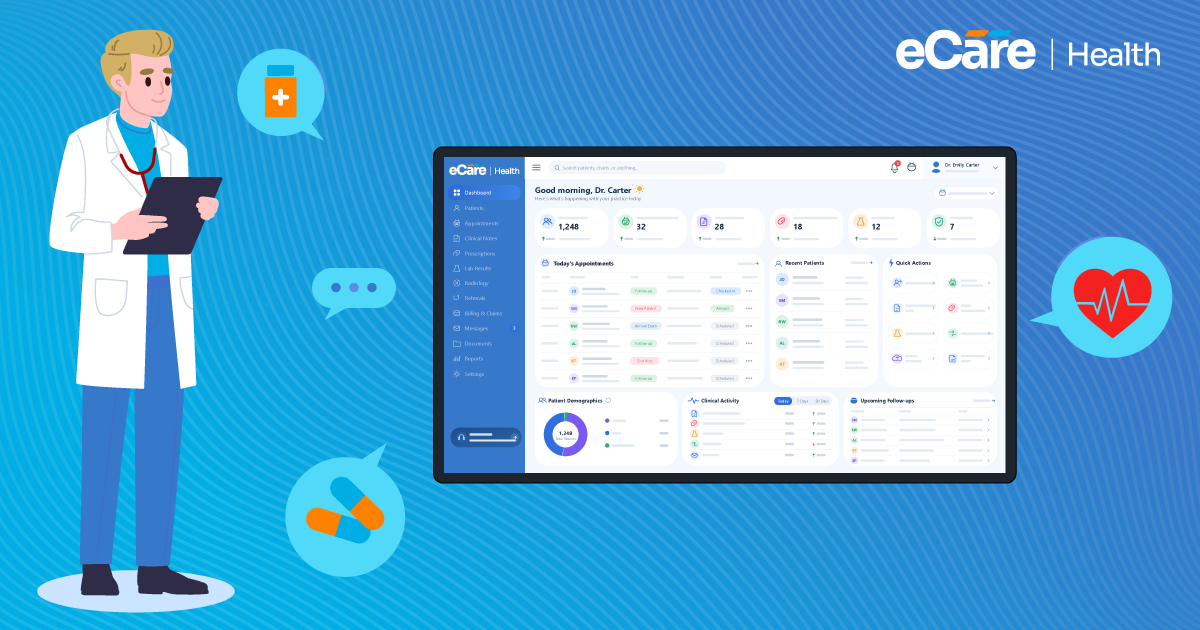
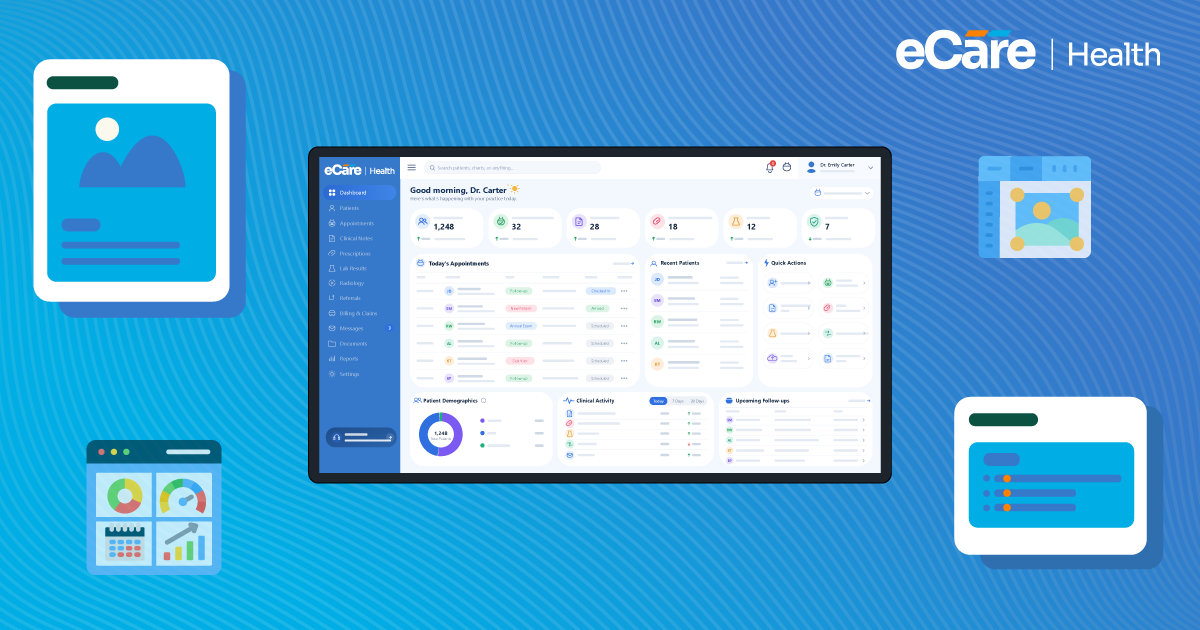
Why manage three systems when one can do it all? eCareHealth connects EHR, practice management, and revenue cycle management in clinic management software, giving you a single view of your patients, practice, and revenue.

eCareHealth comprehensive patient records and SOAP notes
01Comprehensive Patient Records

Smarter Patient Records for Faster Documentation

Manage patient history, clinical notes, prescriptions, and lab workflows from one centralized healthcare record system built for specialty-specific care delivery.

  • Specialty-specific note templates
  • AI-assisted clinical documentation
  • Integrated ePrescribing workflows
  • Real-time lab result access
  • Centralized patient health records
  • Secure audit trail history
eCareHealth scheduling, patient intake and appointment reminders
02Connected Scheduling & Intake

Simpler Scheduling for a Fuller Calendar

Run booking, patient intake, reminders, and front-desk workflows from one practice management system that keeps your schedule full and your staff off the phone.

  • Online self-scheduling and booking
  • Automated SMS and email reminders
  • Digital intake forms with e-signature
  • Provider availability and room blocks
  • Waitlist and cancellation handling
  • Google and Outlook calendar sync
eCareHealth billing claims and revenue cycle management
03End-to-End Revenue Cycle

Cleaner Claims for Faster Payments

Handle eligibility checks, claim scrubbing, ERA posting, and denial follow-up from one revenue cycle system that gets more claims paid on first submission.

  • Real-time eligibility verification
  • Automated claim scrubbing
  • Electronic claims and ERA posting
  • Denial management and resubmission
  • Patient statements and card-on-file
  • Revenue and payer reporting
We needed a system that wouldn’t slow us down across scheduling, charting and billing. eCareHealth delivered on all three.
DR. PAUL GERRAD — PRACTICE MANAGER, URGENT CARE CLINIC

See How eCareHealth Fits Into Your Daily Workflow

Book Free Demo

Start your 3-Month free trial. No credit card required.

Trusted by Healthcare Practices

How Practices Simplified Patient Management with eCareHealth

From small clinics to growing healthcare practices, discover how teams simplified operations and delivered better patient experiences.

Family Medicine · Independent Clinic

eCareHealth helped us replace multiple disconnected systems with one platform that actually fits the way our clinic operates every day. Our providers spend less time switching between tools and more time focusing on patient care.

Dr. David Cattran, Family Medicine Practitioner
Dr. David Cattran
Family Medicine Practitioner
+35% faster clinical documentation−50% scheduling coordination effort+40% staff workflow efficiency

A simpler way to manage daily clinic operations

The Challenge
  • Multiple disconnected tools for scheduling and charting
  • Manual follow-ups creating staff overhead
  • Slow documentation affecting patient throughput
The Result
  • Unified scheduling, billing, and charting workflows
  • Faster documentation with specialty templates
  • Better patient coordination across the clinic
+35%
Faster Clinical Documentation
−50%
Scheduling Coordination Effort
+40%
Staff Workflow Efficiency
Revenue Cycle Management · Multi-Specialty Practice

Before eCareHealth, our billing workflow was disconnected from the rest of our practice. Our team spent too much time tracking claims, following up on payments, and moving information between systems. With eCareHealth, billing is connected to our clinical and practice workflows, giving our team better visibility and less manual work.

Melissa Carter, Revenue Cycle Manager
Melissa Carter
Revenue Cycle Manager
−40% billing follow-up effort+30% faster claims processing+25% faster payment reconciliation

Connected workflows that simplify revenue cycle management

The Challenge
  • Disconnected billing and clinical workflows
  • Manual claim follow-ups creating staff overhead
  • Limited visibility into billing and payment status
The Result
  • Billing connected directly with clinical and practice workflows
  • Faster claims processing and payment reconciliation
  • Better visibility across the revenue cycle
−40%
Billing Follow-Up Effort
+30%
Faster Claims Processing
+25%
Faster Payment Reconciliation
Multi-Specialty Clinic · Operations

The migration process was smooth, the training was practical, and our team became comfortable with the platform much faster than expected. We transitioned without disrupting patient care or losing access to important clinical information.

Dr. Louis Yenson, Clinic Operations Manager
Dr. Louis Yenson
Clinic Operations Manager
0 downtime during migration3-day implementation turnaround100% patient data preservation

A seamless transition to connected care workflows

The Challenge
  • Concerns around data migration and downtime
  • Staff hesitation about learning a new system
  • Previous implementation projects taking months
The Result
  • Guided onboarding and structured team training
  • Fast implementation with minimal disruption
  • Connected workflows across clinical and billing teams
0
Downtime During Migration
3-day
Implementation Turnaround
100%
Patient Data Preservation
Customer Stories

Real outcomes from real practices

How independent clinics, multispecialty groups, and multi-location healthcare networks reduced friction, lifted engagement, and unified interoperability with eCareHealth — verified results from real customers.

40-Provider Multispecialty Group cut scheduling friction by 62%
#practicemanagement May 2026

How a 40-Provider Multispecialty Group Cut Scheduling Friction by 62%

A patient told a cardiologist she’d waited four months for her appointment. The cardiologist told the leadership, and they discovered that this had been happening frequently and the practice had been quietly losing 12% of inbound demand for years.

Read Case Study
Cardiology Clinic lifts patient portal adoption from 28% to 79%
#patientengagement May 2026

Cardiology Clinic Lifts Patient Portal Adoption from 28% to 79%

A sudden heart-failure readmission triggered the overhaul for portal-adoption at Bayside Cardiology. The practice wanted a portal that can help patients on time and will be easy to navigate, as the complaint from the family was ‘the portal didn’t help us’.

Read Case Study
Multi-Site Rural Health Network TEFCA-ready in 90 days
#interoperability May 2026

Multi-Site Rural Health Network: TEFCA-Ready in 90 Days

A near-medication miss in two of the seven rural clinics for about two years, and this has become a challenge for the network’s CIO. The leadership wanted the problem fixed before something went wrong.

Read Case Study
The Cost of Disconnected Systems

Where Does a Disconnected Practice Lose Time and Money?

Fragmented systems create hidden costs through duplicated work, billing errors, and broken workflows that quietly drain practice revenue. These costs rarely appear on an invoice, so they often go unnoticed.

Cost 01

The same patient, entered three times

Every new or returning patient gets re-entered across three disconnected systems, increasing the risk of errors and rejected claims weeks later.

One record, entered once, shared across every workflow.
Cost 02

Coding errors nobody catches until the payer does

When visits are documented in one system and billing is handled in another, codes aren’t checked against the clinical note. The payer becomes the first reviewer, costing your team time and delaying payments by weeks.

Codes are checked against the note before the claim goes out.
Cost 03

A broken sync with no owner

When the connection between two vendors fails, each support desk points to the other. Claims stop going out while they figure it out, and neither vendor is accountable for the days you lose.

No sync to break — and a single vendor to call.
Who We Serve

One Patient Management Platform, Tuned to How You Practice

eCareHealth combines multi-specialty EHR, practice management, and billing in one connected platform, with templates, workflows, and claim rules tailored to how your specialty operates — not three generic systems bolted together.

Primary Care EHR iconPrimary Care EHR
Psychiatry and Behavioral Health EHR iconPsychiatry & Behavioral Health EHR
Chiropractic EHR iconChiropractic EHR
Physical Therapy EHR iconPhysical Therapy EHR
Primary Care EHR iconPrimary Care EHR
Psychiatry and Behavioral Health EHR iconPsychiatry & Behavioral Health EHR
Chiropractic EHR iconChiropractic EHR
Physical Therapy EHR iconPhysical Therapy EHR
Primary Care EHR iconPrimary Care EHR
Psychiatry and Behavioral Health EHR iconPsychiatry & Behavioral Health EHR
Chiropractic EHR iconChiropractic EHR
Physical Therapy EHR iconPhysical Therapy EHR
Primary Care EHR iconPrimary Care EHR
Psychiatry and Behavioral Health EHR iconPsychiatry & Behavioral Health EHR
Chiropractic EHR iconChiropractic EHR
Physical Therapy EHR iconPhysical Therapy EHR
Primary Care EHR iconPrimary Care EHR
Psychiatry and Behavioral Health EHR iconPsychiatry & Behavioral Health EHR
Chiropractic EHR iconChiropractic EHR
Physical Therapy EHR iconPhysical Therapy EHR
Primary Care EHR iconPrimary Care EHR
Psychiatry and Behavioral Health EHR iconPsychiatry & Behavioral Health EHR
Chiropractic EHR iconChiropractic EHR
Physical Therapy EHR iconPhysical Therapy EHR
Solo Practice iconSolo Practice
Group Practice iconGroup Practice
Multi-Location Groups iconMulti-Location Groups
Solo Practice iconSolo Practice
Group Practice iconGroup Practice
Multi-Location Groups iconMulti-Location Groups
Solo Practice iconSolo Practice
Group Practice iconGroup Practice
Multi-Location Groups iconMulti-Location Groups
Solo Practice iconSolo Practice
Group Practice iconGroup Practice
Multi-Location Groups iconMulti-Location Groups
Solo Practice iconSolo Practice
Group Practice iconGroup Practice
Multi-Location Groups iconMulti-Location Groups
Solo Practice iconSolo Practice
Group Practice iconGroup Practice
Multi-Location Groups iconMulti-Location Groups
Solo Practice iconSolo Practice
Group Practice iconGroup Practice
Multi-Location Groups iconMulti-Location Groups
Solo Practice iconSolo Practice
Group Practice iconGroup Practice
Multi-Location Groups iconMulti-Location Groups
Specialty-Specific EHR

Built Around Specialty-Focused Workflows for Modern Practices

Customized templates, documentation workflows, scheduling, and clinical tools designed to match the operational needs of your healthcare specialty.

Results

What Practices See After Switching to eCareHealth

Independent practices come to eCareHealth to stop paying for four systems that do not talk to each other. These are the numbers they report back.

99%

Clean-claim rate

More claims accepted on first submission, with fewer reworks for your billing team.

2x

Faster workflows

Charting, scheduling, and billing on one record removes duplicate data entry.

30%

Improved patient experience

Self-scheduling, digital intake, and reminders make every visit easier to book and keep.

Getting Started with eCareHealth

4 Easy Steps To Get Started

Simple guide to implement eCareHealth into your practice.

Step 1
Step 1: Register your practice with eCareHealth
1

Free Trial

Create your free trial account to experience a smarter and more connected EHR solution for your practice.

Step 2
Step 2: Demo of the EHR software
2

Get Demo

Learn how our software simplifies healthcare workflows with integrated tools for charting, communication, scheduling, billing, and patient care.

Step 3
Step 3: Train your staff on eCareHealth
3

Onboarding and Training

Onboard and train your staff and providers to effectively use the software and maximize operational efficiency.

Step 4
Step 4: Go live with eCareHealth
4

Go Live

Launch your practice confidently with real-time patient onboarding and complete platform adoption after go-live.

FAQ

Frequently asked questions

Everything you need to know about eCareHealth EHR — from clinical workflows and compliance to integrations, patient engagement, telehealth, and data security.

eCareHealth EHR is designed for a wide range of healthcare providers, including hospitals, clinics, private practices, home health agencies, long-term care facilities, specialists, and general practioners.

eCareHealth offers a range of features, some of which are patient charting and documention, appointment scheduling, billing, claims management, and customizable templates. Mainly all our features are designed to make managing patient and patient journies efficiently and more accuretely without compromising the data or care experience.

Yes, eCareHealth EHR is fully compliant with HIPAA (Health Insurance Portability and Accountability Act) and other relevant healthcare regulations to ensure patient data security and privacy.

The EHR vs practice management software distinction is clinical versus administrative. An EHR holds the clinical record, progress notes, medications, labs and orders. Practice management software runs the business side: scheduling, registration, insurance verification, claims and reporting. Most practices need both. eCareHealth includes both plus revenue cycle management, so one record serves all three.

Practice management software handles the administrative side of a medical practice: appointment scheduling, patient registration and intake, insurance eligibility checks, claim submission and reporting. It is distinct from an EHR, which holds the clinical record, though platforms like eCareHealth combine the two in one system.

You can start with any one of the three. Most practices begin with the EHR and add practice management and billing as they grow. Because eCareHealth runs as one EHR with practice management and revenue cycle management on a shared record, adding a solution later needs no migration or integration work.

Yes, eCareHealth EHR can seamlessly integrate with other healthcare systems, including practice management software, lab systems, and third-party applications.

Yes. eCareHealth is cloud medical software, a SaaS EHR with no servers to maintain and no local installation. Access patient records and manage your practice from any device, anywhere, with updates delivered automatically.

eCareHealth EHR uses advanced encryption, multi-factor authentication, and regular security audits to ensure your data is protected against unauthorized access and breaches.

We provide comprehensive onboarding, training, and 24/7 customer support to ensure a smooth transition and ongoing success with eCareHealth EHR.

Pricing is per provider per month and depends on which solutions you use and the size of your practice. Every plan includes a three-month free trial with no credit card required.

Yes, we offer a free demo to help you explore the features of eCareHealth EHR. Contact us to schedule a demo or start a 3 month free trial.

Getting started is easy! Reach out to our team via the contact form on our website or call us directly. We’ll guide you through the setup process.

By centralizing patient records, automating workflows, and providing real-time access to critical information, eCareHealth EHR helps healthcare providers make informed decisions, reduce errors, and deliver better patient outcomes.

Primary care, psychiatry and behavioral health, chiropractic, physical therapy, and more, across solo, group, and multi-location practices. Each specialty has its own templates and assessments rather than a general medical chart adapted after the fact.

Start Your 3-Month Free Trial Book Free Demo