EHR Software: The Complete Guide for Healthcare Practices in 2026
In 2024, almost 95% of office-based physicians in the U.S. had adopted electronic health record systems, showing how rapidly healthcare has moved toward digital records.
Let’s picture your typical day at a medical practice. Your patient comes in for a visit; the physician reviews their medical history, checks previous test results, updates medications, and documents the consultation.
All of these steps depend on having the right information available at the right time. And when this patient information gets scattered across different systems or takes too long to find, even your routine tasks can slow down the entire workflow.
Here, it becomes necessary to understand what is EHR software. The right EHR software is one that helps your practice keep patient records organized, simplify documentation, and make essential information easier to access when required.
So, what does an EHR system actually do, and how can your practice determine which features it requires?
Let’s dive into the blog to explore the basics of electronic health records software, how it actually works, its key features and benefits, and what healthcare practices should consider when choosing a solution in 2026.
What Is EHR Software?
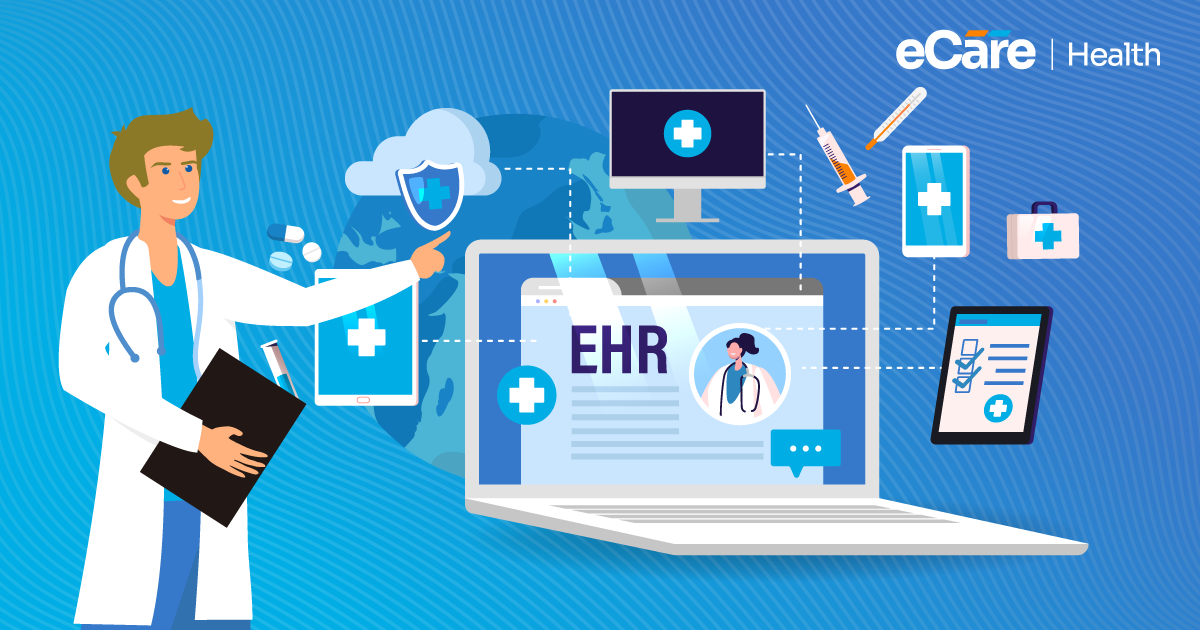
Simply put, electronic health records software is a digital system that helps healthcare practices in recording, organizing, and managing patient health information. However, the meaning of EHR in healthcare goes far beyond storing medical history. It also involves supporting clinical documentation, tracking treatment progress, and helping authorized healthcare professionals access relevant information during patient care.
An EHR system may include patient demographics, diagnoses, medications, allergies, lab results, clinical notes, and treatment plans. For example, in between follow-up visits, a physician can review your patient’s previous diagnoses and medications before documenting any new symptoms or updating the care plan.
Compared with paper-based records, which need staff to locate and review physical files, digital records make searching, updating, and retrieving information easier. On the basis of their systems and integrations, EHRs can also support electronic information sharing between healthcare providers.
| Paper-based records | EHR software |
|---|---|
| Information is stored in physical files. | Information is stored digitally. |
| Finding specific details may require searching through pages. | Search tools help users locate relevant information. |
| Sharing records may require scanning, faxing, or physical transfer. | Supported systems can exchange information electronically. |
In short, EHR software helps your practice to move from just storing patient information to managing it in a more organized and accessible way. Furthermore, how effectively it supports care also relies on the system’s capabilities, implementation, and everyday use.
How Does EHR Software Work in Healthcare?
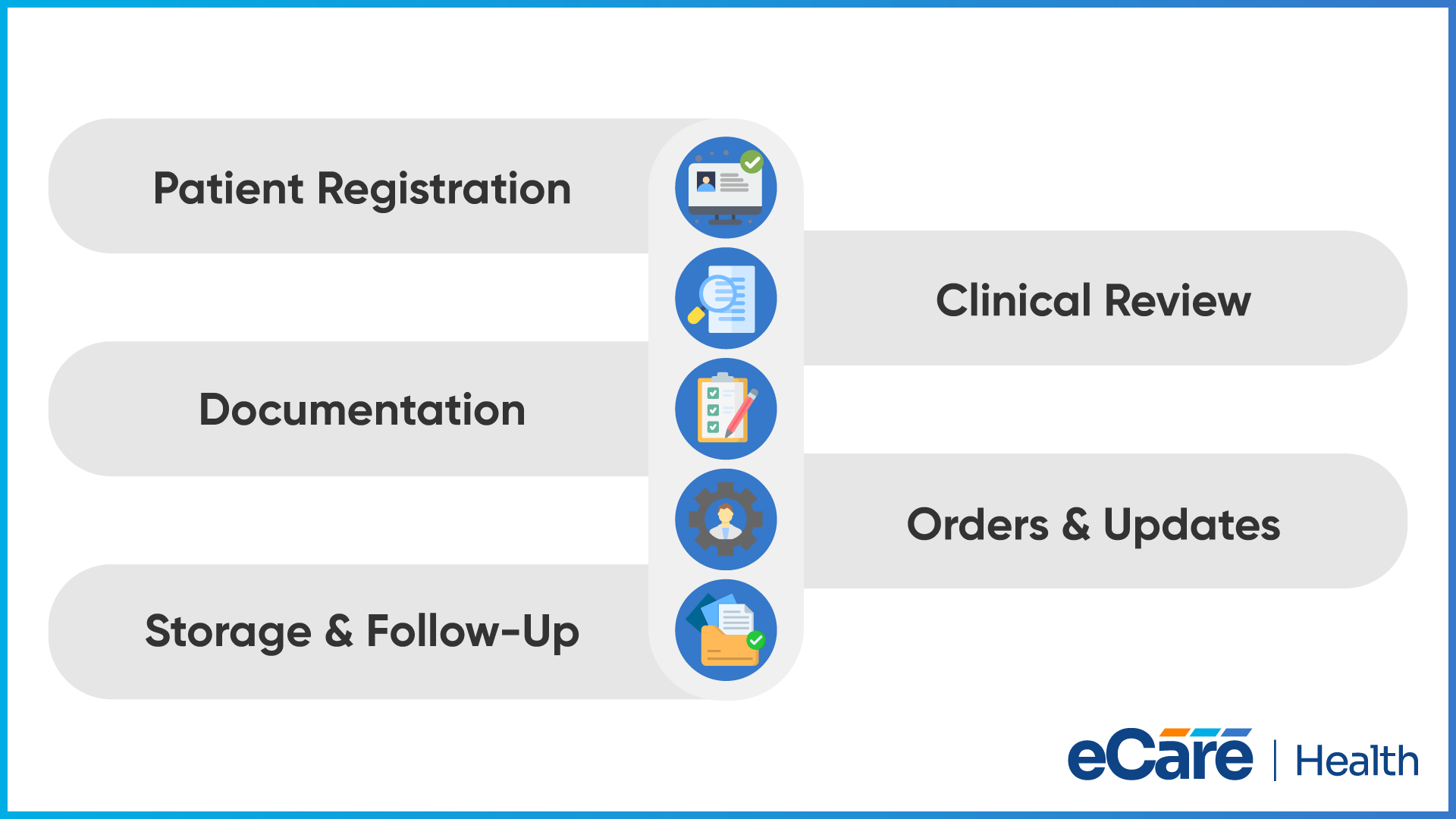
Think of what happens during a routine patient visit to understand more about how does EHR software work in healthcare. Information gets entered into the system, reviewed by the care team, updated during the consultation, and then saved for future reference. This approach creates connected records that supports not only current treatment, but also follow-up care.
A typical EHR workflow includes these steps:
- Patient registration: Staff enter or confirm patient details, insurance information, and relevant medical history.
- Clinical review: Before the visit, the provider reviews available diagnoses, medications, allergies, and previous notes.
- Documentation: During or after the consultation, the provider records symptoms, examination findings, diagnoses, and the treatment plan.
- Orders and updates: When needed, the provider enters medication prescriptions, lab orders, or referrals through available system features.
- Storage and follow-up: The updated record is saved so authorized users can refer to it during future visits. Connected systems may also receive relevant information.
How Does This Support Care Delivery?
The real value of an EHR lies in how healthcare professionals use the information, and not just simply where it is stored. Before deciding on the next steps, a physician can review earlier test results; on the other hand, another authorized member of your care team can refer to the documented treatment plan.
When systems support interoperability, relevant information can also be exchanged with other healthcare organizations. This helps keep clinical documentation and follow-up activities connected. However, accurate records still depend on timely data entry, appropriate access controls, and staff following established workflows.
What Information Does an EHR System Store?
An EHR system helps to bring different types of patient information together, which further gives you a clearer picture of your patient’s health history and current care requirements. While the exact information varies by practice and software, most systems can organize records into several categories:
- Patient demographics and medical history: Basic details such as name, date of birth, contact information, past illnesses, surgeries, and family medical history.
- Diagnoses, medications, and allergies: Existing health conditions, prescribed medications, medication history, and known allergies that may affect treatment decisions.
- Clinical notes and visit records: Symptoms, examination findings, diagnoses, and notes documenting each consultation.
- Lab results and imaging reports: Available laboratory findings, diagnostic reports, and related information received through connected systems.
- Treatment plans and care documentation: Recommended treatments, follow-up instructions, and care plans used to guide ongoing management.
If you have all these details organized in one digital record, it helps you review relevant information before making clinical decisions. Access to complete information relies on accurate documentation, available records, and successful data exchange with other systems.
What Are the Benefits of Implementing EHR Systems in Healthcare?
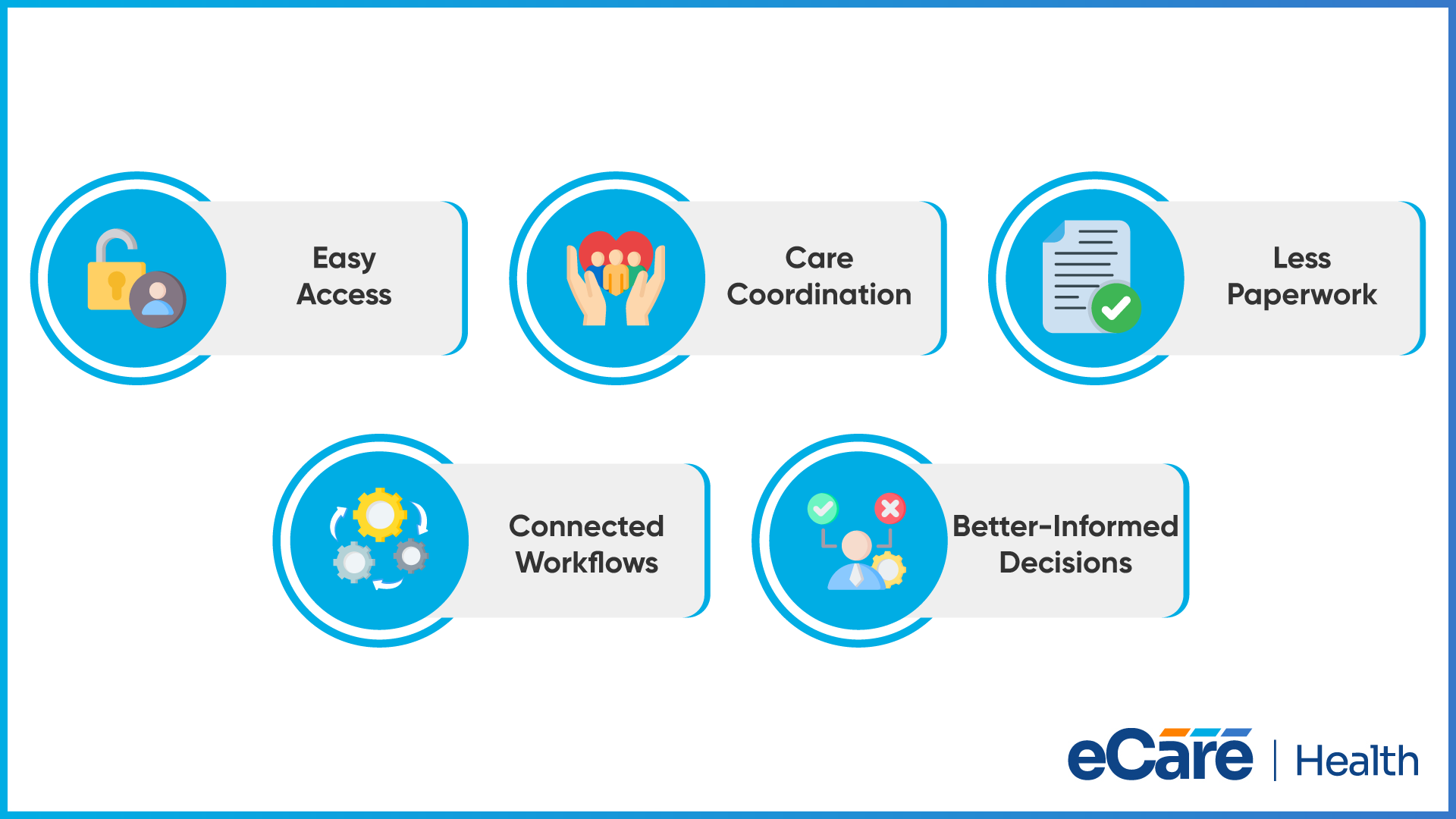
Patient records management is only half of the story; you also need to find relevant information quickly, coordinate care, and keep documentation up to date while attending to your patients.
If you understand the benefits of EHR software for medical practices, you can see how digital records can make all these everyday responsibilities easier to manage.
Easier Access to Patient Information
If patient information is stored in a structured digital record, it becomes easy for authorized healthcare professionals to find relevant details without searching through physical files. Furthermore, reviewing previous diagnoses, medications, and test results also becomes easier, helping you prepare for appointments and follow up on ongoing conditions.
Better Care Coordination
Patients may receive care from multiple providers, specialists, and other healthcare professionals. An EHR can help keep relevant clinical information available to authorized members of the care team. When systems can exchange information successfully, providers have a better opportunity to coordinate treatment and avoid gaps in follow-up.
Less Dependence on Paperwork
Paper charts require physical storage, manual filing, and additional effort when records need to be retrieved or shared. Digital documentation reduces reliance on these processes and makes patient information easier to organize. Staff can spend less time handling physical files, although accurate data entry and record maintenance remain essential.
More Organized Clinical and Administrative Workflows
EHR systems can bring documentation, orders, scheduling, and other supported tasks into connected workflows. For example, a provider may complete a consultation note and place a lab order within the same system instead of switching between separate tools. The time saved depends on the software’s usability, integrations, and how well the practice has configured its workflows.
Better-Informed Clinical Decisions
Access to organized medical histories, previous test results, medication lists, and documented treatment plans can help providers consider relevant information when evaluating a patient’s condition. Some systems also offer clinical decision support, such as alerts or reminders. These tools can inform clinical judgment, but they do not replace a provider’s assessment or guarantee better outcomes.
Ultimately, EHR implementation can help medical practices manage information and daily responsibilities more effectively. Getting the most from these benefits, however, requires choosing a system that fits the practice’s needs and ensuring staff use it consistently.
What Are the Common Types of EHR Systems?
EHR systems differ in how patient information is hosted and how well the software supports a practice’s clinical needs. The main types include cloud-based, on-premise, and specialty-specific EHR system options, each suited to different requirements.
| Type of EHR system | How it works | Best suited for |
|---|---|---|
| Cloud-based EHR | Stores data on remote servers and allows authorized users to access records over the internet. The vendor typically manages the underlying infrastructure. | Practices that need access across multiple locations or devices without maintaining their own servers. |
| On-premise EHR | Runs on servers managed at the healthcare organization’s facility. The organization handles infrastructure maintenance, updates, backups, and security measures. | Organizations that want greater direct control over their IT environment and have the resources to manage it. |
| Specialty-specific EHR | Includes templates, clinical forms, and workflows designed for a particular specialty, such as cardiology, behavioral health, or orthopedics. | Practices that need documentation and workflows tailored to their specialty. |
The key difference is that cloud-based and on-premise EHRs describe where and how the system is hosted, while specialty-specific EHRs describe the clinical needs the software is designed to support. A specialty-specific system can also be cloud-based or on-premise, depending on the vendor.
What Should Healthcare Practices Understand Before Choosing EHR Software?
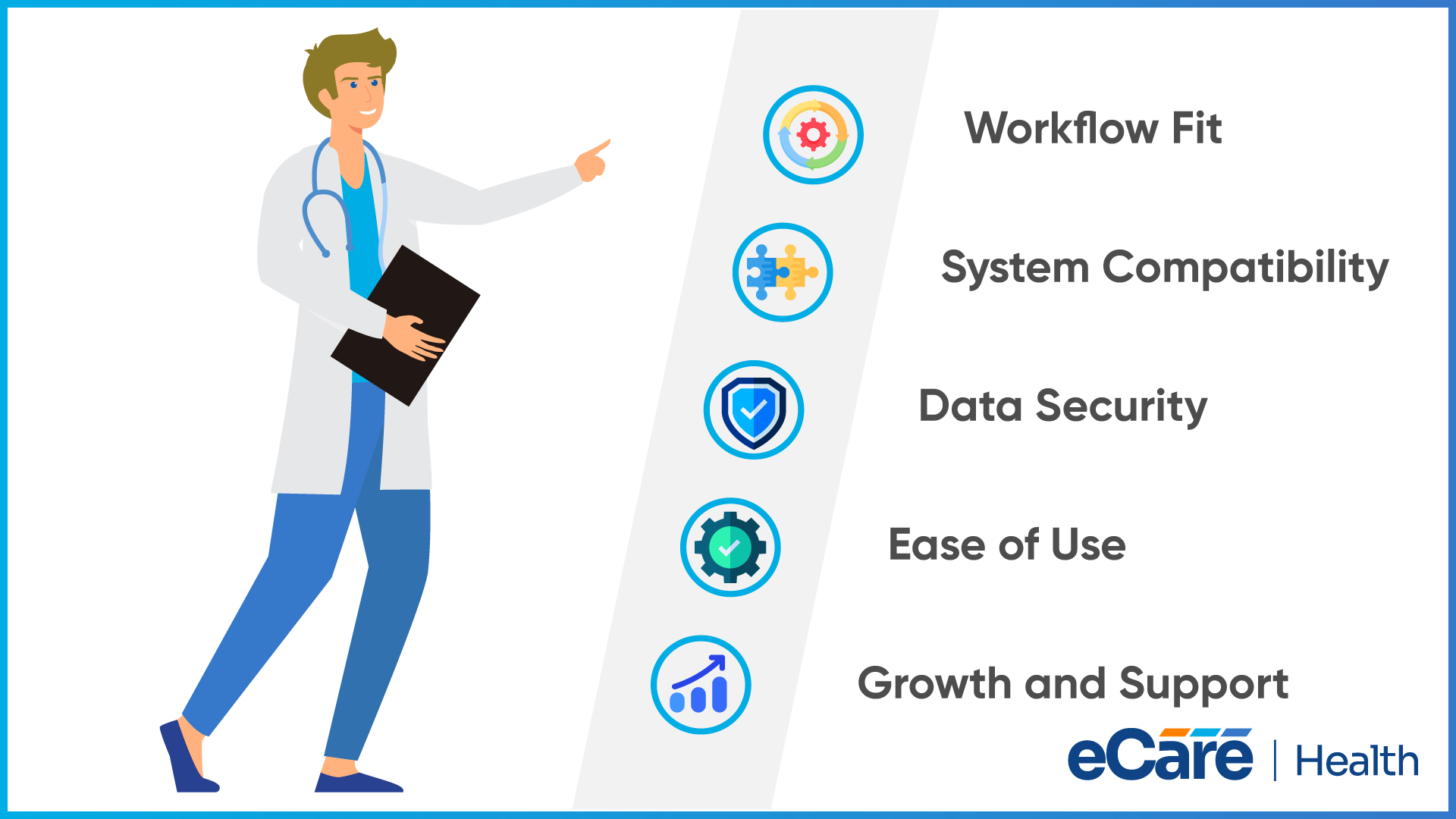
Choosing an EHR system involves much more than just comparing features. The software is required to fit the practice’s daily operations, support clinical requirements, and work with the systems already in place.
By understanding a few factors, it becomes easier to avoid workflow disruptions and prepare for a seamless transition.
Practice workflows and clinical requirements
Picture how you document visits, manage patient records, place orders, and coordinate follow-up care. The system must support all these everyday tasks without adding any extra steps.
Compatibility with existing healthcare systems
An EHR may be required to exchange information with billing platforms, laboratories, pharmacies, and other healthcare systems. Compatibility and interoperability can help reduce duplicate data entry and make relevant information easier to share.
Data security, privacy, and access controls
Patient records contain sensitive health information. Practices should understand how the system manages user permissions, protects data, and supports applicable privacy and security requirements.
Staff training and ease of adoption
Even a feature-rich EHR can disrupt daily work if staff find it difficult to use. Training, clear workflows, and ongoing guidance help teams become familiar with the system and use it consistently.
Scalability and ongoing support
A practice’s needs may change as its patient volume, staff, or services grow. It is worth considering whether the system can accommodate those changes and what technical support is available when issues arise.
Considering all these factors early helps your practice to focus on how an EHR will work in their actual care environment, instead of choosing software based on features alone.
Improving Clinical Workflows With EHR Technology
A seamless clinical workflow enables you to focus on patient care, rather than moving between disconnected tasks. EHR technology helps to bring activities like reviewing medical histories, documenting visits, updating treatment plans, and placing orders into a connected digital workflow.
This further helps to reduce the need to search through paper records or enter the same information into multiple systems. Features like clinical templates, electronic prescriptions, and automated reminders also help your staff to complete routine tasks more efficiently.
When an EHR integrates with other healthcare systems, it can make relevant patient information easier to access and share. Even so, the impact relies on how well the software fits your practice’s existing processes and how consistently staff use it.
What Makes an EHR System Useful in Everyday Clinical Practice?
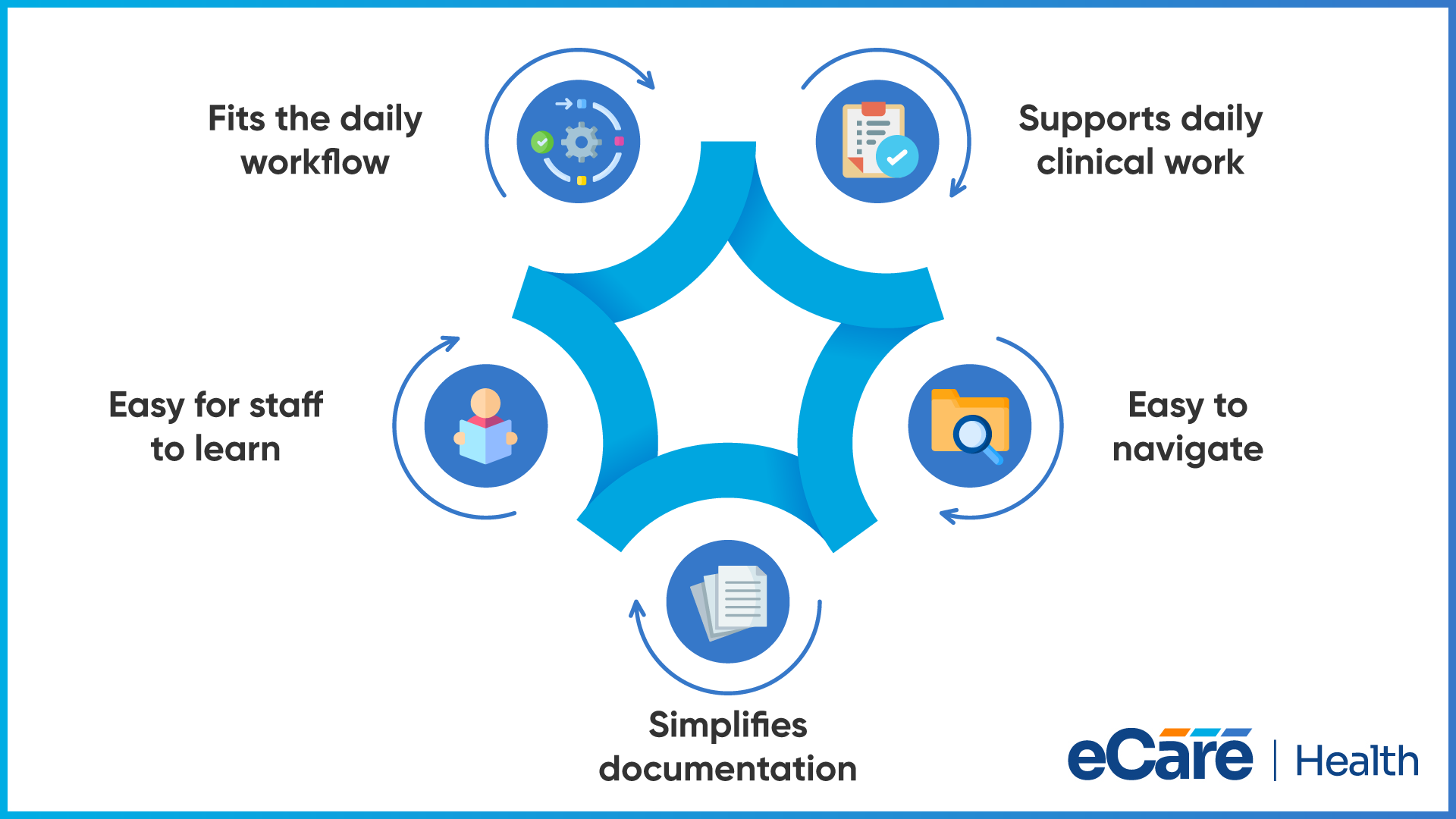
An EHR system is most useful when it fits naturally into the way clinicians work. Providers need to review patient histories, document consultations, and update treatment plans without unnecessary steps getting in the way. When software aligns with these routines, it becomes easier to manage clinical tasks throughout the day.
Clear navigation is equally important. Clinicians should be able to locate patient records, review medications, and find relevant notes without moving through multiple screens. Documentation should also be manageable, with practical templates and workflows that reduce repetitive data entry without compromising the accuracy of clinical records.
Usability can influence how readily staff adopt an EHR system. If routine tasks feel complicated or take longer than expected, clinicians may struggle to incorporate the software into their daily work.
A system that is intuitive and suited to the practice’s needs can make everyday tasks easier to manage and encourage more consistent use. Ultimately, useful EHR technology should support clinical work rather than create additional obstacles.
Understanding EHR Features in Modern Healthcare
Modern EHR systems support several clinical tasks that help healthcare professionals manage patient information and coordinate care. Core capabilities often include clinical documentation, e-prescribing, interoperability, and reporting.
Together, these features help providers maintain patient records, manage routine clinical activities, exchange relevant information, and review practice data. However, not every practice needs the same set of capabilities.
A primary care clinic may prioritize quick documentation and prescription management, while a specialty practice may need more tailored clinical templates or reporting tools. Assessing features against everyday workflows helps practices focus on what their teams actually need instead of choosing a system simply because it offers more features.
Conclusion
EHR software helps healthcare practices manage patient information, maintain clinical documentation, and connect everyday workflows. However, the value of an EHR system depends on how well it fits the practice’s clinical requirements, existing systems, and staff workflows.
Before evaluating solutions, practices should consider what their teams need to manage patient records and deliver care efficiently. Understanding these requirements makes it easier to identify a system that supports current operations and can adapt as the practice grows.
If you’re exploring an EHR solution for your practice, contact eCareHealth to learn more about its EHR capabilities and how they may fit your clinical workflows.
Frequently Asked Questions (FAQs)
1. What is EHR software in healthcare?
EHR software is a digital system that helps healthcare providers record, manage, and access patient health information. It can store medical histories, diagnoses, medications, lab results, and treatment plans, supporting clinical documentation and care coordination.
2. What does EHR stand for?
EHR stands for Electronic Health Record. It refers to a digital record of a patient’s health information that authorized healthcare professionals can use to support treatment, document visits, and coordinate care across healthcare settings.
3. How does EHR software work?
EHR software collects and organizes patient information in a digital record. Healthcare staff update demographics and medical histories, while providers document consultations, record diagnoses, and manage orders. Depending on the system’s capabilities and integrations, information can also be exchanged with other healthcare organizations.
4. What information is stored in an electronic health record?
An electronic health record may contain patient demographics, medical and family histories, diagnoses, medications, allergies, clinical notes, lab results, imaging reports, immunization records, and treatment plans. The information available depends on what has been documented and what connected systems provide.
5. What are the benefits of using EHR software?
EHR software can make patient information easier to access, reduce reliance on paper records, support care coordination, and streamline clinical documentation. Features such as electronic prescribing, reminders, and reporting may also help practices manage routine tasks more efficiently. The benefits depend on implementation and everyday use.
6. Who uses EHR systems?
EHR systems are used by physicians, nurses, medical assistants, specialists, and other authorized healthcare professionals. Hospitals, primary care clinics, specialty practices, and other healthcare organizations use them to maintain patient records and support clinical workflows. Authorized administrative staff may also use relevant information for operational tasks.
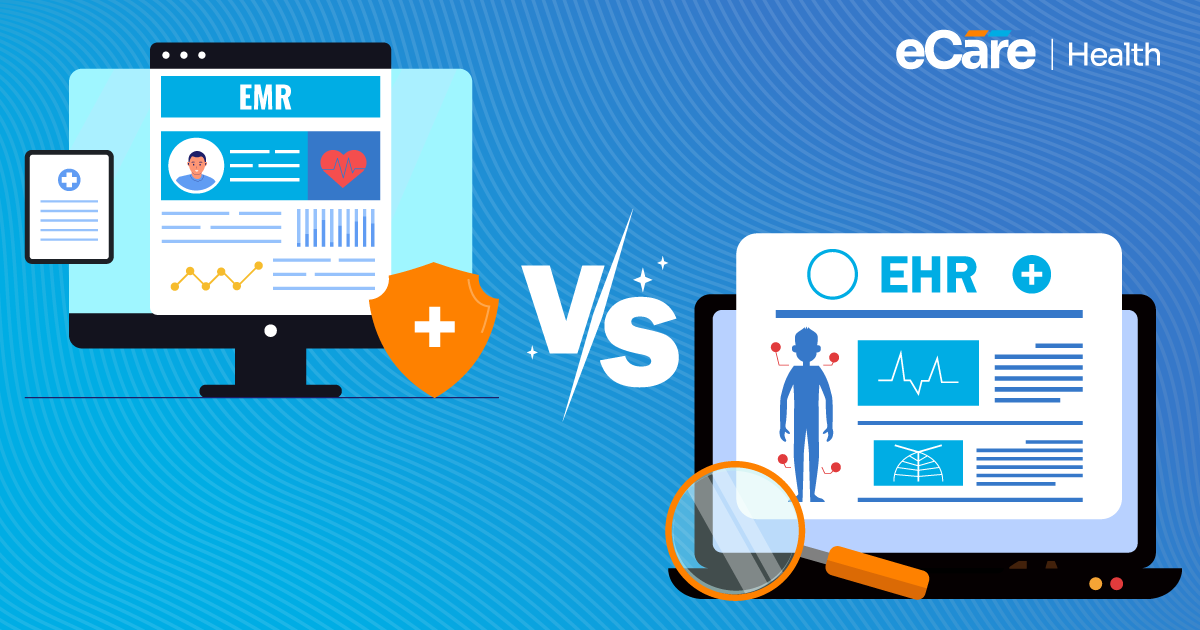
7. What is the difference between EHR and EMR?
An electronic medical record (EMR) generally refers to a patient’s digital chart within a particular practice or healthcare organization. An electronic health record (EHR) is designed to support a broader view of patient health information and may facilitate sharing across different healthcare providers. The terms are sometimes used interchangeably, but interoperability is an important distinction.
8. What is cloud-based EHR software?
Cloud-based EHR software stores data on remote servers and allows authorized users to access records over the internet. The vendor typically manages the underlying infrastructure. This approach can support access across multiple locations without requiring the practice to maintain its own on-site servers.
9. Is EHR software secure for storing patient information?
EHR software can include security measures such as access controls, encryption, audit logs, and backups to help protect patient information. However, security depends on the system’s safeguards, configuration, vendor practices, and the healthcare organization’s own procedures. Practices should assess applicable HIPAA requirements and verify how the system protects sensitive data.
10. Can EHR software integrate with other healthcare systems?
Yes. Many EHR systems support integrations with laboratories, pharmacies, billing platforms, patient portals, and other healthcare applications. The available connections depend on the software and supported standards. Practices should verify that the systems they rely on can exchange the necessary information accurately and securely.
11. How much does EHR software cost?
EHR software costs vary based on the vendor, number of users, features, hosting model, implementation, training, and ongoing support. Some vendors charge a monthly subscription, while others use different pricing structures. Practices should consider the total cost, including setup, integrations, data migration, and any additional service fees.
12. What should a healthcare practice consider when choosing EHR software?
A healthcare practice should consider its clinical workflows, specialty-specific requirements, integration needs, data security, ease of use, staff training, scalability, and ongoing technical support. Evaluating these factors helps the practice identify software that fits its operations and supports its clinical and administrative needs.