9 Essential EHR Features Every Healthcare Practice Needs in 2026
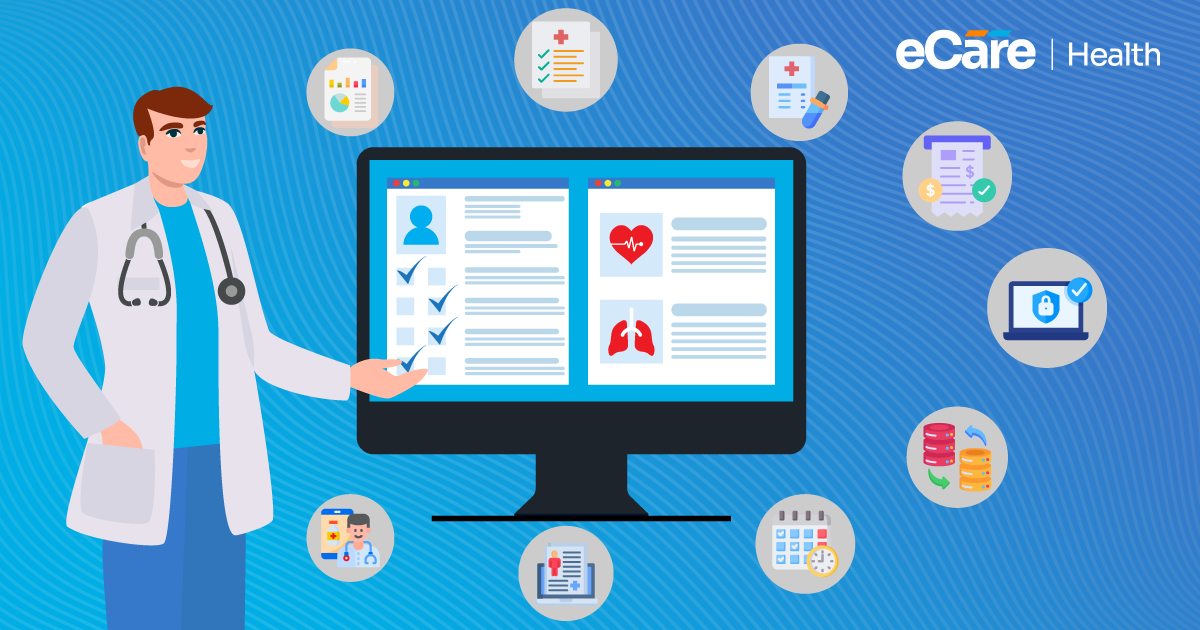
Do you know primary care physicians spend 36.2 minutes working in the EHR per patient visit?
When this much work happens inside an EHR, system functionality matters the most. Tasks like reviewing patient histories, documenting visits, managing prescriptions, and handling incoming messages require time and attention.
If all of these tasks include too many steps or disconnected workflows, they can add to the daily workload. That’s why choosing an EHR involves much more than just finding a place to store patient records.
The right EHR features must support all the tasks from clinical documentation to care coordination and reporting that your team handles every day. Along with this, a system also must fit your practice’s workflow, while helping your staff to access the information they need without unnecessary complications,
To compare EHR software, it is necessary to know which capabilities to prioritize to make the decision easier. So, let’s dive into the blog to know nine essential features that healthcare practices should consider in 2026 and how each one can support everyday clinical and administrative work.
9 Essential EHR Features Every Healthcare Practice Needs
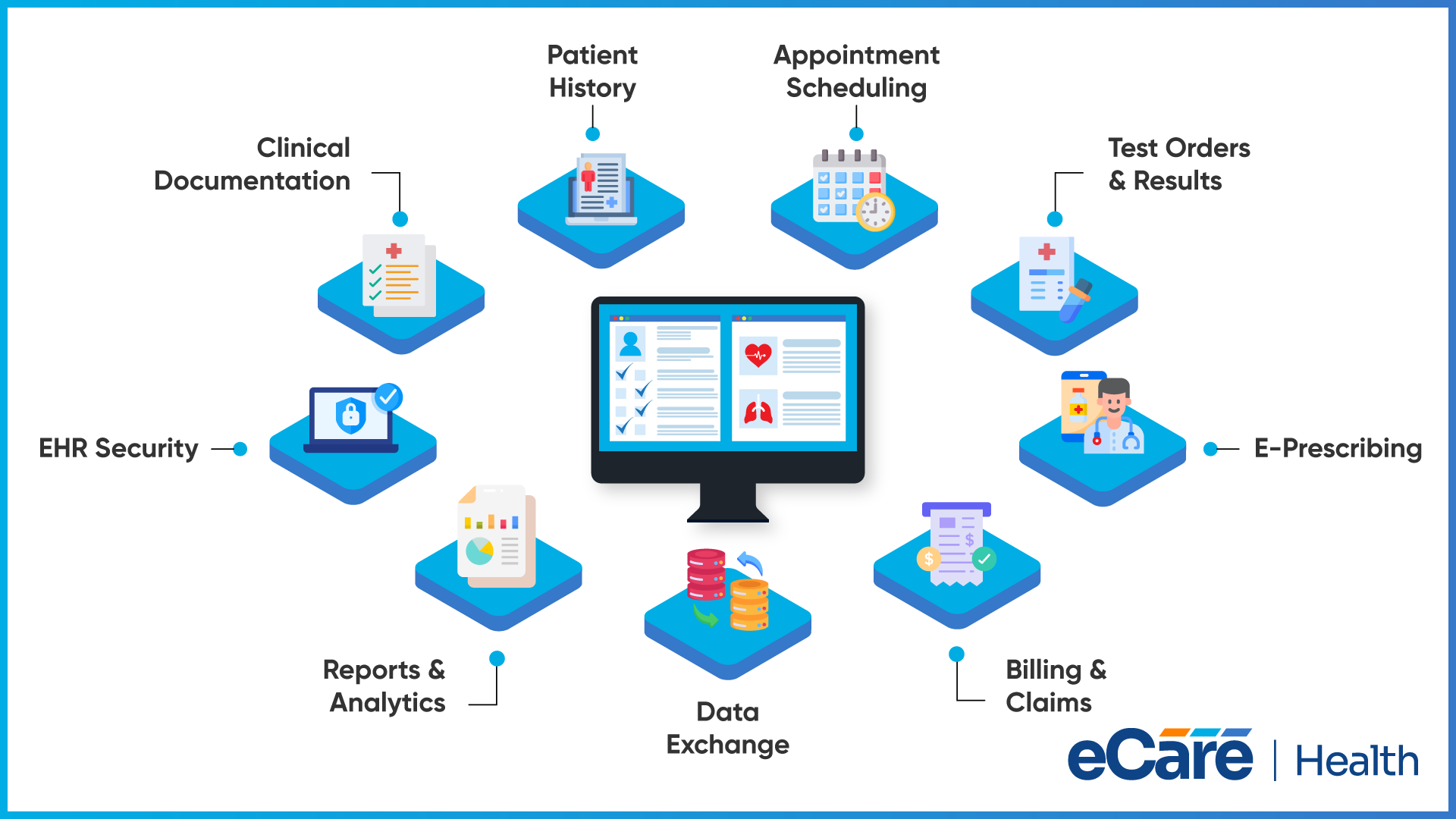
An EHR goes far beyond just storing patient records by supporting all the work that happens before, during, and after an appointment, for example, from documenting a visit to managing prescriptions and processing claims.
With the right EHR features, it becomes easier for your care team to handle all these responsibilities without switching between disconnected tools continuously.
Here are nine capabilities to consider when evaluating an EHR for your practice in 2026:
Clinical Documentation
The first key feature is clinical documentation. Providers require a practical way to record patient encounters, update treatment plans, and complete notes without making documentation more complicated than necessary.
Always look for customizable templates, structured clinical notes, and tools that make it easy to review and complete records. Furthermore, templates suited to your specialty can also help to capture all relevant details more comprehensively.
AI can further support this process. For example, eCareHealth offers an AI scribe that captures visit conversations and organizes information into structured SOAP note drafts. Clinicians can then review and edit the drafts before finalizing them. This provides a starting point for documentation while keeping clinical judgment and responsibility with the provider.
Patient Demographics and Medical History
Your patient’s record must give you a clear picture of their relevant medical background without searching through multiple screens or separate files.
A useful EHR brings together essential information, including:
- Patient demographics and contact details
- Medical history, diagnoses, and allergies
- Current medications and previous prescriptions
- Clinical notes, treatment plans, and relevant results
If you have all this information organized in one records, it becomes easy to review your patient’s history before making any care decisions. Along with this, records also must be updated whenever new information becomes available, so you don’t need to depend on outdated details.
E-Prescribing and Medication Management
Prescribing medication involves much more than just entering a drug name and sending a prescription. You need to review your patient’s medication histories, select the appropriate prescription details, and check the potential safety concerns.
An EHR with e-prescribing capabilities can support electronic prescription creation and transmission to pharmacies. Moreover, medication lists and prescription histories can also help clinicians review existing treatments when prescribing new medication.
Allergy alerts, drug interaction warnings, and formulary information are additional safeguards in the system and available integrations.
Even though all these tools can support prescribing decisions, clinicians still need to evaluate their patient’s circumstances and use their professional judgment.
Order Entry and Results Management
Ordering a laboratory test is only half of the story. Your practice also needs to track whether the test was completed, review the result, and determine whether follow-up is required.
An EHR should help you place orders electronically for supported laboratory tests and diagnostic procedures, organize incoming reports, and distinguish pending orders from completed ones. Integration with laboratories can reduce the need to enter the same information manually across different systems.
Clear result tracking is particularly useful when a practice handles many tests each day. It helps staff identify outstanding items and gives clinicians a more organized way to review results and document next steps.
Appointment Scheduling
From booking and check-ins to reminders and follow-up appointments, scheduling can affect the entire patient visit. With a disconnected scheduling process, your staff can end up managing calendar changes, calling patients, and checking provider availability across different tools.
A capable EHR must support multi-provider calendars, appointment booking, recurring visits, cancellation management, and automated reminders. Along with this, online self-scheduling and waitlist management can help your practice handle changes in availability,
eCareHealth supports scheduling via calendar management, online booking, automated reminders, and cancellation and waitlist workflow. All these capabilities help to organize appointments while reducing some routine administrative work.
While evaluating a system, always check whether its scheduling tools fit your appointment types, provider schedules, and existing front-desk processes.
Billing and Claims Support
Clinical documentation and billing are closely connected. If information from a visit does not flow properly into the billing process, staff may need to re-enter details, correct coding errors, or investigate claim issues later.
Look for EHR capabilities that support charge capture, medical coding workflows, insurance claims preparation, eligibility checks, and claim-status tracking. Depending on the system, claim-scrubbing tools can flag potential errors before submission, while payment posting and denial management help staff follow the revenue cycle.
eCareHealth includes auto-suggested ICD-10 and CPT codes, claim-scrubbing rules, eligibility verification, and denial-management workflows. These tools can help identify issues and reduce repetitive work, but coding and claim details still need appropriate review before submission.
Interoperability and Data Exchange
Patient information usually comes from many sources. For example, your patient can receive laboratory testing at an external facility, fill prescriptions through a pharmacy, or see another provider for their specialized care. So, your EHR must make relevant information easier to exchange across these settings.
Always look for connections with laboratories, pharmacies, billing applications, and other healthcare systems your practice depends on. Standards like HL7 and FHIR can support data exchange, while the actual information shared depends on the systems, interfaces, and configurations involved.
Interoperability matters too because having patient information stored electronically does not automatically mean other systems can access it. Before choosing an EHR, confirm which integrations are available and whether they support the information your team needs.
Reporting and Analytics
An EHR should help your practice understand not only individual patient records but also how daily operations are going. Reporting tools can bring together information about appointments, clinical activity, and practice performance.
Useful capabilities may include reports on:
- Appointment volume, cancellations, and no-shows
- Documentation completion and provider productivity
- Patient visits and clinical activity
- Billing, claims, and revenue trends
These reports can help practice managers identify patterns, monitor workload, and decide where a process may need attention. For example, reviewing cancellation trends may help a practice reassess its reminder process. The value depends on the quality of the underlying data and whether the reports answer questions relevant to your practice.
Security, User Permissions, and Audit Trails
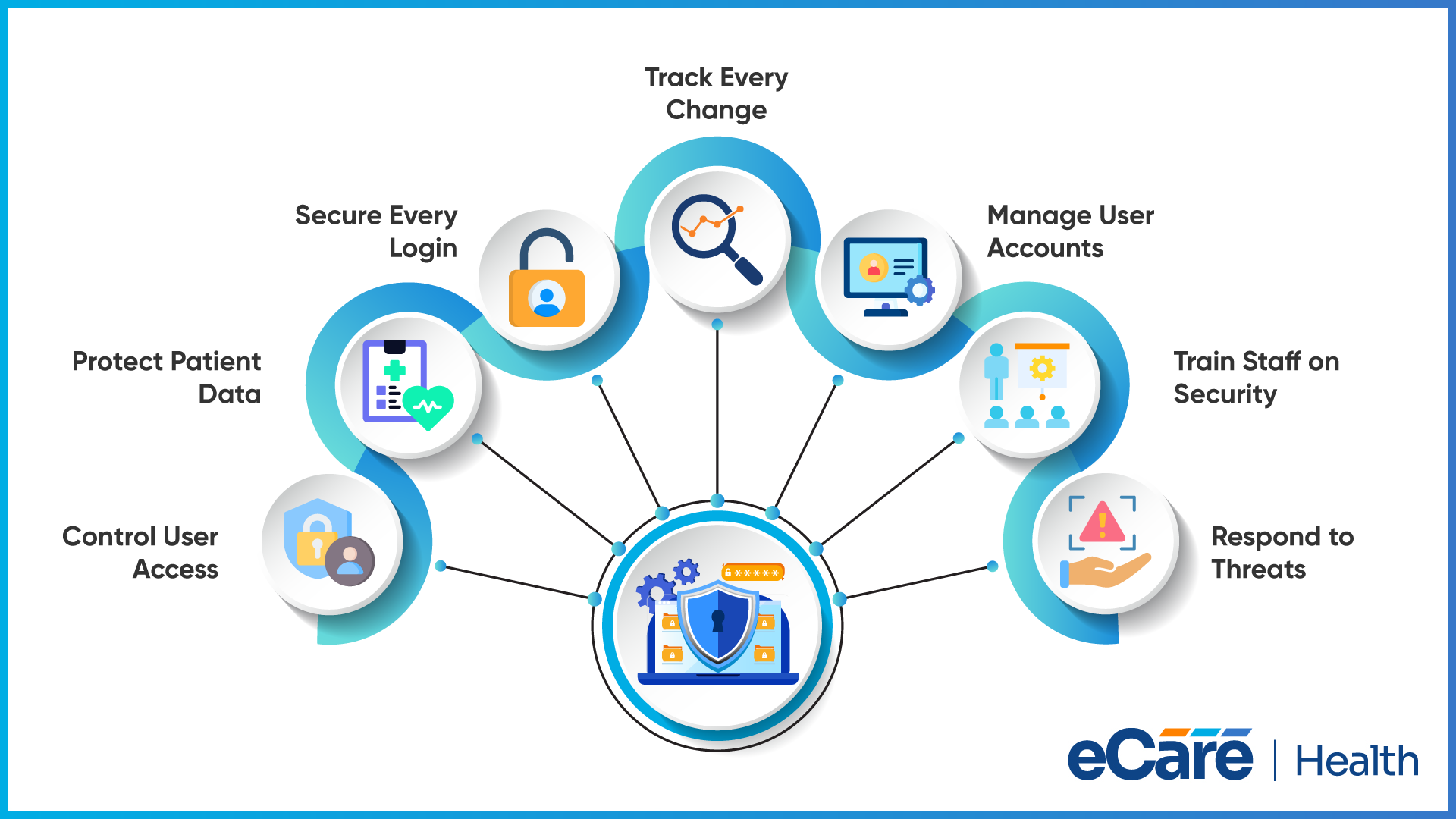
As EHR contains sensitive information, access must be controlled on the basis of each user’s responsibilities. For example, a front-desk employee, clinician, and billing specialists may require different levels of access to perform their work.
Role-based permissions assist in limiting this access to appropriate information. Authentication, encryption, session controls, and audit trails provide additional safeguards. Audit logs are particularly useful because they can record access to records and changes made within the system, helping organizations review activity when needed.
Security also depends on how the practice manages user accounts, trains staff, and responds to potential incidents. When evaluating an EHR, ask vendors which safeguards are available, how access is monitored, and what responsibilities remain with your organization.
Conclusion
The right EHR should do more than store patient records. It should support the everyday work of your practice, from clinical documentation and prescribing to scheduling, billing, and information sharing. When these capabilities work together, your team can manage routine tasks with fewer unnecessary steps.
As you compare EHR options in 2026, focus on the features that match your specialty, workflow, and plans for growth. Consider how the system handles patient information, connects with your existing tools, and supports your team after implementation.
The goal is to choose software that works for your practice, not simply one with the longest feature list.
Looking for an EHR that fits your practice’s needs? Get in touch with our team to discuss your requirements and explore how eCareHealth can support your clinical and administrative workflows.
Frequently Asked Questions (FAQs)
1. What are the most important features of an EHR system?
Important EHR features include clinical documentation, patient history management, e-prescribing, appointment scheduling, billing support, interoperability, reporting, and security controls. The right combination depends on the practice’s size, specialty, and daily clinical and administrative requirements.
2. What features should an EHR system have?
An EHR should support accurate documentation, organized patient records, medication management, order tracking, scheduling, and billing workflows. It should also offer appropriate security controls, useful reporting, and integrations with the systems your practice already uses.
3. Which EHR features are essential for medical practices?
Most medical practices benefit from clinical documentation, patient history management, e-prescribing, scheduling, billing support, and secure access controls. Practices should also consider interoperability and reporting based on their workflows, patient population, and operational needs.
4. How do EHR features improve patient care?
EHR features can help clinicians access relevant medical histories, review test results, manage medications, and document treatment plans. These capabilities support informed clinical decisions and care coordination, although their effectiveness depends on data quality, system usability, and how the practice uses the software.
5. Are EHR software features different for each medical specialty?
Yes. Different specialties may require different templates, documentation fields, workflows, and reporting capabilities. For example, behavioral health practices may need specialized assessment tools, while cardiology practices may require support for cardiac test results and related integrations. Choosing specialty-appropriate features helps align the system with clinical needs.
6. What security features should an EHR system include?
An EHR should support role-based access, strong authentication, encryption, audit trails, and appropriate backup and recovery measures. Practices should also review vendor security practices, access management options, and support for applicable HIPAA requirements.
7. How can a medical practice choose the right EHR features?
Start by identifying your practice’s most time-consuming workflows, specialty requirements, and current operational challenges. Compare vendors based on usability, integrations, security, reporting, pricing, and support. Request demonstrations using realistic workflows to see whether the features meet your team’s needs.