What Is a Cloud-Based EHR? Benefits, Features and How to Choose One
Almost 99% of U.S. hospitals allow their patients to view their health information electronically, showing that digital access has become a key part of healthcare.
However, it also needs a convenient way to access and manage patient records across the workday. And when you work across locations or need to review information outside regular office hours, access to those records becomes even more important.
Picture a provider who needs to check their patient’s medical history before an appointment at another location or finish documentation after leaving the office. If records are difficult to access remotely, all these everyday tasks might take more time and effort.
That’s why your team needs a system that fits the way your practice operates, wherever authorized users need to work. And this is exactly where a cloud-based EHR comes into the spotlight.
A cloud-based EHR enables authorized users to access patient records over the internet instead of depending only on servers maintained at the practice. Depending on the system, this can make it easier to review information while keeping documentation moving across locations.
If you are exploring cloud-based EHR software for your practice, this blog can help you to understand how the technology works, which benefits it offers, and what to consider before choosing a system.
What Is a Cloud-Based EHR?
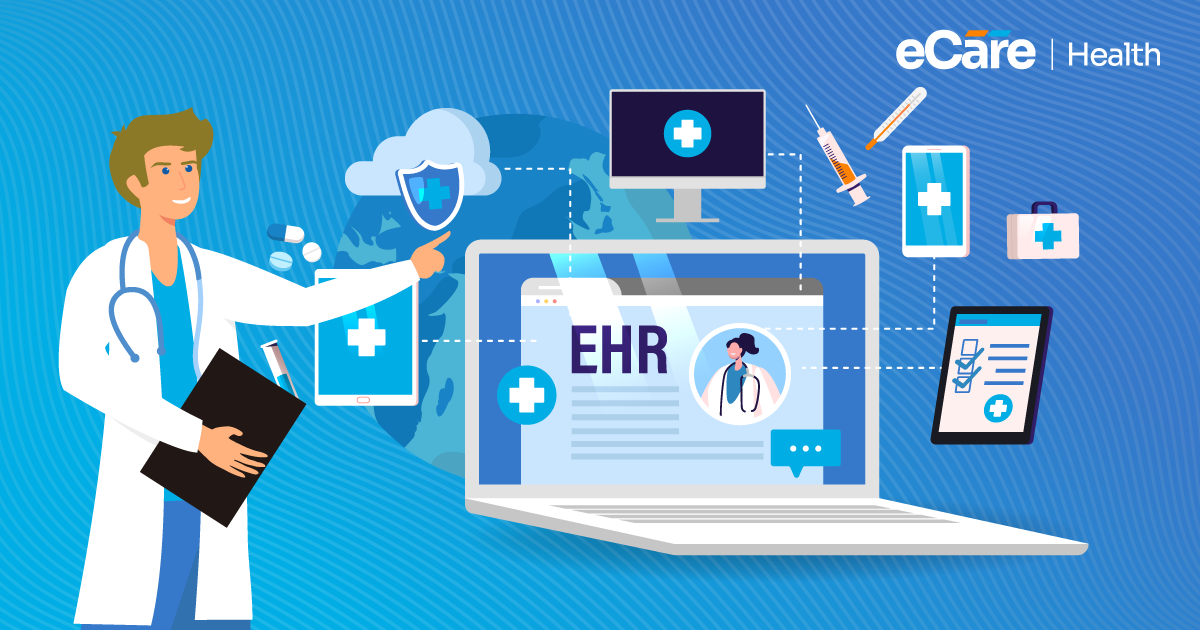
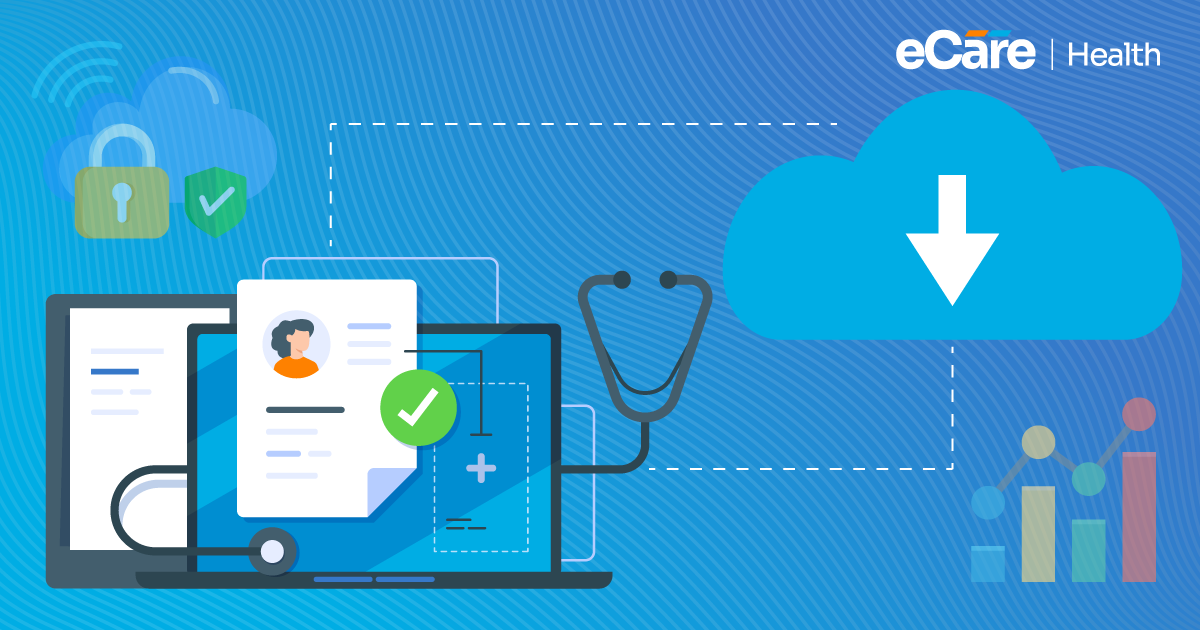
A cloud-based EHR is an electronic health record system that can store and manage patient information by using cloud infrastructure, instead of depending on servers located at the healthcare practice. With this, authorized providers and staff can access records over the internet, making it possible to work with patient information from different locations.
And for healthcare practices, this changes how the system is hosted, maintained, and accessed. Rather than managing all the underlying infrastructure themselves, practices can typically depend on a service provider to host the software and handle much of the technical maintenance.
How Cloud-Based EHR Systems Work
As we discussed earlier, a cloud-based EHR software system keeps patient records on cloud-hosted infrastructure which is managed by the service provider or its hosting partner. If any authorized clinician needs to review a patient’s history, update a note, or check a treatment plan, they simply need to sign in through a supported device with an internet connection.
The one who provides services generally manages the hosting environment, software updates, and infrastructure maintenance. On the other hand, security controls, backups, and system availability depend on the provider’s practices and the specific service agreement. Healthcare organizations also need to manage user access appropriately and follow their own privacy and security responsibilities.
Cloud-Based vs. On-Premise EHR Systems
The main difference is where the system runs and who manages its underlying infrastructure.
| Factor | Cloud-Based EHR | On-Premise EHR |
|---|---|---|
| Infrastructure | Hosted on cloud infrastructure | Runs on servers located at the practice or its facilities |
| Maintenance | The service provider handles much of the infrastructure maintenance | The practice’s IT team or contracted support team manages local infrastructure |
| System access | Accessible over the internet by authorized users, subject to system controls | Access often depends on the practice’s network setup, with remote access requiring additional configuration |
| Updates | Often deployed and managed by the provider | Usually coordinated by the practice’s IT team or vendor |
| IT responsibilities | Less direct responsibility for physical servers, but oversight is still needed | More direct responsibility for local hardware, maintenance, and infrastructure |
Neither option is automatically the right fit for every practice. A cloud-based system can reduce the need to manage local servers; on the other hand, an on-premises system can suit organizations that prefer greater direct control over their infrastructure.
The better choice relies on your practice’s resources, access requirements, security needs, and IT capabilities.
What Are the Benefits of Cloud-Based EHR Software?
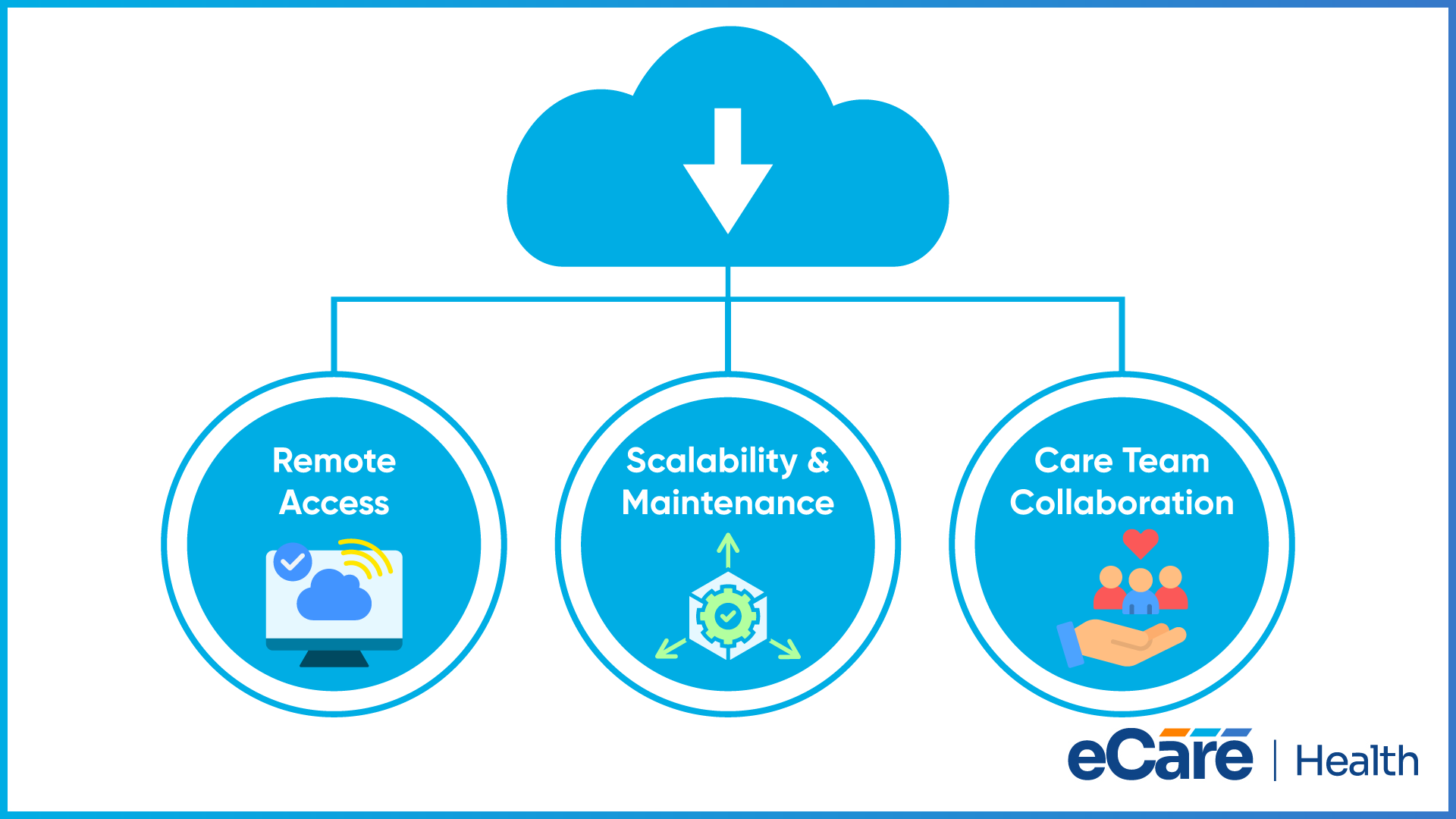
When information is difficult to access, managing patient records across appointments, locations, and care teams can become challenging. However, a cloud-based EHR can make all these tasks more manageable by giving authorized users access to records online and reducing the need for practices to maintain their own server infrastructure.
Let’s have a quick look at three benefits:
Remote Access to Patient Records
It is a fact that patient care and documentation will not always happen at one workstation. For example, a provider may need to review their patient’s history before an appointment at another location, while an authorized staff member may also need to check information while working remotely.
By allowing approved users to access records through supported devices and an internet connection, a cloud-based system can support this flexibility. Access still needs to be protected via appropriate user permissions, authentication, and other security measures.
This further helps your practice to make information available to the right people without giving everyone unrestricted access.
Scalability and Maintenance
As your practice grows, technology also needs to change by adding clinicians, opening another location, or requiring more storage for patient information. Cloud services can make it easier to adjust resources as requirements change, depending on the system and service plan.
Cloud EHR providers also manage much of the underlying infrastructure and may handle software updates and maintenance. This can reduce the practice’s responsibility for maintaining physical servers, although staff still need to manage user accounts, review system performance, and coordinate with the vendor when issues arise.
Support for Collaboration and Continuity of Care
When multiple clinicians participate in a patient’s care, access to relevant medical history, medication lists, and treatment notes can help them stay informed. A cloud-based system can make these records available to authorized team members across approved locations, supporting smoother coordination between visits.
However, cloud access alone does not guarantee that different systems can exchange information. Effective information sharing also depends on interoperability, compatible data formats, system configuration, and the permissions in place.
Understanding the benefits of cloud-based EHR software comes down to how well the system fits your practice’s daily needs. Remote access, flexible resources, and easier access to shared records can all be valuable, but the right choice also depends on security, connectivity, and how the software works with your existing systems.
What Features Should a Cloud-Based EHR System Offer?
Not every cloud-based EHR offers the same level of functionality. Beyond storing patient records online, the system should help your practice protect sensitive information, prepare for unexpected disruptions, and work with the tools your team already uses. Here are three important areas to evaluate before making a decision.
Secure Access and User Permissions
Not every member of your team needs access to every patient record. Look for a system that supports role-based permissions, allowing access to be assigned according to each user’s responsibilities. Strong authentication, automatic session timeouts, and audit logs can provide additional safeguards.
Ask vendors how users are added or removed, how access changes are tracked, and what security controls are available. These details matter when staff join, change roles, or leave the practice. The goal is to make patient information available to authorized users while limiting unnecessary access.
Backup, Recovery, and Availability
An EHR may be central to scheduling, documentation, and daily clinical work. If the system becomes unavailable or data is lost, your team needs a clear way to respond.
Check whether the vendor provides regular data backups, a documented disaster recovery plan, and procedures for restoring information after an incident. Ask how often backups occur, how restoration is tested, and what recovery timelines the vendor commits to. You should also review service availability commitments and understand what support is available during an outage.
Integration and Compatibility
Your EHR needs to work with the other systems your practice depends on, such as laboratory services, e-prescribing tools, billing platforms, and health information exchange networks.
Before choosing a cloud-based EHR software solution, identify the applications you need to connect and ask vendors how those integrations work. Check whether connections are built in, require additional configuration, or involve extra fees. Standards such as HL7 and FHIR may support data exchange, but compatibility depends on how each system implements them.
A useful way to compare options is to ask vendors to demonstrate these features using workflows your team handles every day. This helps you evaluate whether the system meets your practice’s actual needs rather than relying on a feature list alone.
What Should Healthcare Practices Consider When Choosing a Cloud-Based EHR System?
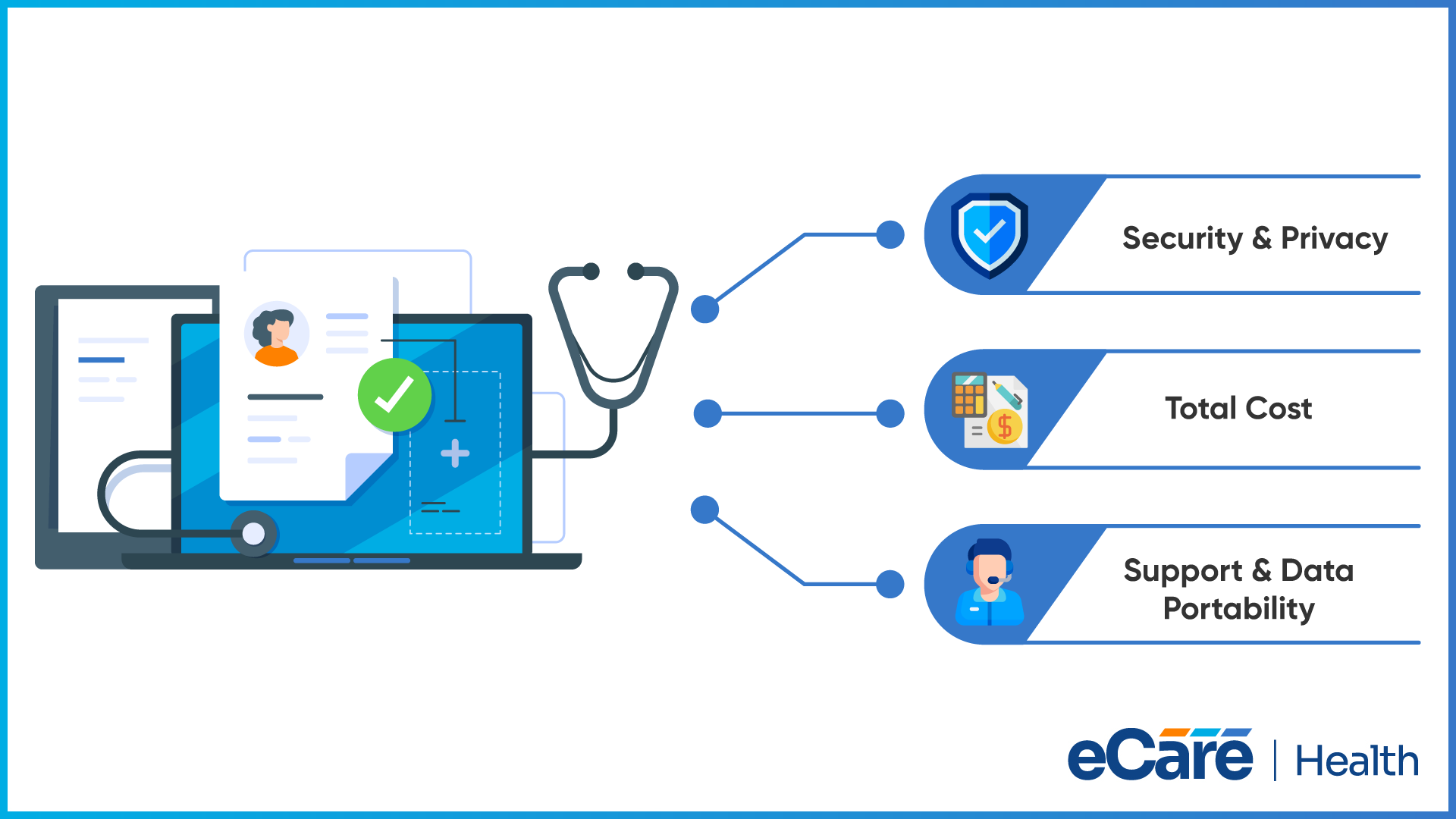
As choosing an EHR is a long-term decision, it is important to look beyond the features shown during a product demonstration. You must understand how the system will fit your practice’s budget, protect patient information, and support your team as your needs change.
Always start with security and privacy. Always ask the vendor how patient information is protected, who can access it, and how security incidents are handled. Along with this, you also must understand how the service supports your HIPAA responsibilities, including whether there is a requirement for a business associate agreement.
Another factor to consider is cost. Here, the subscription fee is only half of your total expenses. Implementation, data migration, staff training, integrations, and ongoing support can also add to the cost. Consider whether the pricing will still work for your practice if you add providers, open another location, or serve more patients.
Finally, think about the support you’ll receive after implementation and what happens if you eventually change systems. Ask how quickly the vendor responds to technical issues and whether support is available when your practice needs it. You should also confirm that you can retrieve your records in a usable format, understand any export fees, and know what assistance is available during migration.
Knowing how to choose a cloud-based EHR system means considering the entire experience, from implementation to a possible future transition. A suitable system should meet your current needs, offer clear terms, and leave your practice with practical options as it grows.
Conclusion
Moving from an on-premise EHR to a cloud-based EHR changes how your practice accesses records and manages its technology. Instead of maintaining local server infrastructure, your team can rely on a service provider to handle much of the hosting and maintenance, while authorized users access records online.
Before making the switch, consider how the system handles patient data, connects with your existing tools, accommodates practice growth, and supports your team when issues arise. Pricing, data portability, and the vendor’s responsibilities also deserve careful attention.
The best choice is one that fits your practice’s everyday workflows and long-term needs. If you’re exploring cloud-based EHR options and want to understand what might work for your team, contact our team at eCareHealth to discuss your requirements and explore a solution that fits your practice.
Frequently Asked Questions (FAQs)
1. What is the difference between a cloud-based EHR and a web-based EHR?
A cloud-based EHR uses cloud infrastructure to host patient records and software. A web-based EHR is accessed through a web browser. These terms often overlap, as many cloud-based systems are also web-based, but browser access alone does not determine where the system is hosted.
2. Is cloud-based EHR software secure?
Cloud-based EHR software can use safeguards such as encryption, user authentication, role-based access, and audit logs to protect patient information. Security depends on the vendor’s practices, system configuration, and how the healthcare practice manages access and follows applicable privacy requirements.
3. Can healthcare providers access cloud-based EHR systems remotely?
Yes. Authorized providers can generally access cloud-based EHR systems from supported devices with an internet connection. Access depends on the system’s permissions, authentication requirements, and security settings, allowing clinicians to review records from approved locations.
4. What happens if internet access is unavailable?
Without an internet connection, users may be unable to access a cloud-based EHR or update records until connectivity returns. Practices should ask vendors about downtime procedures, backup access options, and data recovery processes, and establish a plan for documenting care during outages.
5. How much does cloud-based EHR software cost?
Costs vary depending on the vendor, number of users, features, and pricing model. In addition to subscription fees, practices may need to budget for implementation, data migration, training, integrations, and support. Request a detailed quote to understand the total expected cost.
6. Can a cloud-based EHR integrate with other healthcare systems?
Yes. Many cloud-based EHR systems can connect with applications such as laboratories, e-prescribing tools, billing platforms, and health information exchanges. Available integrations depend on the vendor, supported standards, system configuration, and any additional implementation requirements or fees.
7. Can a healthcare practice migrate from an on-premise EHR to a cloud-based EHR?
Yes. Practices can migrate from an on-premise EHR to a cloud-based system by assessing existing records, mapping data fields, transferring information, and validating the results. Planning should also cover staff training, integration testing, data security, and continuity of care during the transition.