EHR vs Paper Records: Why Modern Practices Are Making the Digital Switch
From reviewing medical histories to updating treatment notes, your busy medical practice handles patient records every day. When your staff has to search through paper files, find missing documents, or update records manually, these routine tasks can take extra time away from other responsibilities.
And as patient numbers continue to grow, keeping all these records organized can become tricky. That’s why many practices start to consider EHR systems. As opposed to paper files, electronic health records let you store your patient information digitally, making it easier for authorized staff to find, update, and share information as needed.
By understanding EHR vs. paper records, your practice can see how each approach affects daily work. Even though paper records can work for smaller operations, digital records offer easier access, better organization, and more convenient information sharing, depending on the system and its setup.
This guide compares both methods and explains why modern practices are making the digital switch, along with what to consider before implementing an EHR system.
EHR vs Paper Records: Key Differences for Medical Practices
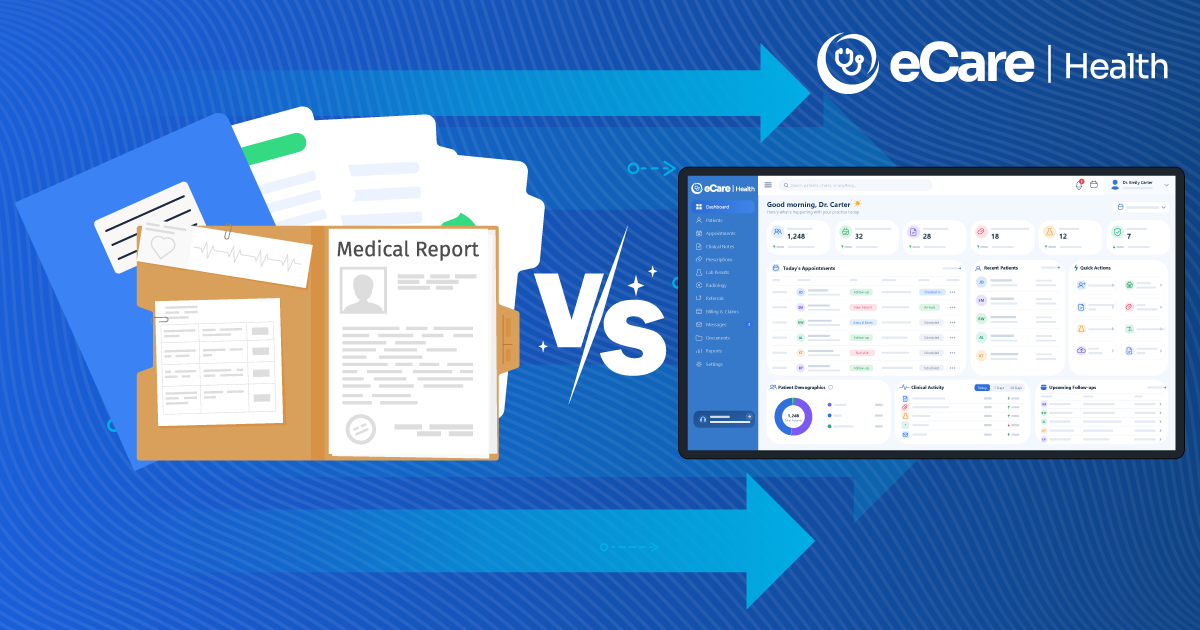
The main differences between EHRs and paper records come down to how patient information is accessed, updated, stored, and shared. Here is how the two approaches compare.
| Factor | EHR Systems | Paper Records |
|---|---|---|
| Accessibility and Information Retrieval | Authorized staff can search for patient information digitally, based on their access permissions. | Staff may need to search through folders and filing cabinets to find specific information. |
| Documentation and Workflow Efficiency | Electronic notes and record updates can reduce manual paperwork and make documentation easier to manage. | Handwritten notes, physical filing, and manual updates can take more time and effort. |
| Storage, Security, and Data Protection | Digital storage reduces the need for physical filing space. Security depends on access controls, backups, and other safeguards. | Physical files require storage space and can be misplaced, damaged, or accessed by unauthorized people if not properly secured. |
| Coordination and Information Sharing | Supported integrations can help authorized providers exchange patient information electronically. | Sharing records may require photocopying, scanning, faxing, or physically transferring documents. |
Both methods require proper record management, but they differ in the work involved. EHR systems can make information easier to access and share, while paper records rely more heavily on manual processes.
The right approach depends on a practice's needs, resources, and ability to manage patient information effectively.
What Are the Limitations of Paper-Based Medical Records?
When your practice has fewer patients, paper records feel simple to manage. But when records grow, storing, updating, and finding information can take more time and effort.
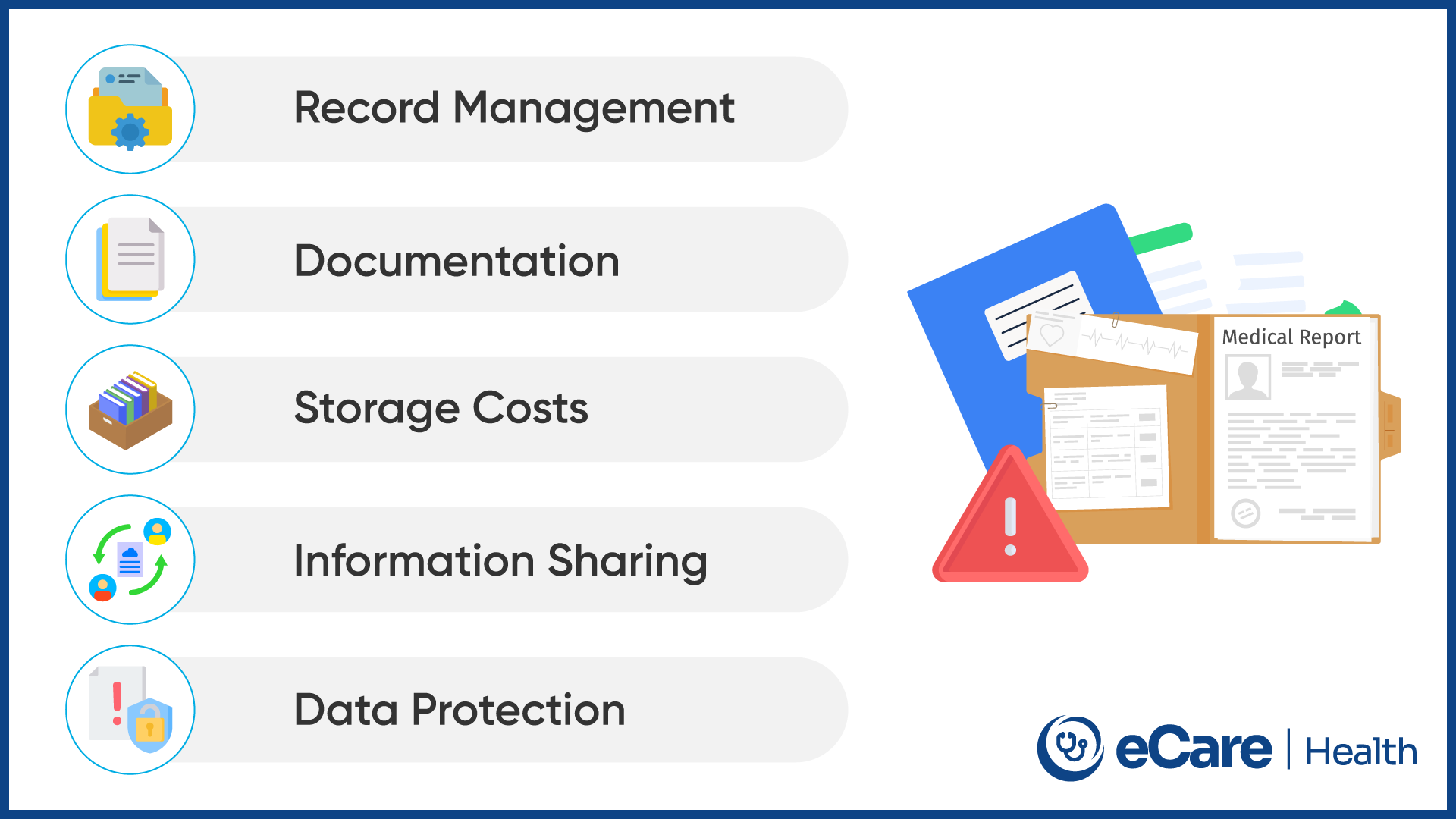
Let’s see some of the common challenges practices may face:
Time-Consuming Record Management
Staff may be required to search through filing cabinets, sort documents, and update files manually. If records are misplaced or filed incorrectly, finding your patient’s previous visit notes can take longer than expected.
Documentation and Readability Issues
Handwritten notes are difficult to read, as important details can be missed during documentation. With incomplete records, it becomes difficult for providers to review your patient’s history and understand previous care.
Storage and Administrative Expenses
Paper records require filing cabinets, physical storage space, printing supplies, and regular document handling. As the number of patient files increases, managing and storing them can add to administrative expenses.
Limited Information Sharing
Sharing paper records with another department or healthcare provider may require scanning, photocopying, faxing, or physical delivery. These extra steps can delay access to information and make coordination more difficult.
Risk of Lost or Damaged Records
Physical files can be misplaced, damaged by water or fire, or accessed by people who should not see them. Without proper filing and backup procedures, recovering missing information can be difficult.
These limitations can make paper-based record management harder as practice grows. Understanding these challenges helps explain why many healthcare providers consider switching to digital records.
How Does Switching to EHR Systems Affect Practice Operations?
Switching from paper records to an EHR system changes how your staff document visits, find patient information, and manage daily tasks. Rather than handling physical files, authorized staff can use digital records for reviewing medical histories, updating notes, and accessing information more easily.
However, the transition is not as simple as it seems; it requires proper planning. Before switching, your practice needs to choose software that fits its workflows, transfer existing patient records, and train staff to use the new system.
Migrated records should be checked for missing or incorrect information, and appropriate security measures must be in place to protect patient data.
Productivity may also slow down during the initial transition. Staff need time to learn the software and adjust to new workflows. Proper training and support can help them become comfortable with the system and reduce avoidable mistakes.
A successful transition is not just about replacing paper files with digital ones. It also involves preparing staff, checking data accuracy, and making sure the new system supports the practice's everyday needs.
How Long Does It Take to Implement an EHR System?
An EHR system implementation time relies on the size of your practice, software complexity, the number of records to transfer, and staff readiness. A small practice with a simple workflow can complete the process faster compared to a larger organization that needs several integrations and extensive data migration.
By understanding each stage, it becomes easier to plan the transition more efficiently.
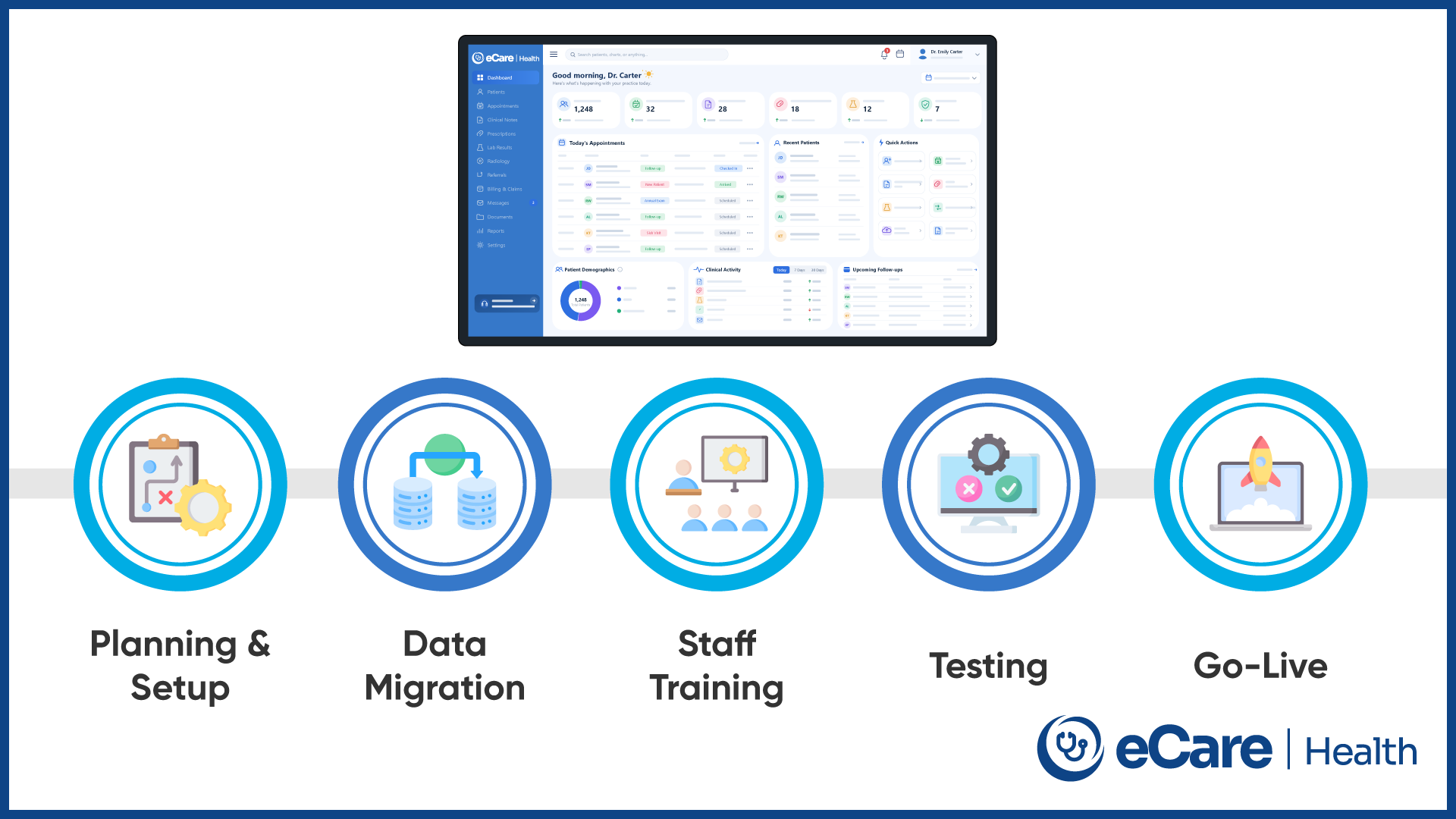
Planning and System Setup
Identifying your practice’s requirements, reviewing existing workflows, and choosing suitable software are the first steps to start the process. Then, the vendor configures the system depending on your practice’s requirements. Clear planning helps to establish a realistic EHR setup timeline and reduce delays later.
Data Migration and Staff Training
Existing patient records must be transferred to the new system and checked for missing or incorrect information. The amount and quality of the data can affect how long this stage takes. Staff training also happens during this period so employees can learn the new workflows before launch.
Testing and Go-Live
Before the system goes live, your practice must test common tasks like checking migrated records and resolve any issues. The EHR go-live duration also relies on how prepared the system and staff are. Once your system is in use, additional support may also be required while employees adjust.
Finally, the EHR implementation timeline varies from one practice to another. With careful planning, reliable data migration, and proper training, you can also make the transition seamless.
While estimating time to implement EHR, practices also must allow time to test and staff adjustment, not just software setup.
Conclusion: Understanding the Full Cost of an EHR System
The choice between EHR and paper records affects how a practice stores, finds, updates, and shares patient information. While paper records rely on manual processes, digital records can make everyday tasks easier and improve access to information.
Switching to an EHR system requires careful planning, accurate data migration, and staff training. Choosing software that fits your practice’s needs can help make the transition smoother. If you're considering moving to digital records, reach out to our team to explore your options.
Frequently Asked Questions (FAQs)
1. What is the difference between EHR and paper medical records?
EHRs store patient information digitally, allowing authorized staff to search, update, and access records electronically. Paper medical records rely on physical documents and manual filing. EHRs may also support electronic information sharing, while paper records often require scanning, copying, or physical transfer.
2. What are the advantages of EHR systems over paper records?
EHR systems can make patient information easier to find, reduce paperwork, and simplify documentation. They may also support information sharing, electronic prescribing, and connections with other healthcare tools. These benefits depend on the system's features and how well it fits the practice's workflows.
3. Are electronic health records more secure than paper records?
EHRs can use access controls, encryption, audit logs, and backups to protect patient information. Paper records can be misplaced, damaged, or accessed without permission. However, digital systems also face cybersecurity risks, so both methods require appropriate security measures and careful management.
4. How long does it take to implement an EHR system?
Implementation time varies depending on practice size, software complexity, data migration, integrations, and staff readiness. A smaller practice with straightforward requirements may complete implementation faster than a larger organization. Planning, training, testing, and post-launch support should all be included in the timeline.
5. What factors affect an EHR implementation timeline?
Key factors include the number of providers, existing record volume, data quality, system customization, integrations, and staff training needs. Delays can also occur when requirements are unclear or testing reveals issues that need to be fixed before launch.
6. What is included in an EHR setup timeline?
An EHR setup timeline typically includes requirements gathering, workflow planning, software configuration, data migration, staff training, system testing, and go-live preparation. The time required for each stage depends on the practice's needs and the complexity of the implementation.
7. What should a medical practice prepare before switching from paper records to an EHR?
A practice should identify its clinical and administrative needs, review existing workflows, organize patient records, and select suitable software. It should also plan data migration, assign implementation responsibilities, train staff, and establish security procedures to protect patient information during the transition.