EHR Usability: Why It Matters and What Good Design Looks Like
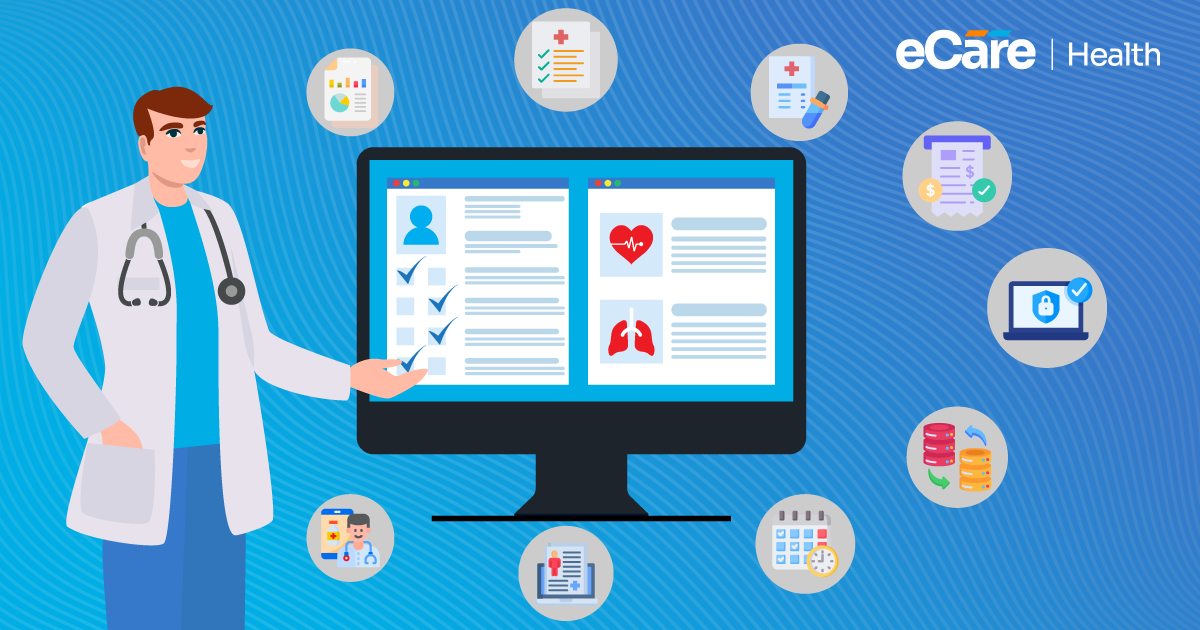
Your patient visit goes smoothly, the treatment is clear, and you are all set to move on to the next appointment. But here comes the main point: the documentation. Finding the right section, entering notes, checking previous records, and moving between screens can quickly turn your simple task into a frustrating part of your day.
And when this starts to happen with every patient, even small design issues can become hard to ignore. Here, EHR usability can start to make a real difference. Healthcare professionals need systems that are easy to learn, simple to navigate, and practical to use during everyday clinical tasks.
If EHR is difficult to work with, ultimately documentation can feel more challenging and frustrating. However, a well-designed system can assist users in finding information and completing routine tasks without creating any extra steps.
While comparing EHR software, it’s necessary to look beyond the features on offer. How easily can clinicians use those features during a busy workday?
If you understand what good usability looks like, it can help your practice to choose a system that fits your workflows and creates a better experience for the people who rely on it every day.
What Is EHR Usability?
EHR usability refers to how easily and effectively healthcare professionals can use an electronic health record system to complete their daily tasks. Simply put, it considers whether you can find patient information, document encounters, review results, and navigate the system without unnecessary confusion or effort.
Even though a system offer all the features your practice requires, they can become less useful if your staff struggle to find or use them. On the other hand, good usability makes your routine tasks more straightforward, while helping users to understand how the system actually works.
Several elements contribute to a positive EHR user experience:
- Learnability: New users can understand the system and become comfortable with its main functions without extensive training.
- Efficiency: Clinicians can complete common tasks without unnecessary clicks, repeated data entry, or confusing navigation.
- Consistency: Menus, buttons, layouts, and workflows behave predictably across different sections of the system.
- Accessibility: Users with different needs and abilities can navigate the interface and access essential functions.
- Error prevention: Clear instructions, appropriate alerts, and sensible defaults help reduce avoidable mistakes, such as selecting the wrong option or leaving required information incomplete.
All these elements work together. For example, the task becomes easier to complete when you can easily locate your patient’s medication list and understand how to update it. And this is exactly the purpose of effective EHR usability design, making the system work in a way that feels clear and practical to the people using it.
Why Is EHR Usability Important?
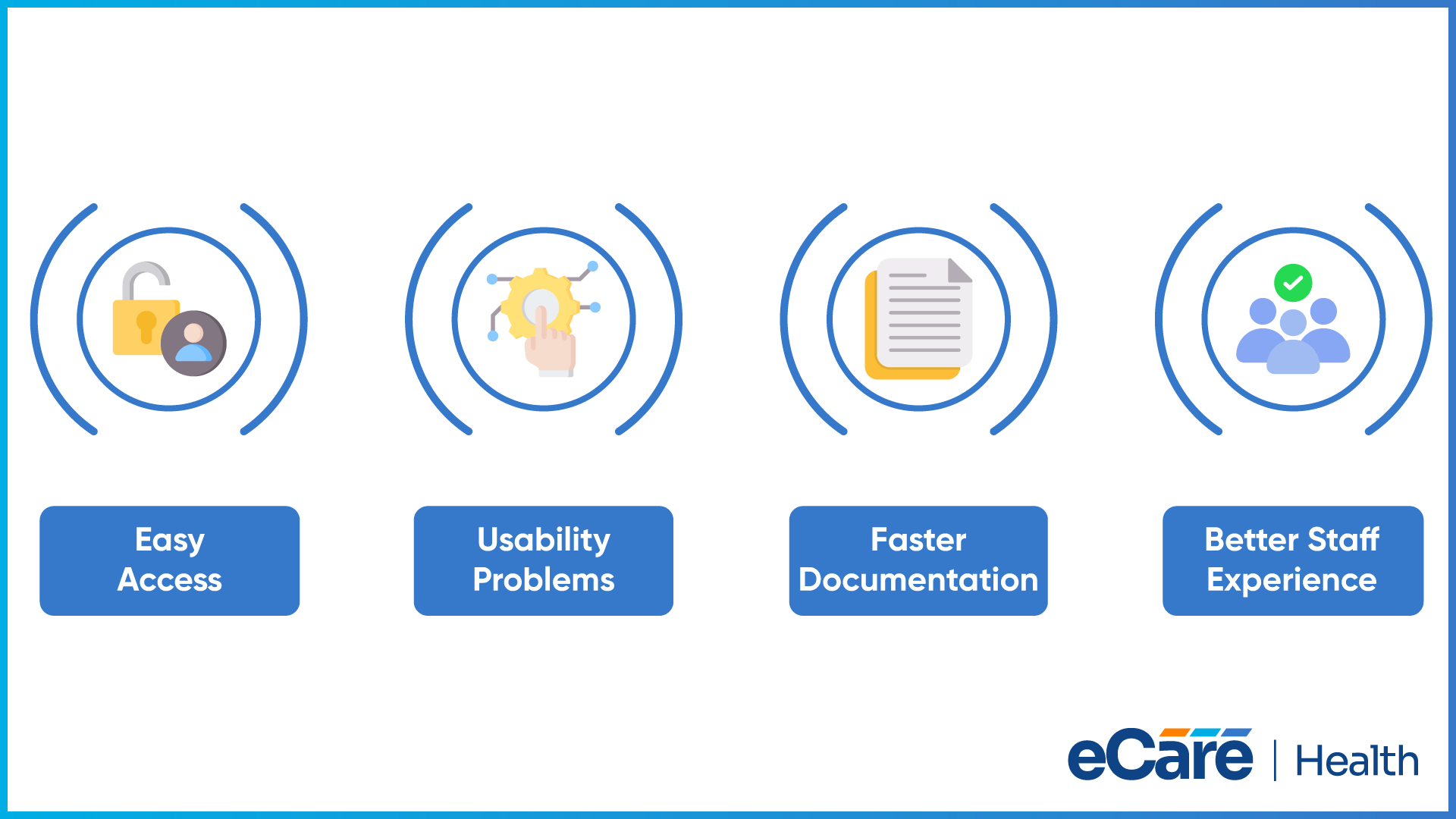
Clinicians already need to keep track of their patient concerns, treatment decisions, medications, and follow-up plans across the day. An EHR must help them to manage all this information, rather than making routine work harder than it requires to be. Good EHR usability enables clinicians to find their patient records, update notes, and complete common tasks without working through confusing menus or unnecessary steps.
The other side of this is that poor usability can create many problems in your daily work routine. For example, if you have to remember where information is stored, you need to move between multiple screens, or repeatedly enter the same information again and again. This can create cognitive overload.
Along with this, documentation can also take longer, important information can become harder to locate, and the chance of selecting the wrong option or overlooking a detail may increase. All these issues can automatically lead to errors and can make everyday clinical work more difficult.
Beyond individual tasks, a positive EHR user experience also matters. When your staff finds a system straightforward to use, they are more likely to feel comfortable with it and use its features consistently.
This is especially important when new employees join, or the practice introduces updated workflows. In contrast, a system that feels confusing may lead staff to avoid certain features or develop workarounds.
The goal is not simply to make an EHR look modern. It is to make everyday tasks easier to understand and complete, so the system fits the way a healthcare practice works.
What Makes an EHR System User-Friendly?
As discussed earlier, with a user-friendly EHR, everyday clinical tasks become easier to complete. The system must help your staff find information and move through workflows, from reviewing patient records to documenting encounters withput adding unncessary efforts.
Simple and Intuitive Navigation
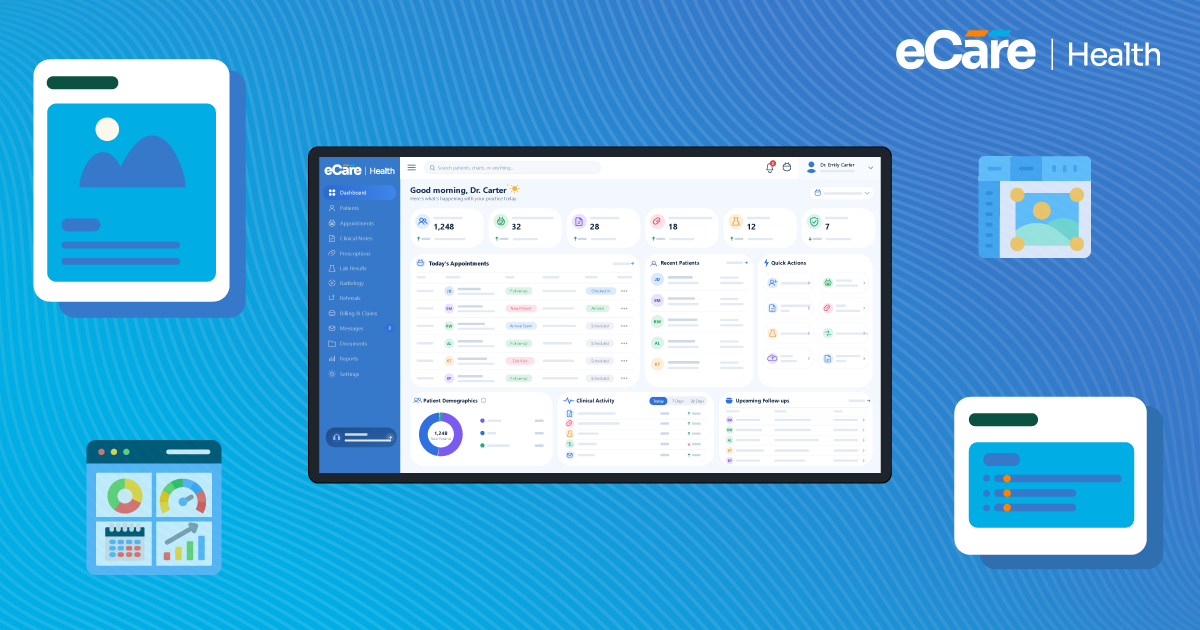
With clearly labeled menus, logical screen layouts, and continuous navigation, clinicians can find their patient information quickly. Also, by keeping frequently used functions accessible, it becomes easy to reduce the need to move between multiple screens. Users need to know where they are in the system and what steps come next.
Clear and Organized Patient Information
Patient demographics, medical history, medications, allergies, and clinical notes must be presented in a more readable and structured manner. Consistent placements assist you in locating relevant information, and clear visal cues make critical information easier for recognuzing without cluttering the screen.
Efficient Documentation
Factors like intuitive note-entry screens, relevant templates, and logical field sequences can make documentation easier. Appropriate defaults and reusable templates can help to reduce repetitive data entry; however, clinicians still need to review and edit notes easily to maintain accuracy.
Customization for Clinical Needs
Primary care, specialty care, and behavioral health practices have different documentation needs. Configurable templates, dashboards, and screen layouts can help each team access relevant information. However, customization should maintain enough consistency to support staff training and shared workflows.
Easy Learning and Accessibility
Clear labels, familiar controls, and helpful prompts can make an EHR easier to learn. Practical onboarding, role-specific training, and accessible support resources help staff use the system confidently. Readable text, sufficient contrast, and keyboard navigation can also support users with different accessibility needs.
Ultimately, good EHR usability design brings these elements together to make the system easier to learn and use in everyday clinical practice.
How Can Healthcare Practices Evaluate EHR Usability?
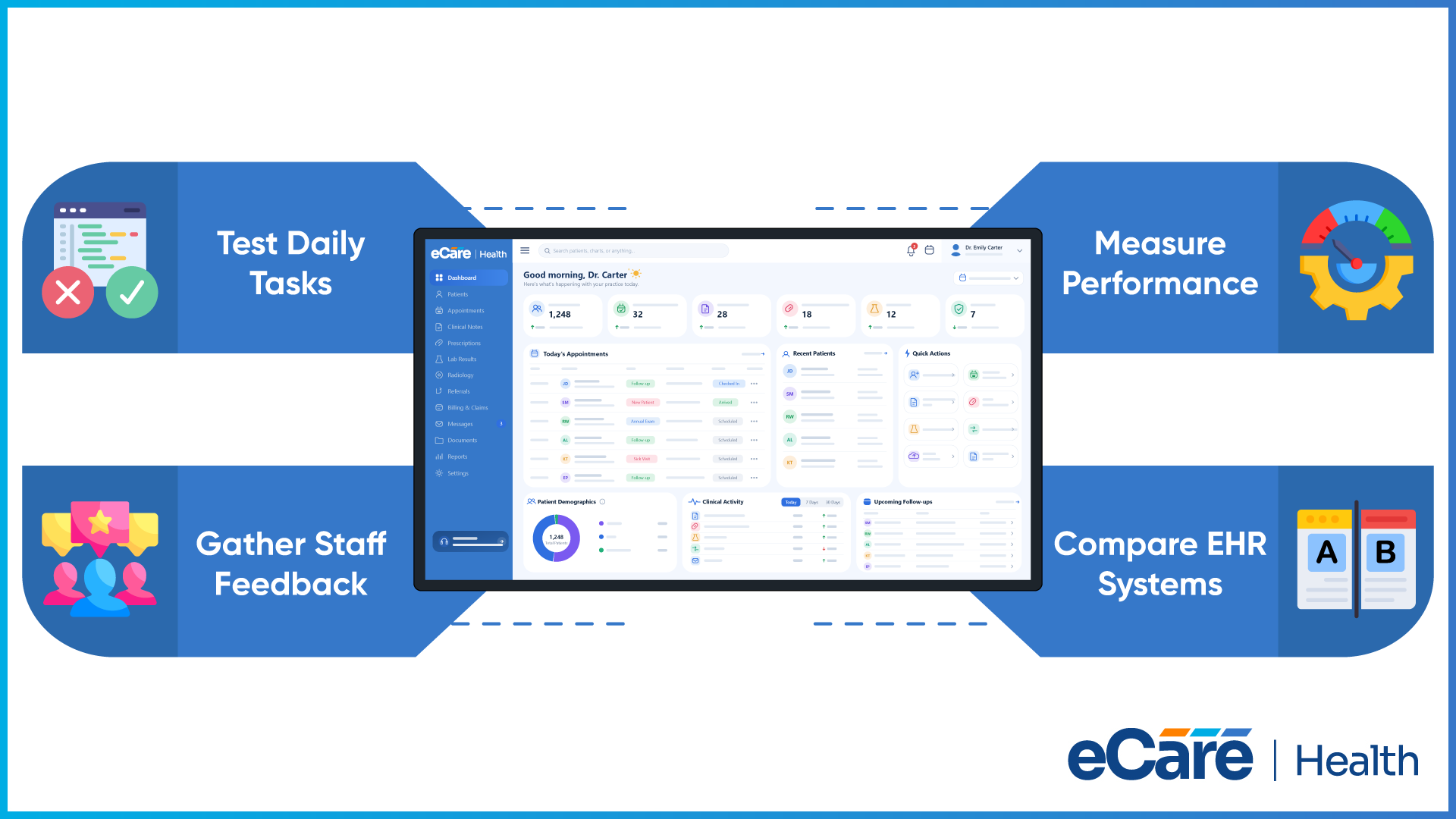
At first glance, a vendor demo may look smooth, but the real test is how easily your staff can complete their daily tasks. Let’s have a look at follow four steps to evaluate usability before choosing an EHR.
Step 1: Test everyday clinical tasks
Always ask your staff to complete common activities, including reviewing patient history, documenting an encounter, updating medications, and finding test results. Observe how many steps each task takes and whether users need any help.
Step 2: Involve the people who will use the system
Start to gather feedback from clinicians, nurses, and administrative staff across different specialties. Also ask what feels straightforward, where they get stuck, and whether important information is easy to find. Their feedback can reveal a lot of workflow issues that a vendor demonstration might miss.
Step 3: Check performance and user feedback
Look at task completion time, successful completion rates, navigation errors, and how often users need assistance. Combine these observations with staff surveys or interviews to understand both measurable difficulties and the reasons behind them. This gives a more complete picture of EHR usability.
Step 4: Compare systems before making a decision
Have staff test each shortlisted system using the same tasks and evaluation criteria. Document any issues and ask vendors whether they can be addressed. Alongside EHR ease of use, consider clinical requirements, security, interoperability, and implementation needs before making the final choice.
The goal is to choose a system that works for the people using it every day, not simply the one with the longest feature list.
Conclusion
The right EHR should make everyday clinical work easier, from finding patient information to completing documentation. Clear navigation, organized records, and intuitive workflows all contribute to better EHR usability.
Before choosing a system, practices should look beyond feature lists and test how it performs in real clinical scenarios. Feedback from clinicians and staff can help identify whether the system fits their workflows and day-to-day needs.
If your practice is evaluating EHR options, contact our team to discuss your clinical requirements and find a solution that works for your staff.
Frequently Asked Questions (FAQs)
1. What is EHR usability?
EHR usability refers to how easily and effectively healthcare professionals can use an electronic health record system to complete their daily tasks. It includes navigating patient records, documenting encounters, reviewing test results, and updating medications without unnecessary steps or confusion. A usable system supports clinical workflows rather than complicating them.
2. Why is EHR usability important in healthcare?
EHR usability is important because healthcare professionals work with patient information throughout the day. A well-designed system helps them locate records, complete documentation, and move between tasks more easily. Poor usability, on the other hand, can increase frustration, slow down routine workflows, and make it harder for staff to use the system consistently.
3. How does EHR usability affect healthcare providers?
EHR usability influences how healthcare providers manage documentation, review patient information, and complete clinical tasks. A confusing interface can increase cognitive burden and make routine work more time-consuming. An intuitive system helps providers navigate records more comfortably, reduces unnecessary effort, and supports a smoother workflow during busy clinical days.
4. What makes an EHR system user-friendly?
A user-friendly EHR offers clear navigation, organized patient information, straightforward documentation tools, and consistent screen layouts. Customizable templates can support different specialties, while readable text and accessible controls accommodate different user needs. Practical training and helpful support resources also make it easier for staff to learn and use the system confidently.
5. How can poor EHR usability affect patient care?
Poor EHR usability can make it difficult for clinicians to locate important patient details, review medication information, or complete documentation efficiently. Confusing screens and poorly organized records may also increase the risk of data-entry mistakes or overlooked information. These challenges can disrupt clinical workflows and potentially affect care decisions, depending on the circumstances.
6. How can healthcare practices measure EHR usability?
Healthcare practices can measure EHR usability by asking staff to complete common tasks, such as reviewing patient histories, documenting visits, and locating test results. They can track task completion time, success rates, navigation errors, and requests for assistance. Staff surveys and interviews provide additional insight into confusing features and areas that need improvement.
7. Can EHR training improve usability?
Yes, EHR training can help staff understand system features, follow clinical workflows, and complete routine tasks more confidently. Hands-on practice, role-specific sessions, and clear support materials can make the learning process easier. However, training alone cannot fix confusing navigation or poor interface design, so practices should address system limitations alongside staff education.