How Long Does EHR Implementation Take? Timeline and What to Expect
Planning to switch to a new EHR system involves much more than choosing software and setting a launch date.
For example, your practice requires time to prepare patient records, adjust workflows, train staff, and test the system before it can be used for daily operations. If all these tasks take longer than expected, the transition can also affect regular practice activities.
So, how long does it take to implement an EHR system?
Well, there is no single timeline for every practice. The time required usually relies heavily on factors like your practice size, system complexity, data migration, integrations, and staff readiness.
Understanding the EHR implementation timeline helps your practice to set realistic expectations while planning each stage of the transition. Choosing suitable EHR systems is only half of the battle, but equally important are proper planning, system setup, testing, and staff preparation.
Let’s dive into the blog to explore the key implementation stages, what can affect the timeline, and what practices should expect before and after go-live.
How Long Does It Take to Implement an EHR System?
The overall time required for an EHR system implementation relies on your practice size, its workflows, and the level of preparation. Your small practice with basic requirements can complete the implementation faster compared to a larger healthcare organization with multiple departments and complex integrations.
The following factors can affect the EHR implementation timeline:
| Factor | How It Affects Implementation Time |
|---|---|
| Practice Size and Workflows | Smaller practices with fewer workflows may need less setup time than larger organizations with multiple departments. |
| Vendor Readiness | Delays in system configuration, technical support, or integrations can extend the timeline. |
| Data Quality | Incomplete or duplicate patient records may require extra time for cleaning and verification before migration. |
| Customization and Integrations | Custom workflows and connections with other healthcare systems may require additional setup and testing. |
| Staff Availability | Limited staff time for training, testing, and decision-making can slow down the process. |
There is no fixed EHR setup timeline as every practice has different requirements. If you plan around these factors, your practice can set realistic expectations and prepare for each stage of implementation.
How Long Does It Take to Implement an EHR System?
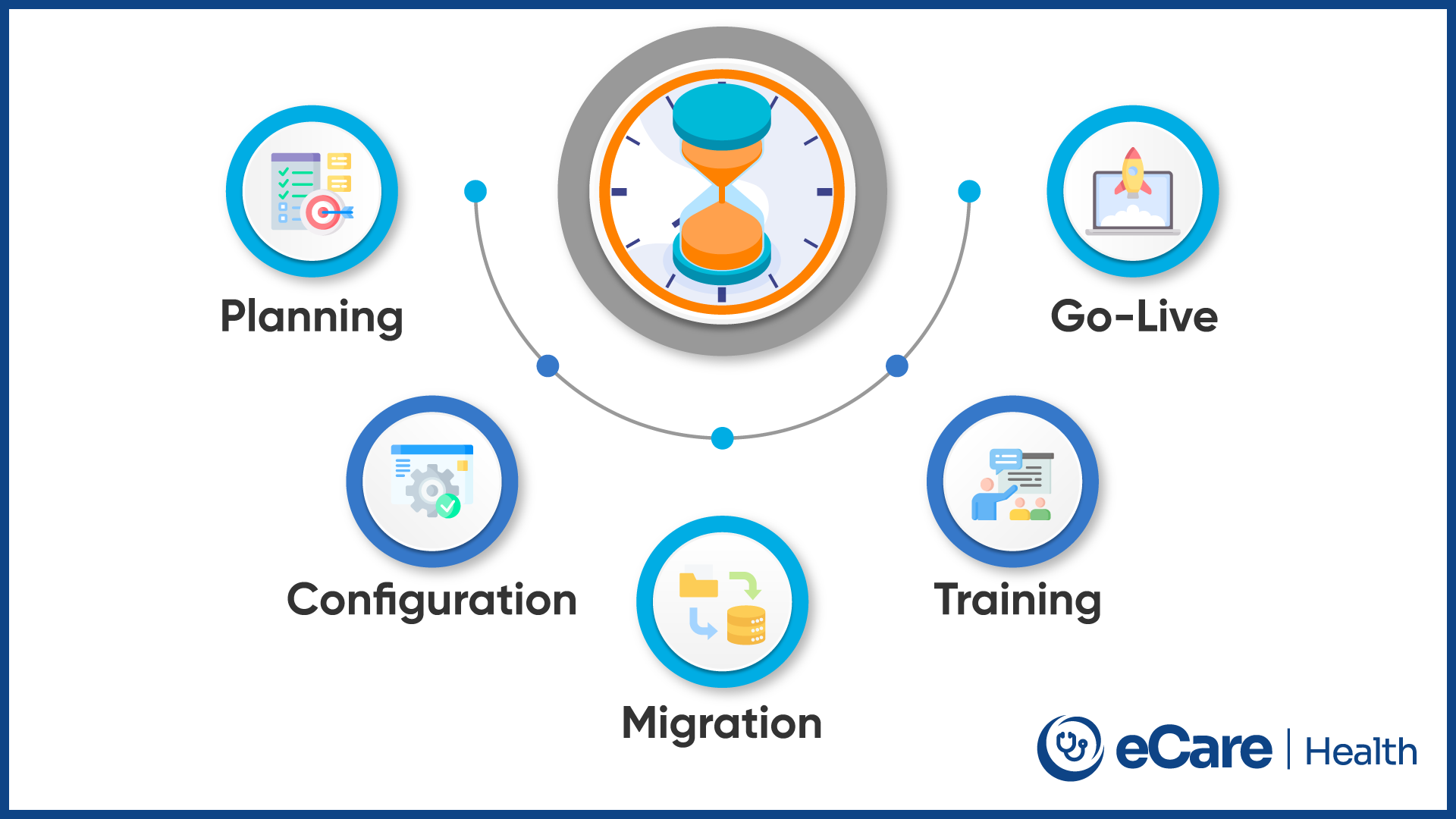
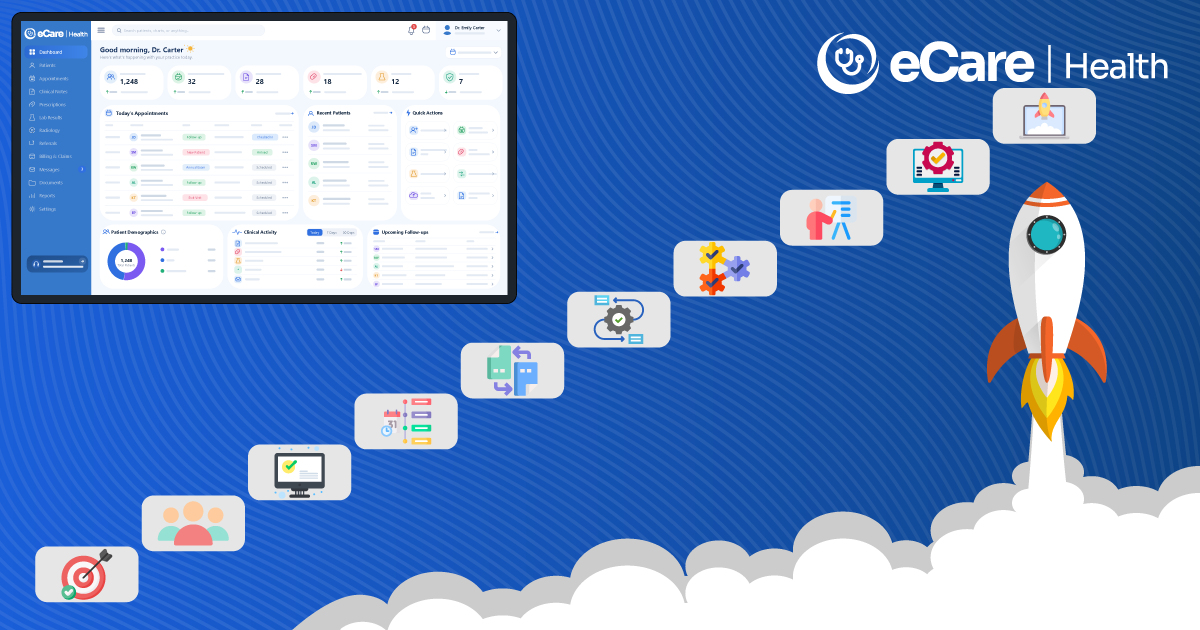
EHR implementation usually involves several stages, from initial planning to post-launch support. Each phase prepares the practice for the next and helps teams identify issues before they affect daily operations.
Phase 1: Planning and Requirements Gathering
- Define clinical and administrative requirements.
- Identify project owners, key stakeholders, and implementation goals.
- Set milestones and assign responsibilities.
Phase 2: System Configuration and Customization
- Set up templates, user roles, permissions, and workflows.
- Configure the system to match the practice's needs.
- Identify the integrations required before launch.
Phase 3: Data Migration and System Integration
- Transfer existing patient records and relevant historical data.
- Check migrated records for accuracy and completeness.
- Test connections with billing, laboratories, and e-prescribing systems, where applicable.
Phase 4: Staff Training and Workflow Testing
- Train employees based on their roles and responsibilities.
- Practice common tasks and daily workflows.
- Resolve configuration, access, and usability issues before launch.
Phase 5: Go-Live and Post-Launch Support
- Introduce the EHR system into daily practice operations.
- Monitor workflows and address any urgent issues.
- Provide additional staff support and make adjustments after launch.
eCareHealth supports a go-live timeline of 48 hours, helping practices get started with the platform quickly. However, the overall implementation duration may vary depending on data migration, integrations, customization, and staff readiness.
What Factors Affect the EHR Implementation Timeline?
The time required to implement an EHR system depends on the practice's size, existing workflows, technical requirements, and level of preparation. Some practices may need only basic configuration, while others require more time to coordinate teams, transfer records, and connect multiple systems.
Here are the key factors that can affect the EHR implementation timeline:
Practice Size and Complexity:
A small practice with a few providers may have fewer workflows and people to coordinate during implementation. Larger organizations with multiple locations, departments, and specialties need more time to gather requirements, configure workflows, assign responsibilities, and test the system across teams.
Data Migration Requirements:
Moving patient records from an existing system involves more than transferring files. Records may need to be reviewed for missing information, duplicate entries, and inconsistent formats before migration. Larger datasets or poor data quality can increase the time needed for cleaning, mapping, transferring, and validating information.
Customization and Integrations:
Every practice has different clinical and administrative workflows. Configuring templates, user roles, permissions, and other settings to match these requirements can affect the schedule. Integrations with billing platforms, laboratories, pharmacies, and e-prescribing tools may also require additional development and testing before go-live.
Vendor Implementation Support:
The vendor's technical resources, availability, and response time can influence how quickly implementation tasks move forward. Delayed configuration, unresolved technical issues, or limited guidance can hold up other activities.
Understanding how to evaluate EHR vendors for implementation speed and support helps practices assess their implementation process, support availability, and approach to resolving issues before selecting a vendor.
Staff Readiness and Adoption:
Employees need time to attend training, practice routine tasks, and become familiar with the new workflows. If training is difficult to schedule or key staff members are unavailable for testing and feedback, implementation may take longer. Staff resistance to changing familiar processes can also slow adoption.
Regulatory and Compliance Requirements:
Practices must consider relevant HIPAA safeguards, user access controls, data security measures, and applicable certification requirements during implementation. Reviewing these requirements, configuring appropriate controls, and checking that the system supports the organization's compliance needs may add to the preparation and testing process.
Considering these factors during the planning stage helps practices estimate the time and resources required for implementation. It also gives teams a better opportunity to address potential delays before they affect the go-live schedule.
How Can Healthcare Practices Keep EHR Implementation on Schedule?
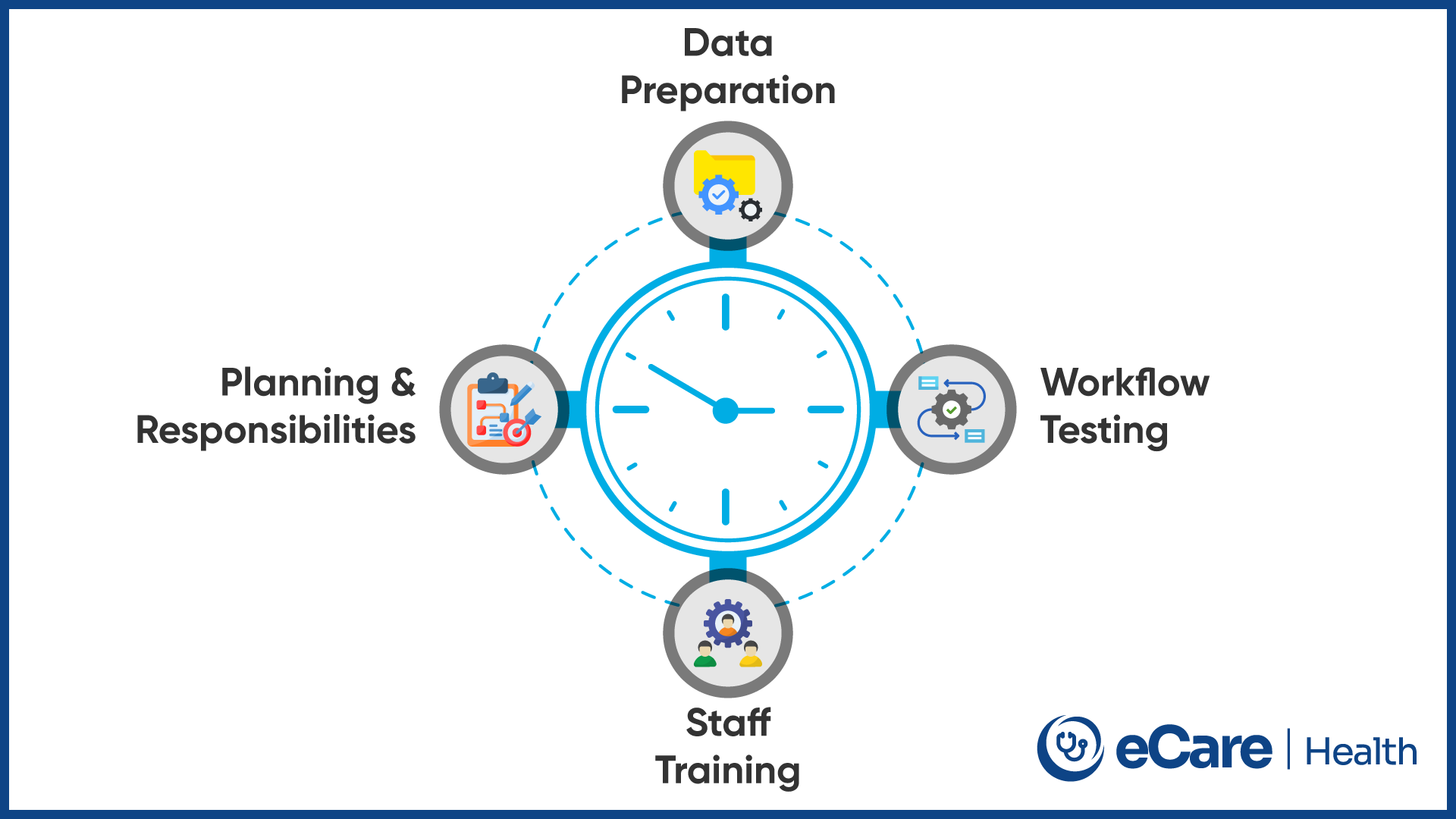
Keeping EHR implementation on schedule requires planning, coordination, and timely decisions. Practices can avoid many delays by preparing their teams, organizing patient data, and testing important workflows before the system goes live.
Set Clear Goals and Responsibilities
Start by assigning an implementation lead who can coordinate activities and track progress. Define the responsibilities of clinical, administrative, and IT teams so everyone knows what they need to complete. Setting realistic milestones and clear decision-making processes also helps teams address delays before they affect the overall schedule.
Prepare Data Before Migration
Review existing patient records before transferring them to the new EHR system. Identify duplicate entries, missing information, and inconsistent formats that may cause problems during migration.
Practices should also decide how migrated records will be checked and reconciled. Preparing the data in advance reduces the need for repeated corrections after transfer.
Prioritize Training and Change Management
Schedule role-based training before go-live so employees understand how to use the features relevant to their responsibilities. Practices can also appoint internal super-users who receive additional training and help colleagues with common questions.
Communicating workflow changes early and listening to staff concerns can make the transition easier. Following best practices for change management and staff adoption during EHR implementation helps teams prepare for new processes and reduces confusion during the transition.
Test Workflows Before Go-Live
Before launch, ask staff to practice common tasks such as patient registration, appointment scheduling, clinical documentation, and billing. Check whether integrations, user permissions, and other critical functions work as expected. Practices should also establish an escalation plan so employees know whom to contact when issues arise during go-live.
Taking these steps helps teams identify potential problems early, manage their responsibilities, and keep implementation activities moving according to plan.
What Should Practices Complete Before EHR Go-Live?
Before introducing the new EHR system into daily operations, practices should confirm that essential setup, testing, and training activities are complete. Use this checklist to review go-live readiness:
- Confirm System Configuration and User Access: Check that templates, workflows, user roles, and permissions are configured correctly. Ensure employees can access the features they need for their responsibilities.
- Complete Data Migration and Validation: Verify that patient records have been transferred accurately. Check for missing information, duplicate entries, and other data discrepancies before launch.
- Test Required Integrations: Confirm that connections with billing systems, laboratories, pharmacies, and other required tools are working as expected.
- Verify Security and Compliance Controls: Review access permissions, authentication settings, data protection measures, and audit controls. Complete the relevant regulatory and compliance steps during EHR implementation (HIPAA, certification) based on the system and practice requirements.
- Complete Staff Training: Ensure clinical, administrative, and billing staff have received role-specific training and understand how to perform their routine tasks.
- Test Clinical and Administrative Workflows: Practice common activities such as patient registration, appointment scheduling, documentation, ordering, and billing to identify issues before launch.
- Prepare Downtime and Escalation Procedures: Establish steps for handling system outages or technical issues. Share escalation contacts so staff know whom to reach when problems occur.
- Confirm Post-Launch Support: Check vendor support availability, response procedures, and the internal team responsible for addressing issues during the initial go-live period.
Completing these checks helps practices identify readiness gaps before launch and gives staff a clearer idea of how to handle the transition.
Conclusion
The time required for EHR implementation depends on a practice's requirements, data readiness, integrations, staff training, and vendor support. While some practices may complete the process faster than others, proper preparation is important for keeping each stage on track.
Setting realistic milestones, assigning clear responsibilities, and addressing potential issues early can help reduce avoidable delays and prepare staff for a smoother transition.
If you're planning to implement a new EHR system, reach our team to discuss your practice's requirements and explore how eCareHealth can support your implementation.
Frequently Asked Questions (FAQs)
1. How long does it take to implement an EHR system in a small medical practice?
A small medical practice may complete EHR implementation faster than a larger organization because it usually has fewer providers, workflows, and integrations to manage. However, the actual timeline depends on data migration, system configuration, staff availability, and vendor support.
2. What is included in an EHR implementation timeline?
An EHR implementation timeline typically includes planning and requirements gathering, system configuration, data migration, integration testing, staff training, workflow testing, and go-live. It may also include post-launch support and adjustments to help staff adapt to the new system.
3. What is the difference between EHR setup and go-live?
EHR setup involves configuring the system, transferring patient records, setting user permissions, and preparing workflows. Go-live is the stage when the practice starts using the new EHR for daily operations. Testing and staff training generally take place before go-live.
4. What factors can delay EHR implementation?
Several factors can extend implementation, including poor data quality, complex integrations, extensive customization, delayed vendor support, and limited staff availability. Unclear project responsibilities and delays in decision-making can also affect progress.
5. How long does staff training take during EHR implementation?
Staff training does not follow a fixed schedule. It depends on the number of users, their roles, the complexity of the system, and their familiarity with EHR software. Training should cover the tasks employees handle regularly, with additional practice and support provided before and after go-live.
6. What should a practice complete before an EHR system goes live?
Before go-live, a practice should complete system configuration, data migration and validation, integration testing, security checks, and role-based staff training. It should also test common clinical and administrative workflows, prepare downtime procedures, and confirm post-launch support arrangements.
7. Can an EHR system be implemented without disrupting patient care?
Practices can reduce disruption by planning implementation carefully, scheduling training in advance, validating patient records, and testing workflows before launch. They should also prepare downtime procedures and arrange additional support during the initial go-live period. Some temporary workflow adjustments may still be necessary as staff become familiar with the new system.