EHR Evaluation Checklist: 15 Questions to Ask Before You Sign a Contract
Ever liked an EHR demo but still felt unsure if the software was right for your practice?
For any healthcare practice, choosing an EHR system is a major decision. However, the challenge doesn’t always become clear during a vendor demonstration. After signing the agreement, unexpected fees, missing features, complicated workflows, or unclear contract terms can create major issues.
By evaluating these details earlier, it becomes easy for your practice to make informed decisions and avoid costly mistakes during implementation. Just like that, a practical EHR evaluation checklist provides a structured way for your team to assess vendors before committing.
Whether you are comparing traditional systems or exploring cloud-based EHR software, it’s necessary to look beyond the feature list and advertised price. Always start by confirming that the system meets your clinical as well as administrative needs.
Also, start by reviewing its features, integration capabilities, security measures, implementation process, and ongoing support. Also, take a closer look at the pricing, including setup fees, optional features, training, and renewal terms.
Let’s dive into the blog to explore 15 questions to ask EHR vendors before signing a contract, helping you compare options, identify potential concerns, and choose a system that fits your practice’s needs and future plans.
15 Questions to Ask Before Signing an EHR Contract
1. Does the EHR Meet Our Practice’s Clinical and Administrative Requirements?
Check if the system fits your specialty, patient volume, and daily workflows. For example, a primary care clinic might require preventive care documentation and chronic disease tracking; on the other hand, a specialty practice might need specific templates and clinical tools.
By creating an EHR requirements checklist, it becomes easier to separate key capabilities from optional features. You can then share it with your shortlisted vendors and ask them to demonstrate how their systems meet each requirement before moving on to the next.
2. Does the System Include the Features We Need?
Start by reviewing all the features,, like clinical documentation, appointment scheduling, e-prescribing, billing, and reporting, that your team uses regularly. Instead of depending on a general feature list, ask vendors to demonstrate these functions using realistic scenarios.
Along with this, also confirm which features are included in the standard package and which require additional fees. It is possible that some features can be available only through higher subscription tiers or paid add-ons.
By clarifying all these details, you can avoid paying extra for features your practice expected to receive.
3. Can the EHR Integrate With Our Existing Systems?
Your EHR might need to exchange information with laboratories, pharmacies, billing platforms, and other healthcare applications. Always ask vendors which integrations are available and whether they support the systems your practice already uses.
Clarify whether integrations require additional setup fees, third-party services, or ongoing maintenance charges. You should also ask how integration issues are identified and resolved. An EHR that cannot connect reliably with essential tools may leave staff managing information manually.
4. Is the EHR Easy for Our Staff to Use?
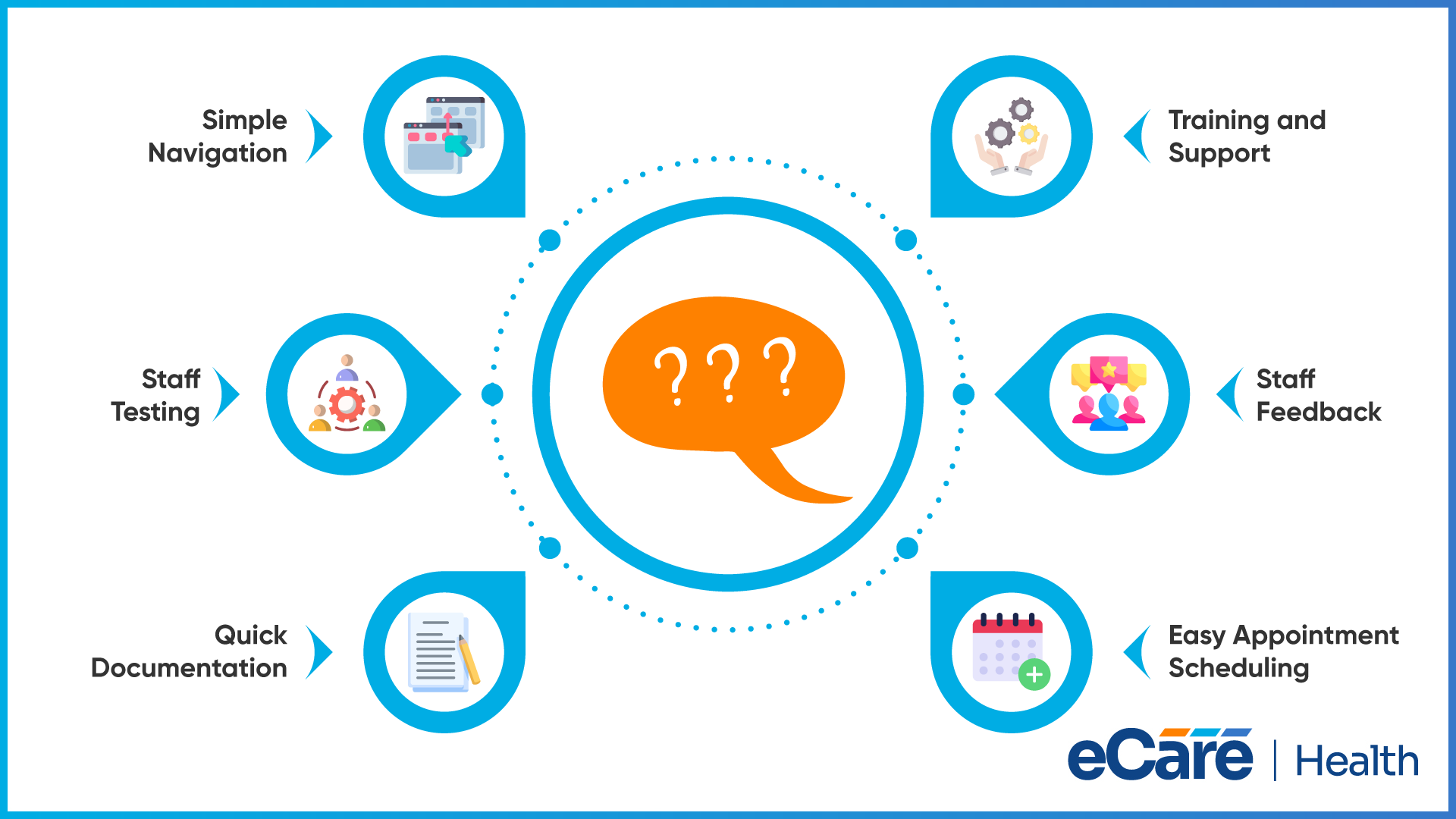
It is a fact that even after offering extensive features, a system can still be difficult to navigate. During an EHR demo checklist review, always ask clinicians and administrative staff to test routine tasks, including documenting a visit, locating patient records, and scheduling appointments.
Notice whether users can complete all these tasks without unnecessary steps or confusing workarounds. Additionally, ask about training resources and support for new employees. Your staff feedback during testing can reveal usability issues that may be overlooked in a vendor’s presentation.
5. How Securely Does the Vendor Handle Patient Data?
As patient information needs appropriate protection, ask vendors about user permissions, authentication, encryption, audit logs, and backup procedures. Find out how security incidents are handled and what safeguards are available for protecting data from unauthorized access.
Furthermore, if your practice is subject to HIPAA, clarify how the vendor supports applicable requirements and whether a business associate agreement is required. Also request relevant security documentation and understand the responsibilities of both parties. Avoid depending on broad claims such as “fully secure” without supporting details.
6. What Is the Total Cost of the EHR System?
Many times, the advertised subscription or licensing fee might not reflect the full cost of ownership. Request an itemized quote including implementation, data migration, staff training, integrations, customization, and ongoing support.
Also, always ask about charges for additional users, optional modules, storage, and third-party services. Moreover, clarify renewal increases and the conditions under which fees can change.
If you compare all these expenses across vendors, it becomes helpful for you to understand the actual financial commitment before signing.
7. What Does the Implementation Process Include?
Always ask the vendor to outline the implementation process, including configuration, workflow setup, testing, training, and go-live preparation. By requesting an estimated timeline, also clarify which tasks your practice must complete before launch.
Also confirm who will manage each stage, how progress will be tracked, and what happens if implementation is delayed. You also need to understand what support will be available during the initial launch phase. With a care plan, your care team can prepare for the transition and reduce avoidable disruptions.
8. How Will Our Existing Patient Data Be Migrated?
Switching EHR systems goes far beyond transferring basic patient details. Records might include clinical notes, diagnoses, medication histories, allergies, and other information required for ongoing care.
Ask how the vendor will transfer these records, which formats are supported, and who is responsible for checking data accuracy.
Confirm whether migration testing and validation are included in the price. Before going live, verify that important records are complete, accessible, and correctly associated with the relevant patients.
9. What Training Will the Vendor Provide?
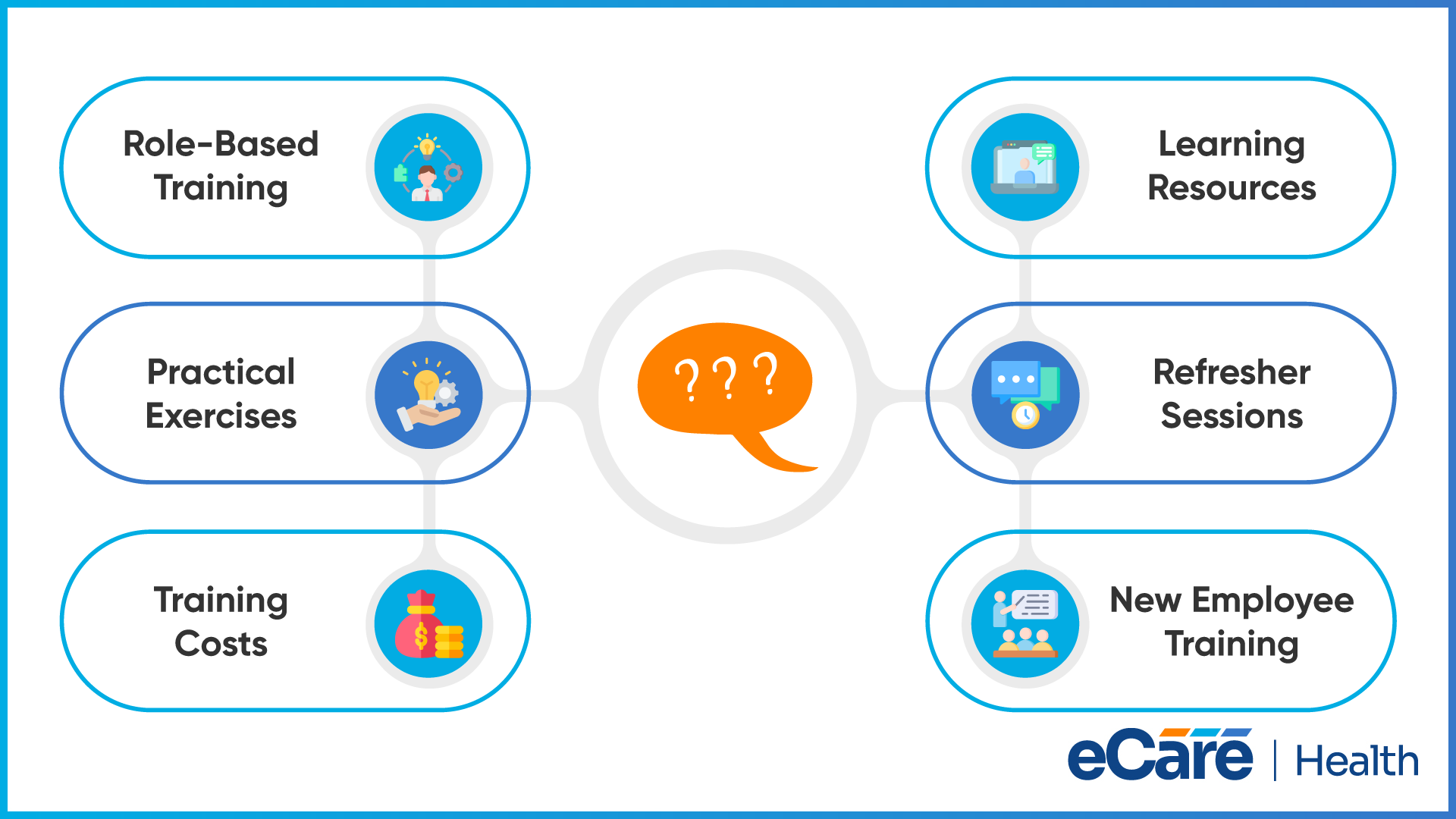
Training should prepare staff to use the system confidently in their daily roles. Ask whether the vendor offers separate sessions for clinicians, administrative staff, and billing teams, with practical exercises relevant to each group.
Clarify whether training is included in the contract, how sessions are delivered, and whether recorded materials or reference guides are available. Find out if refresher sessions and training for new employees cost extra. A clear training plan can help staff adapt to new workflows more smoothly.
10. What Customer Support Is Available After Go-Live?
Even a well-tested system may require technical assistance after launch. Ask whether support is available by phone, email, chat, or another channel, and confirm the hours of operation.
Clarify expected response times, escalation procedures, and how urgent issues are handled. Find out whether support is included in the subscription or requires a separate plan. Review these commitments in the contract so your team understands what assistance to expect when problems affect daily operations.
11. How Often Is the System Updated and Maintained?
Regular maintenance and software updates can affect system performance, security, and available features. Ask how frequently updates are released, how planned maintenance is scheduled, and whether downtime may occur.
Find out how the vendor communicates changes and whether updates could affect existing workflows or integrations. Also, ask whether new features are included in your subscription or require additional payment. Understanding the update process helps your practice prepare for changes rather than being surprised by them.
12. Can the EHR Scale as Our Practice Grows?
Your practice may add providers, expand services, open new locations, or manage a larger patient population. Ask whether the system can accommodate these changes without requiring a major platform change.
Clarify how adding users or locations affects pricing, whether different subscription tiers have limitations, and if additional capabilities are needed for expansion. Consider your likely needs over the next few years, not just your current operations. This can help you avoid outgrowing the system sooner than expected.
13. Who Owns Our Data, and Can We Export It?
Before signing, clarify your practice’s rights to access and retrieve patient records. Ask which export formats are available, whether the vendor provides migration assistance if you switch systems, and how long data retrieval typically takes.
Also, confirm whether export services involve additional charges or restrictions. Understand how the vendor will handle your records at the end of the agreement. Clear data ownership and portability terms help your practice retain access to important information if you change providers in the future.
14. What Happens if We Want to Terminate the Contract?
Review the contract duration, renewal conditions, notice periods, and any early termination fees. Check whether the agreement renews automatically and how much notice your practice must provide to avoid an unwanted renewal.
Ask what happens to patient data after termination, including how records will be returned and when system access will end. Clarify any charges for data export or transition assistance. Understanding these terms before signing gives your practice a clearer picture of its options if the relationship no longer meets your needs.
15. Can You Provide References From Similar Healthcare Practices?
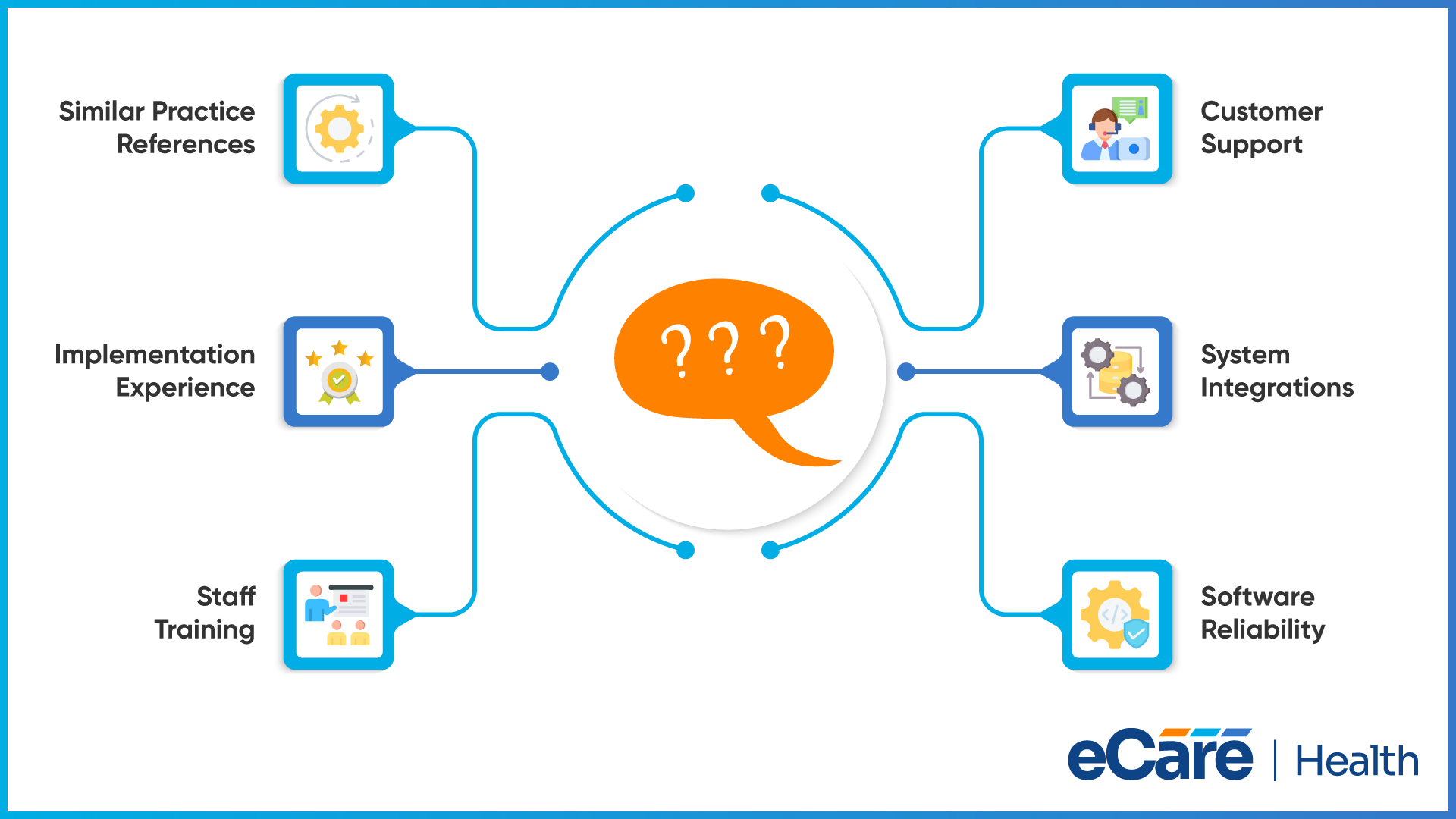
Ask vendors for references from practices with similar specialties, sizes, or workflows. Their experiences can help you understand how the system performs beyond a prepared demonstration.
Ask about implementation timelines, staff training, customer support, integration challenges, and system reliability. You can also ask whether the vendor responded effectively when problems arose. While one practice’s experience may not predict yours exactly, feedback from comparable organizations can help you identify concerns and make a more informed decision.
Conclusion
Choosing an EHR involves more than comparing features or prices. Before signing a contract, verify that the system meets your practice’s requirements, protects patient information, integrates with existing tools, and includes the training and support your team needs. Review all costs, renewal conditions, and data export terms to avoid unexpected challenges later.
Compare each vendor’s responses against your documented requirements rather than relying on promises made during a demonstration. This will help you identify the system that best fits your practice today and as it grows.
If you need help exploring suitable options, speak with our team to discuss your practice’s EHR needs.
Frequently Asked Questions (FAQs)
1. What should be included in an EHR evaluation checklist?
An EHR evaluation checklist should cover clinical and administrative features, ease of use, system integrations, data security, implementation, staff training, customer support, and total costs. It should also include contract terms, data ownership, renewal conditions, and options for exporting patient records if the practice switches vendors.
2. What questions should you ask an EHR vendor before signing a contract?
Ask whether the EHR meets your practice’s needs, what features are included in the price, and whether it integrates with your existing systems. Also, clarify implementation timelines, training, support availability, security measures, renewal terms, termination fees, and how you can access or export patient data.
3. How can a practice compare different EHR vendors?
Start by listing your practice’s essential requirements and use the same criteria to evaluate each vendor. Compare features, ease of use, integration options, security safeguards, implementation support, and total costs. Request demonstrations, check references from similar practices, and review contract terms before making a final decision.
4. What should an EHR demo checklist include?
An EHR demo checklist should cover everyday tasks such as accessing patient records, documenting visits, managing appointments, prescribing medications, and generating reports. Test relevant integrations and ask which features require additional fees. Include the needs of physicians, nurses, and administrative staff to see how well the system fits your workflows.
5. What contract terms should healthcare practices review before choosing an EHR?
Review the contract duration, renewal conditions, cancellation notice period, early termination fees, and potential price increases. Check which services are included, how support is provided, and whether additional fees apply to integrations or data migration. Confirm data ownership, export options, and access to records after the contract ends.
6. How can practices verify EHR security and compliance?
Ask the vendor about encryption, user access controls, multi-factor authentication, audit logs, backups, and incident response procedures. For US practices, review how the vendor supports applicable HIPAA requirements and clarify the responsibilities of each party. Request relevant security documentation and agreements, such as a Business Associate Agreement when required.
7. What should a practice check before signing an EHR software contract?
Before signing, confirm that the system meets your requirements and that all quoted costs, implementation responsibilities, training arrangements, and support commitments are documented. Review renewal and termination clauses, data export options, and security responsibilities. Make sure any promises made during the demonstration are reflected in the written agreement.