What to Expect at an EHR Demo: 12 Questions to Ask and Red Flags to Watch
A polished sales presentation can make any EHR system look impressive. But what happens when your staff starts to use it during a busy clinic day?
Tasks like finding your patient records, documenting visits, or managing appointments may not be as simple as the vendor’s presentation suggests. This is why seeing the software in action matters the most before making any decisions.
With an EHR demo, your practice gets a chance to explore how the software works before committing to a vendor. This includes documenting patient visits, managing appointments, and reviewing medical records. It helps doctors, administrators, and other team members check whether the system supports their daily tasks. It is also an opportunity to explore integrations, security features, and pricing.
During the demo, practices should look beyond the features shown by the vendor. For example, if protecting patient information is a priority, ask how the system supports access controls, audit logs, and other safeguards offered by HIPAA-compliant EHR software.
Having a clear list of questions can make the evaluation easier. This guide covers 12 EHR demo questions to ask, what to look for during an EHR software demo, and the red flags that may indicate a system is not the right fit for your practice.
12 Questions to Ask During an EHR Demo
An EHR demo gives you a chance to see if the software is a perfect fit for your practice’s daily requirements or not. Rather than focusing on the features your shortlisted vendor presents, ask questions so that you can understand how the system will work for your team.
Here are a few questions to ask:
Does the EHR Meet Our Practice’s Requirements?
Every practice has different requirements. For example, a primary care clinic may emphasize more on patient records and prescriptions; on the other hand, a specialty clinic may need specific documentation templates.
During the demo, always check whether the system supports your essential clinical as well as administrative tasks like scheduling, billing, and patient record management.
Along with this, start to prepare a list of must-have features before the demo and ask the vendor to show how each feature works. This will help you identify any missing features before making a decision.
Is the EHR Easy for Staff to Use?
Even though an EHR offers many features, those features are useful only when your team finds them comfortable to use. During the demo, always pay attention to how easily users can find patient records, move between screens, and complete routine tasks.
Additionally, ask vendors to demonstrate common activities like documenting a patient visit or scheduling an appointment. Also, let your doctors, nurses, and administrative staff try the interface themselves if possible.
Their feedback helps you to judge whether the system will fit into your daily workflow without adding any unnecessary steps.
Can We Customize Templates and Workflows?
It is a fact that not every practice documents patient visits in the same way, so ask the vendor whether you can customize clinical templates, forms, and workflows to match your specialty and documentation requirements.
For example, a practice may want templates for specific conditions or a standard format for recording examination findings. Ask whether staff can make these changes themselves or need help from the vendor.
Also, check whether customization requires additional fees or technical support. This will help you understand how easily the EHR can adapt to your practice.
Which Features Are Included in the Price?
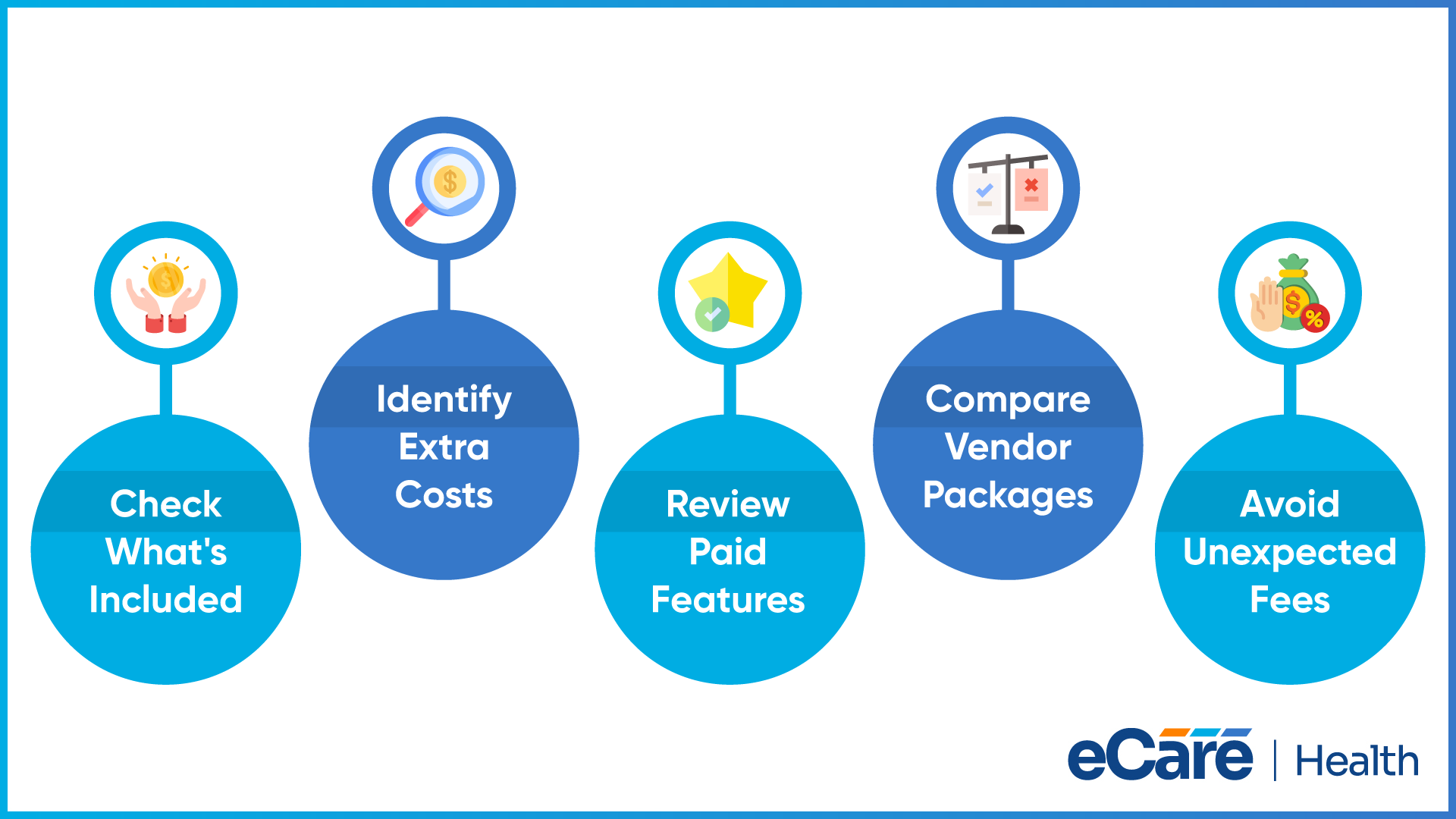
If you want to understand what you are paying for, an EHR demo is a perfect time for it. Ask your vendor which features come with the standard package and which need additional fees. Sometimes systems charge extra for reporting tools, advanced templates, patient portals, or other optional modules.
To compare vendors fairly and avoid unexpected costs after implementation, always request a clear breakdown of included features and paid add-ons.
Can the EHR Integrate With Our Existing Systems?
As your practice may already be using tools for billing, laboratory tests, prescriptions, or other administrative tasks, ask the vendor whether the EHR can connect with all these systems and exchange the information your team requires.
Also request examples of how these integrations work, during the demo. Ask whether any connections need third-party services, additional setup, or recurring fees to understand whether the EHR will fit your existing setup without creating any extra work.
How Does the EHR Exchange Patient Information?
Your patient information may require to move between your practice, laboratories, pharmacies, and other healthcare providers. Ask your shortlisted vendor how the EHR shares records with these organizations and whether information can be exchanged automatically or need manual entry.
Along with this, also ask which interoperability standards the system supports, including HL7 or FHIR, as these standards help healthcare systems in exchanging information in continuous formats. Moreover, confirm that the EHR can connect with the specific organizations and applications your practice uses.
What Security Measures Protect Patient Health Information?
It is necessary to understand how the EHR protects patients’ records as these records are sensitive. So, ask the vendor about encryption, role-based access control, and multi-factor authentication. Also check whether the audit logs can track who access patient records and what changes are made.
Ask how the vendor supports applicable HIPAA requirements and responds to security incidents. Clarify how potential data breaches are reported, what steps the vendor takes to investigate them, and which responsibilities fall to your practice. These details help you assess whether the system’s security measures meet your needs.
What Backup and Disaster Recovery Options Are Available?
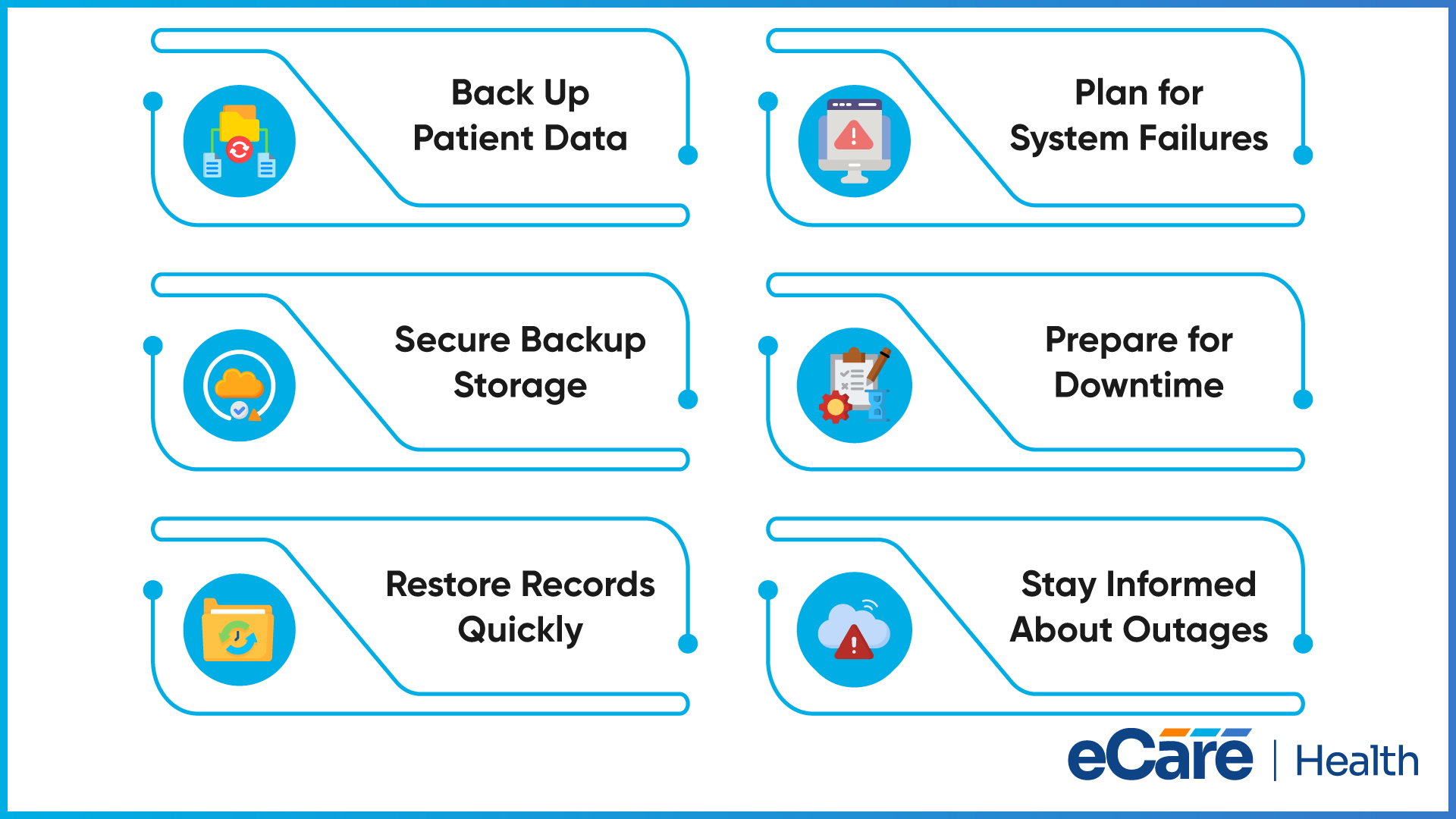
Issues like technical problems, system failures, or unexpected outages can interrupt access to patient records. Ask how frequently the vendor backs up data, where backups are stored, and how records can be restored if information is lost.
Discuss the vendor’s disaster recovery plan and the steps your practice should follow during downtime. Ask how quickly the system is expected to recover and how the vendor communicates service disruptions. Clear answers help you understand how the practice can continue essential operations when the system is unavailable.
What Does Implementation and Data Migration Involve?
Moving to a new EHR involves more than installing software. Existing patient records may need to be transferred, workflows configured, and staff prepared to use the system. Ask the vendor for an implementation timeline and a clear breakdown of responsibilities for both parties.
Find out how historical records will be transferred and checked for accuracy. Also, ask how the vendor plans to minimize disruption during the transition. Understanding these steps in advance can help your practice prepare for the change and avoid unnecessary delays.
What Training and Technical Support Are Provided?
Even an easy-to-use EHR can take time for staff to learn. Ask what training is available for clinicians and administrative teams, whether sessions are included in the price, and whether training materials remain accessible after implementation.
You should also clarify technical support hours, available contact methods, expected response times, and escalation procedures for urgent issues. Knowing where to turn when a problem occurs helps your team prepare for daily use and reduces uncertainty after the system goes live.
What Is the Total Cost of the EHR System?
The subscription fee alone may not reflect the full cost of an EHR. Ask the vendor to explain all expected expenses, including implementation, data migration, training, integrations, maintenance, and optional features.
It is also important to understand contract renewal terms, possible price increases, and fees for additional users or services. Request a written cost breakdown so you can compare vendors accurately and estimate the long-term cost of using the system.
Can We Access and Export Our Data if We Change Vendors?
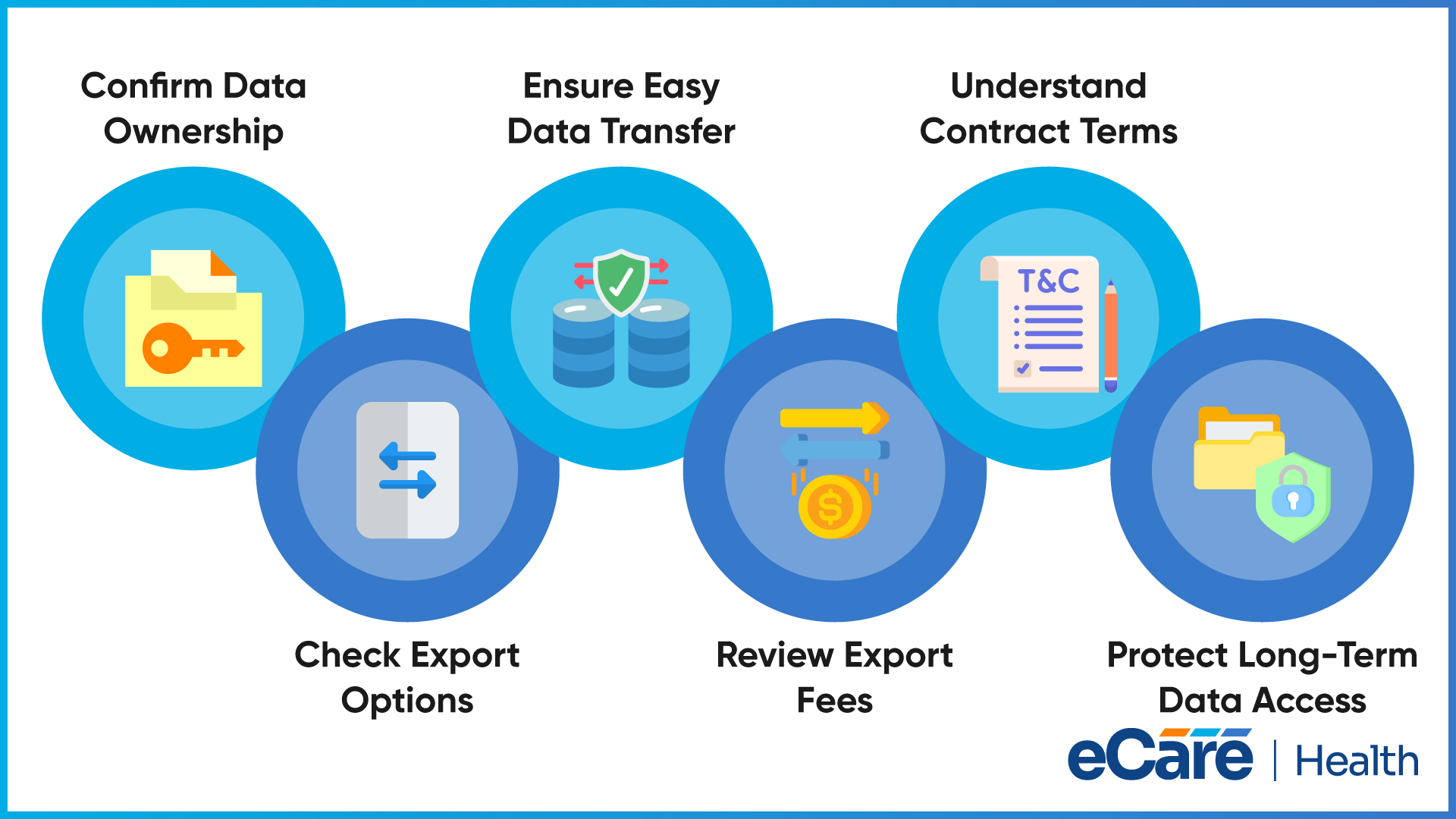
Your practice should understand what happens to its patient records if it decides to switch EHR providers. Ask who owns the data, which export formats are available, and whether records can be transferred to another system.
Clarify how long data retrieval takes, whether export fees apply, and what the contract requires when the service ends. Also, ask how the vendor handles data retention and deletion after termination. These details help your practice plan for future changes without losing access to important patient information.
Conclusion
An EHR demo is an opportunity to see how well a system fits your practice before committing to a vendor. Asking the right questions helps you look beyond the sales presentation and understand what the software can actually do for your team.
Before making a decision, compare vendor responses, test essential workflows, and ask for clarification whenever an answer is unclear. Evaluate the system’s functionality, ease of use, security measures, integrations, and long-term costs to understand whether it meets your practice’s needs.
If you need help evaluating healthcare software or understanding your practice’s technical requirements, get more information by connecting with our team.
Frequently Asked Questions (FAQs)
1. What should you look for during an EHR demo?
Look for features that support your clinical and administrative workflows, an easy-to-use interface, useful integrations, strong security measures, and clear pricing. Check whether the system meets your practice’s requirements and whether staff can complete routine tasks without unnecessary steps.
2. What questions should you ask during an EHR software demo?
Ask whether the EHR meets your practice’s needs, which features are included in the price, and whether it integrates with your existing systems. Also, ask about security, data backups, implementation, training, technical support, total costs, and data export options.
3. How long does an EHR demo usually take?
An EHR demo typically takes 30 to 60 minutes, depending on the system’s complexity and your practice’s requirements. More detailed demonstrations involving multiple departments, integrations, or specialty-specific workflows may take longer. Ask the vendor to focus on your essential needs to make the most of the session.
4. Who should attend an EHR demo?
Doctors, nurses, practice managers, administrative staff, and billing team members should attend when their roles are affected by the new system. An IT representative may also be helpful for reviewing integrations and security. Including different team members helps ensure the EHR meets the practice’s needs across departments.
5. How can you evaluate an EHR system during a product demo?
Prepare a checklist of essential requirements and ask the vendor to demonstrate common workflows, such as documenting visits, scheduling appointments, and managing patient records. Let staff test the interface, compare vendor responses, and review security, integrations, support, and total costs before making a decision.
6. What are the biggest red flags during an EHR demo?
Common red flags include vague answers, features that do not meet your requirements, unclear pricing, limited integration options, and insufficient security information. Be cautious if the vendor avoids demonstrating essential workflows, cannot explain implementation plans, or provides unclear answers about data ownership and export options.
7. Should you attend demos from multiple EHR vendors?
Yes. Attending demos from multiple vendors helps your practice compare features, usability, integrations, support, and pricing. Use the same checklist and questions for each demonstration so you can evaluate the options consistently and identify the system that best fits your practice’s needs and budget.