CCBHC EHR Requirements: How to Choose Software for Certified Community Behavioral Health Clinics

Having an EHR does not automatically mean having the right EHR.
Even though a system may handle appointments, patient records, and clinical notes without much trouble, for a Certified Community Behavioral Health Clinic (CCBHC), this is only part of the picture. A generic system can fall short in supporting documentation, care coordination, reporting, and CCBHC billing, which come with additional demands.
This gap can be easy to miss at first. The software works well until your team starts to depend on manual processes, disconnected tools, or workarounds for keeping CCBHC workflows moving. At this point, the major issue is not simply whether the clinic has an EHR. It is actually whether the system actually fits the way your clinic operates.
A behavioral health EHR provides the foundation, but a CCBHC EHR needs to support the specific clinical and operational requirements of a CCBHC. Simply put, the core goal is not just to make your workflows fit the software; the software should fit the workflow.
This guide breaks down the key capabilities to look for, including CCBHC documentation requirements, care coordination, reporting, and billing. It also explains how a certified community behavioral health clinic EHR differs from a generic system and what to consider before choosing CCBHC software.
The Essentials at a Glance:
- Understand the essential requirements of a CCBHC EHR.
- Identify the documentation, billing, reporting, and care-coordination capabilities that matter.
- Learn how a CCBHC EHR differs from a generic EHR.
- Avoid common mistakes when selecting CCBHC software.
Why CCBHCs Have Different EHR Requirements
A traditional behavioral health organization may focus just on delivering and documenting mental health services. On the other hand, a CCBHC works across a broader and more connected care model.
Along with receiving behavioral health services, patients also need crisis support, substance use treatment, care coordination, case management, and connections to other providers or community services. This creates one simple challenge: more connected care requires more connected information.
That’s why a CCBHC EHR needs to do more than just store patient notes and manage appointments. It should assist your teams in documenting services, coordinating care, tracking important information, and supporting reporting and quality requirements without depending on multiple disconnected tools.
Simply put, CCBHCs do not necessarily need more software. They actually need software built around the way they deliver care. This difference becomes even more important when looking at the specific EHR capabilities a CCBHC should have.
CCBHC EHR Requirements vs. a Generic EHR
At first glance, a generic EHR may work well for basic tasks including patient records, scheduling, and clinical documentation. However, CCBHCs often require more specialized capabilities to support their broader care model. The core difference is not just about having more features; it’s about having the right features for CCBHC workflows.
Let’s have a quick look at how a CCBHC behavioral health EHR requirements vs generic EHR comparison plays out:
| Area | CCBHC-Focused EHR | Generic EHR |
|---|---|---|
| Documentation | Supports CCBHC-specific documentation workflows | May require additional customization |
| Care Coordination | Supports integrated services and care coordination | May offer less specialized workflows |
| Data & Reporting | Supports data collection and quality reporting | May require additional tools or manual processes |
| Billing | Supports CCBHC-specific billing workflows | May not be designed around CCBHC billing needs |
| Service Integration | Supports multiple behavioral health and related services | May provide less specialized integration |
These differences matter the most as software gaps can snowball into extra work for your staff. For example, if your EHR does not support a required workflow, your team may end up depending on spreadsheets, separate tools, or manual workarounds to fill the gap.
That’s why, while choosing a CCBHC EHR, you must go beyond comparing basic features. Ask yourself one question: Whether the system can support your clinic’s day-to-day workflows without making teams work around the software.
What to Look for in EHR Software for CCBHCs
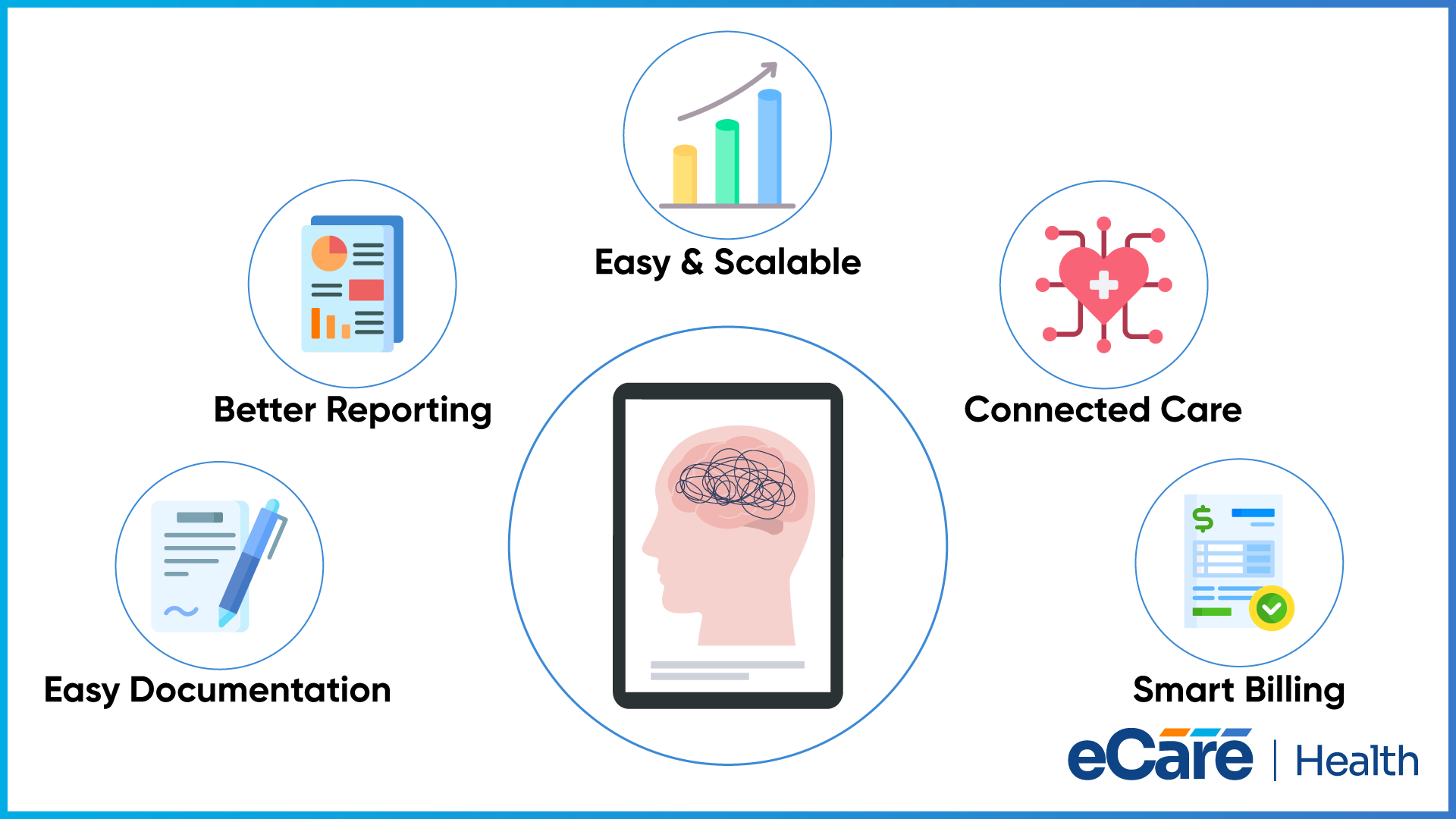
After understanding what makes CCBHC workflows different, the next important step is to know what to look for in the software itself. The best EHR software for CCBHC-certified community behavioral health clinics must support everyday clinical work and make documentation, billing, reporting, and care coordination easier to manage.
CCBHC Documentation and Clinical Workflows
Documentation forms the foundation of CCBHC operations. Always assess structured templates and workflows, which can support CCBHC documentation requirements and make it easier for providers to capture the right information without adding unnecessary steps.
Billing and Claims Support
Billing should never feel like a separate process from clinical documentation. A CCBHC-focused system must support CCBHC billing workflows and connect relevant documentation with billing and claims processes where appropriate. This can help you reduce duplicate data entry and avoid preventable billing errors.
Data Collection, Reporting, and Quality Tracking
CCBHCs require more than just patient recording. Their EHR must capture the clinical and operational data required for quality tracking and reporting. With built-in reporting tools, it becomes easier for your teams to monitor performance and access the information they require without pulling data from multiple sources.
Interoperability and Care Coordination
It is a fact that care rarely happens in one place. A good CCBHC EHR must make it easier to exchange information between providers, services, and teams. This further supports a more connected view of the patient, while helping your staff coordinate care rather than working with scattered information.
Usability and Scalability
If it becomes difficult to use, even the most powerful software can become a problem. The EHR must be simple enough for not only clinical but also administrative users to navigate. Furthermore, it must be flexible enough to grow with your organization’s services, staff, and patient volume.
Common Mistakes to Avoid When Selecting a CCBHC EHR
On paper, selecting an EHR may appear simple. Comparing features, checking the price, scheduling a demo, and picking the system that seems to offer the most. However, for a CCBHC, this approach can leave important gaps unnoticed.
After implementation, the real issue starts to appear frequently, especially when the software has to handle everyday workflows, multiple teams, and growing service requirements. Some common mistakes can turn what looked like a good investment into another source of administrative work.
| Mistake | What it can lead to |
|---|---|
| Choosing a generic EHR without checking CCBHC needs | Gaps in CCBHC documentation, reporting, billing, or care coordination that may require costly customization or manual workarounds |
| Choosing based on features alone | A long list of features that looks impressive but does not actually support the workflows your clinical and administrative teams use every day |
| Overlooking interoperability | Disconnected patient information, repeated data entry, and difficulty sharing information across providers, services, and other systems |
| Ignoring usability, scalability, and support | Frustrated users, difficult implementation, growing workflow problems, and a system that struggles to keep up as the organization expands |
All these mistakes are easy to avoid; even so, they can also be overlooked when the focus just stays on pricing, feature lists, or a polished product demo. The better approach is to look at the whole picture, for example, how the EHR will fit into your workflows today and how well it can support them tomorrow.
In the end, selecting the right CCBHC software is not just about checking every box. It is also about finding the right system that works for your team, your services, and the people you serve.
How eCareHealth Supports CCBHC EHR Requirements
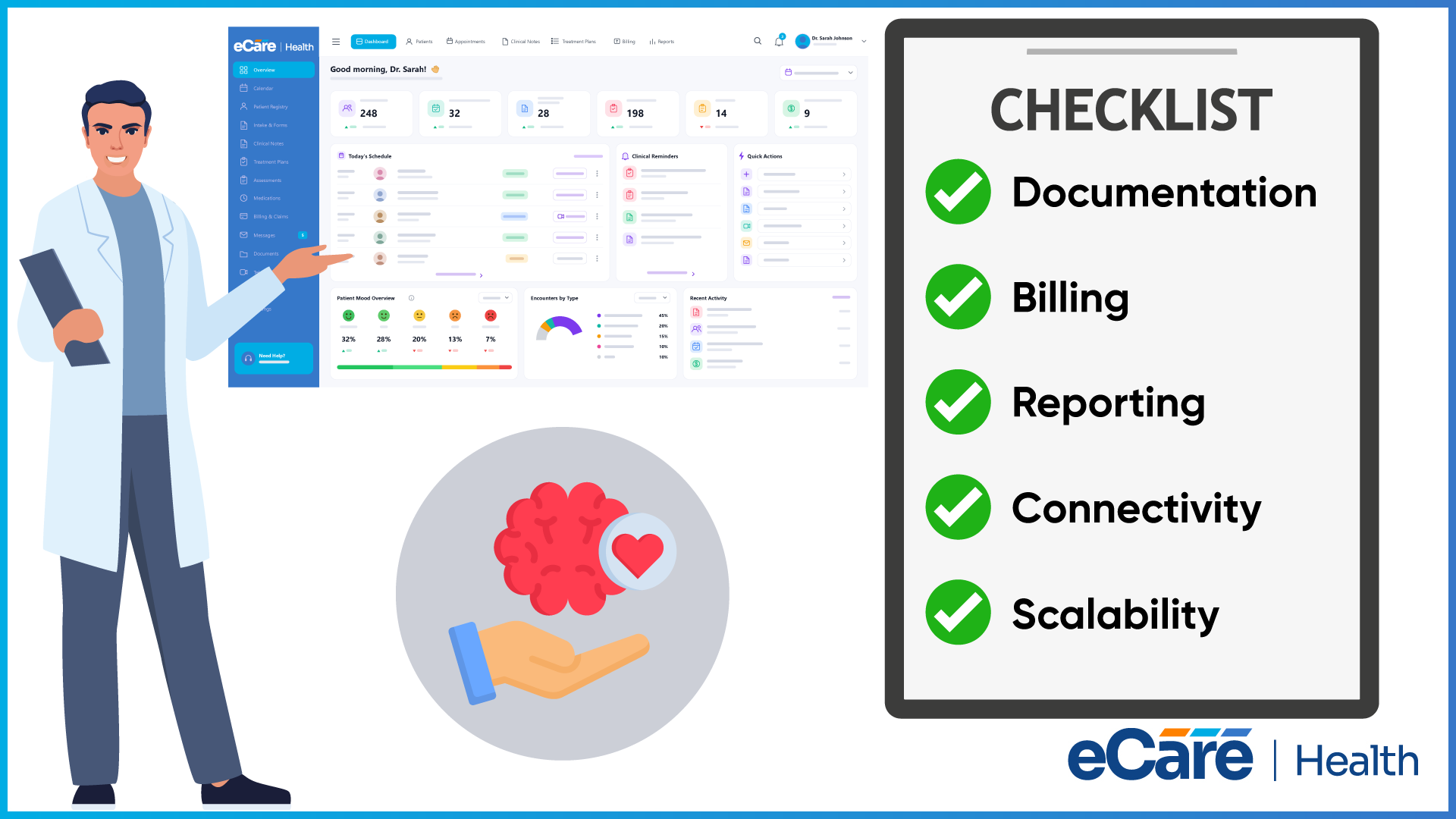
Managing a CCBHC means keeping documentation, billing, reporting, care coordination, and patient information connected. eCareHealth brings all these core EHR functions into just one platform, which helps your teams manage multiple behavioral health workflows without continuously switching between systems.
For clinical documentation, eCareHealth provides behavioral health templates for SOAP, DAP, and BIRP notes, treatment plans, assessments, and diagnostic coding. With its AI-assisted scribe, providers can complete notes more efficiently.
The platform also connects clinical and financial workflows through electronic claims, eligibility verification, claim scrubbing, payment posting, and denial management. Reporting tools and dashboards provide visibility into outcomes, productivity, payer data, and revenue, while FHIR and HL7 integrations, secure messaging, and telehealth support connected care.
As organizations grow, role-based access, multi-provider workflows, and multi-location management can help teams manage different users and services more efficiently. Together, these capabilities give CCBHCs a more connected way to manage their day-to-day operations without adding unnecessary complexity.
Conclusion
Choosing an EHR for a CCBHC is about more than checking off a list of features. The right system should fit the way your organization actually delivers care and help bring documentation, care coordination, billing, reporting, and data exchange together.
A CCBHC EHR should also be practical for the people using it every day. Usability, scalability, implementation, training, and ongoing support matter just as much as functionality. After all, even the right capabilities can fall short if the system is difficult to use or does not fit your existing workflows.
That is why it is worth looking beyond a generic EHR and evaluating how well a solution can support your specific CCBHC needs. The right behavioral health EHR software can help turn complex, disconnected workflows into a more connected and manageable process, giving your team more room to focus on what matters most: delivering better care.
Frequently Asked Questions (FAQs)
1. What is a CCBHC EHR?
A CCBHC EHR is an electronic health record system designed to support the clinical and operational needs of Certified Community Behavioral Health Clinics. It helps teams manage patient records, documentation, care coordination, billing, reporting, and other workflows in one connected system. Unlike a generic EHR, it should be able to support the broader services and care model of a CCBHC.
2. What are the key CCBHC EHR requirements?
Key requirements include clinical documentation, care coordination, billing and claims support, data collection, reporting, quality tracking, and interoperability. The system should help teams capture the right information, share it across services, and reduce manual work. Usability, scalability, implementation, and ongoing support are also important when evaluating an EHR.
3. How is a CCBHC EHR different from a generic EHR?
A generic EHR may handle basic tasks such as scheduling, patient records, and clinical notes. A CCBHC EHR needs to support a broader care model with specialized documentation, integrated services, care coordination, reporting, and billing workflows. Without these capabilities, teams may have to rely on additional tools, customization, or manual processes.
4. What should CCBHCs look for in EHR software?
CCBHCs should look for software that supports documentation, billing, reporting, care coordination, interoperability, and data management. The EHR should also be easy for clinical and administrative teams to use and flexible enough to grow with the organization. Implementation, training, scalability, and ongoing vendor support should also be part of the evaluation.
5. How does an EHR support CCBHC documentation requirements?
An EHR can provide structured templates and workflows that help providers document patient care consistently. Keeping information in one system also makes records easier to access for authorized team members and care coordination. When documentation connects with billing and reporting workflows, it can reduce duplicate data entry and manual work.
6. Can a CCBHC EHR support billing and reimbursement?
Yes. A CCBHC EHR can support billing through features such as eligibility verification, electronic claims, claim scrubbing, payment posting, and denial management. Connecting billing with clinical documentation can reduce repeated data entry and help teams manage claims more efficiently. CCBHCs should still verify that the specific billing workflows they need are supported by the software.
7. How can an EHR support CCBHC reporting requirements?
An EHR can collect and organize clinical and operational data to support quality tracking and reporting. Dashboards and reporting tools can give teams easier access to information about services, outcomes, productivity, and other performance measures. This can reduce the need to collect information manually from multiple systems.
8. What mistakes should CCBHCs avoid when choosing an EHR?
CCBHCs should avoid choosing a generic EHR without checking whether it supports their specific workflows. They should also look beyond feature lists and evaluate documentation, billing, reporting, interoperability, and care coordination in real-world use. Usability, scalability, implementation, training, and ongoing support should also be considered before making the final decision.