Modernizing Practice Management in 2026: A Practical Guide
In 2026, healthcare practices are doing more with less. Patients are expecting the convenience of online scheduling, digital communication, and quick access to records. On the other hand, providers are continuing to face staffing shortages and increasing administrative burden.
Physicians even spend almost 15.5 hours per week on paperwork and administrative tasks. Here, it is clear that the gap between patient expectations and operational capacity has never been wider.
After combining with rising claim denials and reimbursement pressures, all these inefficiencies can not only slow operations, but also directly affect your overall revenue and staff morale.
For many practices, the actual reason behind this is outdated systems. Their care teams frequently handle multiple platforms for scheduling, billing, patient communication, and documentation. As a result, important information gets missed, repetitive tasks consume measurable time, and staff members spend more time managing systems rather than serving patients.
All these factors together make practice management modernization a present-day necessity. Adopting modern practice management software and healthcare workflow automation helps practices to streamline operations, minimize administrative burdens, and create better patient experiences.
Let’s dive into the blog to see why it’s important for you to understand why many practices are making this transition, starting with examining the challenges that legacy systems can no longer solve.
What Modern Practice Management Actually Looks Like in 2026
Modern healthcare practices do not just need digital tools; they also need connected workflows. In 2026, successful practices start to move away from patchwork systems and adopt platforms that keep clinical, administrative, and financial operations under one roof.
Online scheduling, telehealth, integrated billing, patient portals, secure messaging, and tools are included in modern practice management. They help to keep patients engaged across their care journey. Interoperability is equally important, as it enables different systems to exchange information seamlessly, rather than operating in silos.
Growing use of AI in practice management is another major shift. AI helps practices to reduce repetitive work and free up staff for higher-value activities. For example, automating appointment reminders and eligibility checks to simplify documentation and billing tasks.
After combining healthcare workflow automation, these capabilities can also improve efficiency and reduce the risk of human error.
Cloud-based platforms have also become the new standard. Today, practices need more secure access to information from anywhere, whether providers are working across locations or offering virtual care. At the same time, for seamless data exchange across the healthcare ecosystem, interoperability standards such as HL7 and FHIR become essential.
This is exactly where integrated platforms make a huge difference. Solutions like eCareHealth can bring EHR, scheduling, billing, patient engagement, telehealth, and interoperability capabilities together into a single ecosystem. Rather than forcing your team to jump between systems, they can support connected workflows that help your practices to work smarter and not harder.
However, as patient expectations continue to increase and regulations evolve, modern technology alone is not enough. The real advantage lies in choosing the right one that can simplify operations today and prepare your practices for the future.
Why Legacy Practice Management Systems Fail
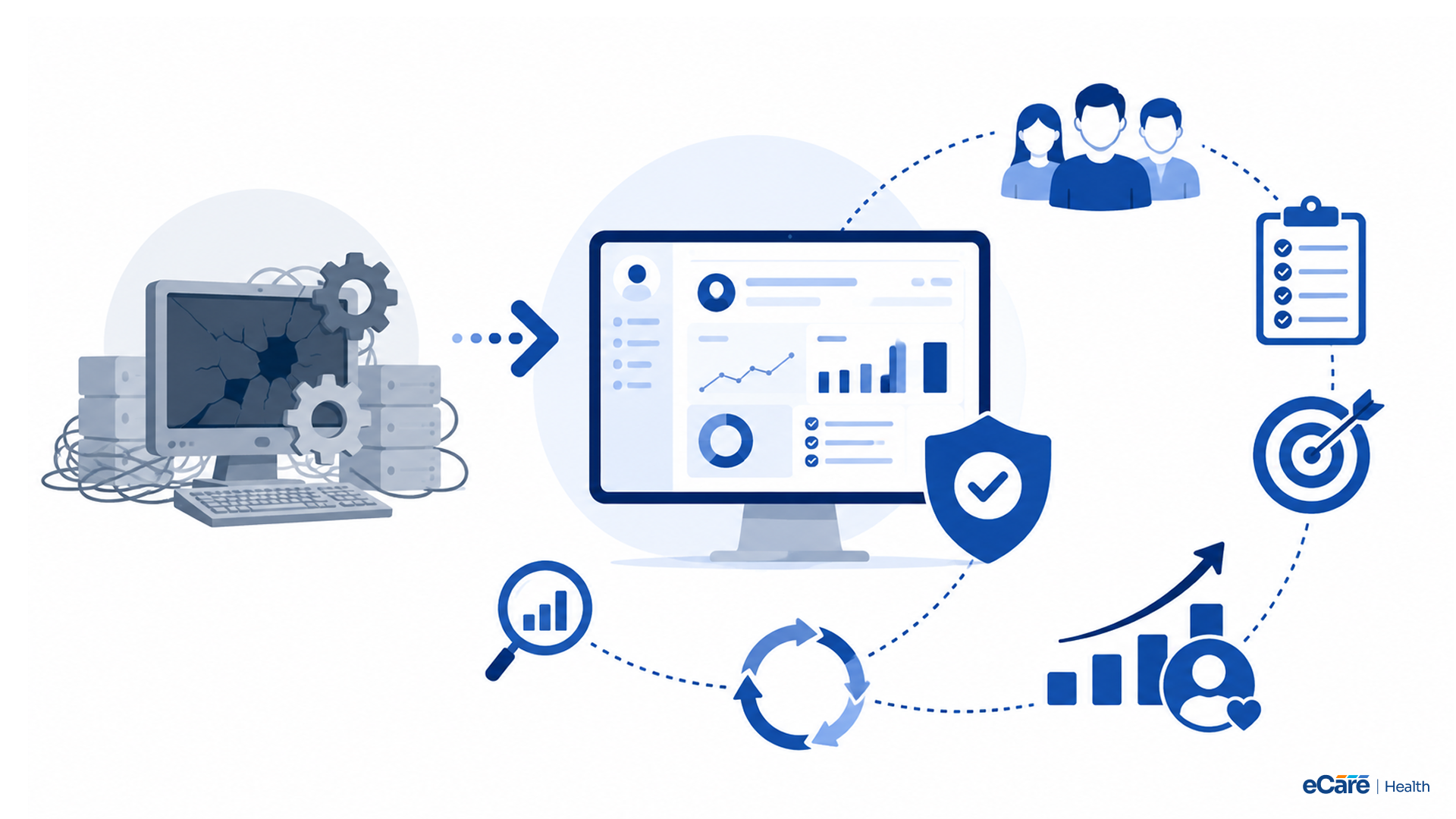
Many practices think that if their job is getting done, their current systems are good enough. However, you probably know that, in healthcare, getting by is no longer enough. So, here the real question is whether your technology is actually helping your practice to grow or holding it back.
Let’s have a look at most of the common signs that show your practice management system is outdated:
- Your staff is manually entering data across multiple systems.
- Your system has limited reporting capabilities.
- Your system doesn’t have features like telehealth or patient portals.
Even though they worked well a decade ago, they may create more problems than solutions.
When your practice depends heavily on disconnected tools, the issue even becomes bigger. For example, scheduling lives in one platform, billing in another, and patient communication somewhere else.
As information moves between systems, duplicate work increases, mistakes become more common, and denied claims start piling up. Over time, both valuable time and revenue start to fall through the cracks.
All these inefficiencies can lead to hidden revenue leakage. It can result in a missed eligibility check, an incorrect code, or an overlooked claim. At first, it seems like minor gaps, but they can have a significant impact on the financial impact.
This is where the difference between legacy systems and integrated platforms becomes clear. An integrated system brings scheduling, billing, EHR, and patient engagement into one connected ecosystem, rather than forcing staff to handle multiple applications. With less manual work and improved visibility across workflows, your practice can operate more efficiently and deliver better patient care.
A Phased Migration Framework (Without Disrupting Patient Care)
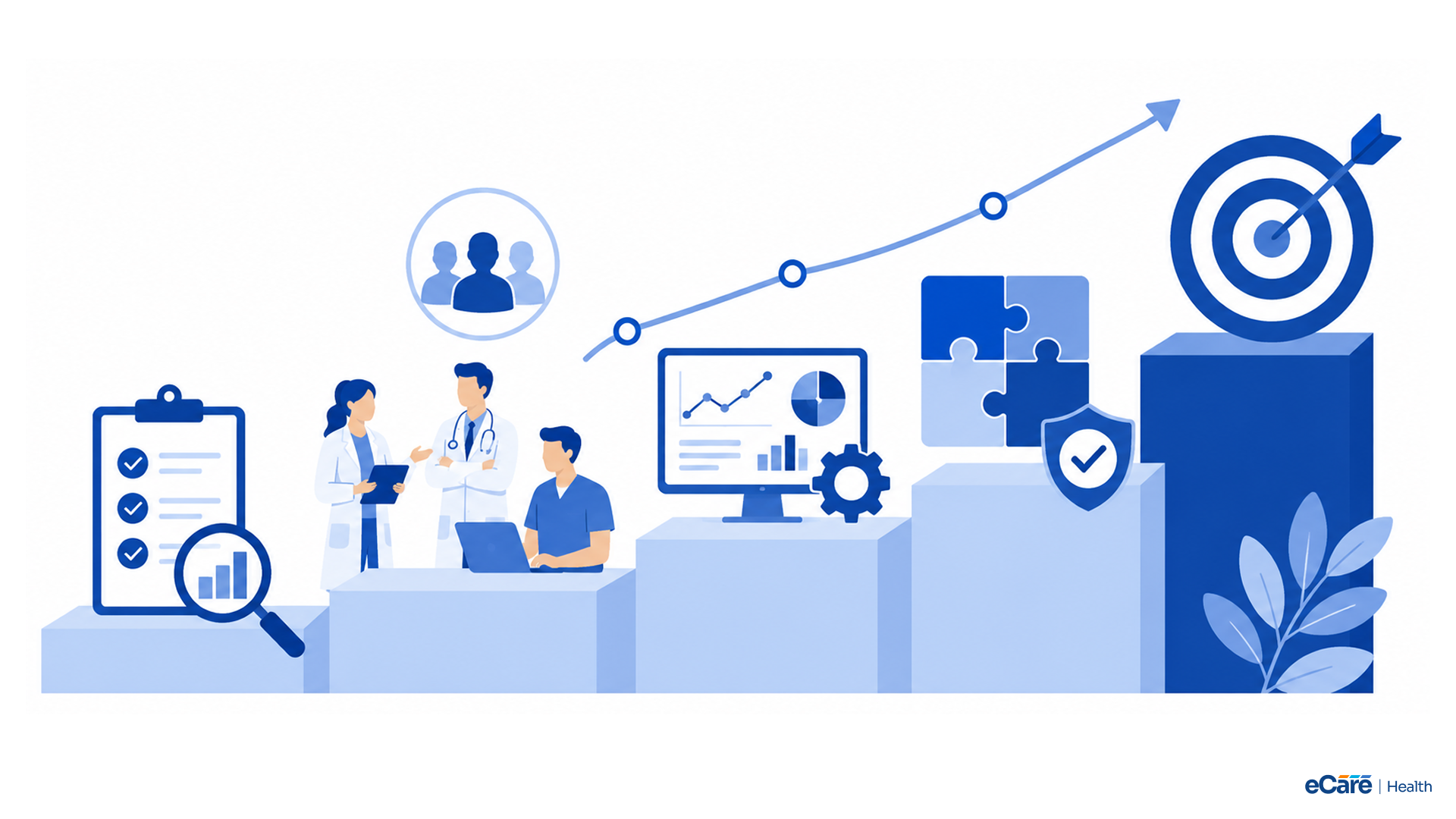
It is a fact that modernization never happens overnight. Many healthcare leaders hesitate to replace outdated systems as they fear downtime, staff resistance, or disruptions to patient care. However, a well-planned migration minimizes these risks.
Let’s have a look at each phase one by one:
Phase 1: Assess Your Current Environment
It is necessary to get a clear picture of where your practice stands before implementing new technology. Review existing workflows, identify bottlenecks, evaluate data quality, and document integration requirements. This stage also reveals inefficiencies that have become part of daily operations.
If your staff depends heavily on spreadsheets, duplicate data entry, or workarounds, it is one of the signs that your practice management system is outdated.
Phase 2: Plan for Success
For the success of your migration, you need realistic goals. You should define success metrics like reduced claim denials, faster patient intake, or improved scheduling efficiency. Equally important is identifying user groups, rollout timelines, and escalation paths for resolving issues quickly.
Addressing these challenges earlier can prevent bigger problems later.
Phase 3: Migrate and Train
Phase 3 usually involves moving data, configuring integrations, and staff training. Along with technology implementation, effective onboarding is also important, as even the best system can fail if users are not comfortable with it.
Practices wondering how to migrate practice management software without disruption should emphasize phased rollouts and continuous support throughout the transition.
Phase 4: Optimize and Scale
Migration is not the finish line; it’s actually the starting point. Claim acceptance rates, appointment no-shows, and staff productivity are key performance indicators, which can refine workflows and scale operations as the practice grows.
Continuous improvement helps to make sure that modernization delivers long-term value, rather than short-term gains.
Let’s have a quick look at the four phases that help practices transition with minimal disruption to patient care:
| Phase | Key Activities | Desired Outcome |
|---|---|---|
| Assess | Audit workflows, data quality, and integrations | Identify gaps and modernization priorities |
| Plan | Define goals, cohorts, metrics, and escalation paths | Create a structured implementation roadmap |
| Migrate | Transfer data, configure integrations, and train staff | Ensure smooth adoption with minimal disruption |
| Optimize | Track KPIs, refine workflows, and scale operations | Drive long-term efficiency and growth |
Measuring Success: 5 KPIs to Track After Modernization
Modernization can only be successful when it delivers measurable results. Implementing new technology without tracing outcomes is like flying blind. For example, you may be moving forward but without knowing any direction.
To ensure long-term value, practices should always review key performance indicators (KPIs) regularly, ideally on a weekly basis.
Let’s have a look at each KPI one by one:
KPI 1: Clean Claim Rate
With a clean claim rate, your practice can measure the percentage of claims submitted without errors and accepted on the first pass. A higher clean claim rate often translates into faster reimbursements and fewer denials. By monitoring this metric weekly, practices can identify billing issues before they become costly problems.
KPI 2: Days in Accounts Receivable (A/R)
Days in A/R highlights how quickly your practice can collect payments for services rendered. Lower A/R days usually mean healthier cash flow and stronger revenue cycle performance. If this number starts to increase, it may signal bottlenecks in billing or collections.
KPI 3: Patient No-Show Rate
Missed appointments not only affect patient outcomes but also revenue. By tracking no-show rates, practices can evaluate scheduling effectively, reminder systems, and patient engagement efforts. Even one small improvement in attendance can move the needle financially.
KPI 4: Patient Satisfaction
In healthcare, patient experience has become a major differentiator. Satisfaction scores provide measurable insights into access, communication, and overall care delivery. It is obvious that happier patients are more likely to return and recommend the practice to others.
KPI 5: Staff Time Saved on Administrative Tasks
Reduction in administrative burden is one of the biggest goals of modernization. Measuring the amount of time staff saved through automation and streamlined workflows can help your practice to understand the actual operational impact of their investments.
Here is a quick summary of KPIs, which provide a strong starting point for evaluating the success of modernization efforts:
| KPI | Definition | Industry Benchmark | How eCareHealth Surfaces It |
|---|---|---|---|
| Clean Claim Rate | Percentage of claims accepted on first submission | 95% or higher | RCM dashboards and claim status tracking |
| Days in A/R | Average days taken to collect payments | Under 40 days | Billing and revenue cycle reporting |
| Patient No-Show Rate | Percentage of missed appointments | Below 5–10% | Scheduling analytics and reminders |
| Patient Satisfaction | Measures patient experience and engagement | Continuously improving scores | Patient portal and communication tools |
| Staff Time Saved | Reduction in manual administrative work | Increasing efficiency over time | Workflow automation and operational reports |
Common Migration Mistakes (and How to Avoid Them)
If implementation goes off track, even the best technology can fall short. A major reason why modernization projects struggle is avoidable mistakes during the transition. With the right planning and execution, most of these challenges can be prevented.
Migrating everything at once instead of phasing
If you try to replace every workflow, integration, and process in a single go, it’s obvious that it can overwhelm staff and disrupt operations. A phased rollout allows your practices to test, adjust, and improve before expanding to additional departments or locations.
Slow and steady often wins the race when it comes to modernization.
Skipping staff training and workflow mapping
New technology works when people know how to use it properly. Without proper training, your staff may revert to old habits or even create workarounds that can reduce efficiency.
Mapping workflows beforehand is equally important as it helps to make sure that the technology supports daily operations, instead of complicating them.
Focusing on adoption metrics while outcomes stay flat
Even though high login rates and completed training sessions look impressive, they actually do not always reflect success. Your practice must focus on outcomes like lower denial rates, improved patient satisfaction, and reduced administrative burden.
If the numbers are not improving, it may be time to reassess the process.
Neglecting data integrity and HIPAA compliance checks
Data migration is not just about moving information from one system to another. Inaccurate records, duplicate entries, or security breaches can not only create operational, but also compliance risks.
Conducting data validation and security reviews before go-live helps protect patient information and maintain trust.
Conclusion: Turning Modernization Into Compounding Wins
In 2026, modernization is no longer about adopting more technology; it is about using the right technology in the right way. From streamlining workflows and reducing administrative burden to lowering claim denials and improving patient experiences, successful practice management modernization comes down to disciplined execution on a few key operational levers.
Practices that embrace connected systems today will be better prepared for tomorrow's challenges. With fewer inefficiencies and better visibility across operations, providers can spend less time managing processes and more time delivering care.
Ready to modernize your practice? Explore eCareHealth and schedule a demo to see how an integrated EHR and practice management platform can support your growth in 2026 and beyond.
Frequently Asked Questions
What is practice management modernization?
Practice management modernization refers to updating the technologies and workflows used to run a healthcare practice more efficiently. This may include adopting cloud-based systems, automating administrative tasks, improving patient engagement, and integrating clinical and financial operations into a unified platform.
How do I know my practice management system is outdated?
There are several signs your practice management system is outdated, including frequent manual data entry, limited reporting capabilities, lack of telehealth or patient portal features, and difficulty integrating with other systems. If staff spend more time managing technology than caring for patients, it may be time to modernize.
How long does it take to migrate practice management software?
The timeline varies depending on the size of the practice, data complexity, and integration requirements. Small practices may complete migration in a few weeks, while larger organizations may require several months. A phased approach is often the best way to ensure a smooth transition with minimal disruption.
Is cloud-based practice management software HIPAA compliant?
Cloud-based platforms can be HIPAA compliant if they include safeguards such as encryption, access controls, audit trails, and secure data storage. Healthcare organizations should always verify that their software vendor follows HIPAA requirements and industry security standards.
How much does practice management software cost?
Costs vary based on factors such as practice size, features, deployment model, and vendor pricing. Some platforms charge per provider, while others use subscription-based pricing. When evaluating solutions, practices should consider both upfront costs and long-term return on investment.
What features should modern practice management software include?
Modern practice management software should include appointment scheduling, patient portals, telehealth, integrated billing, reporting tools, secure messaging, interoperability, and automation capabilities. Many practices also look for AI in practice management to reduce administrative workload and improve efficiency.
What KPIs measure practice management success?
Key performance indicators include clean claim rate, days in accounts receivable (A/R), patient no-show rate, patient satisfaction scores, and staff time saved on administrative tasks. Reviewing these metrics regularly helps practices identify areas for improvement and track the impact of modernization efforts.
Can a new practice management system integrate with my existing EHR?
Yes, many modern platforms support interoperability standards such as HL7 and FHIR, allowing them to integrate with existing EHR systems. However, practices should evaluate compatibility and data migration requirements before implementation to ensure a seamless transition.